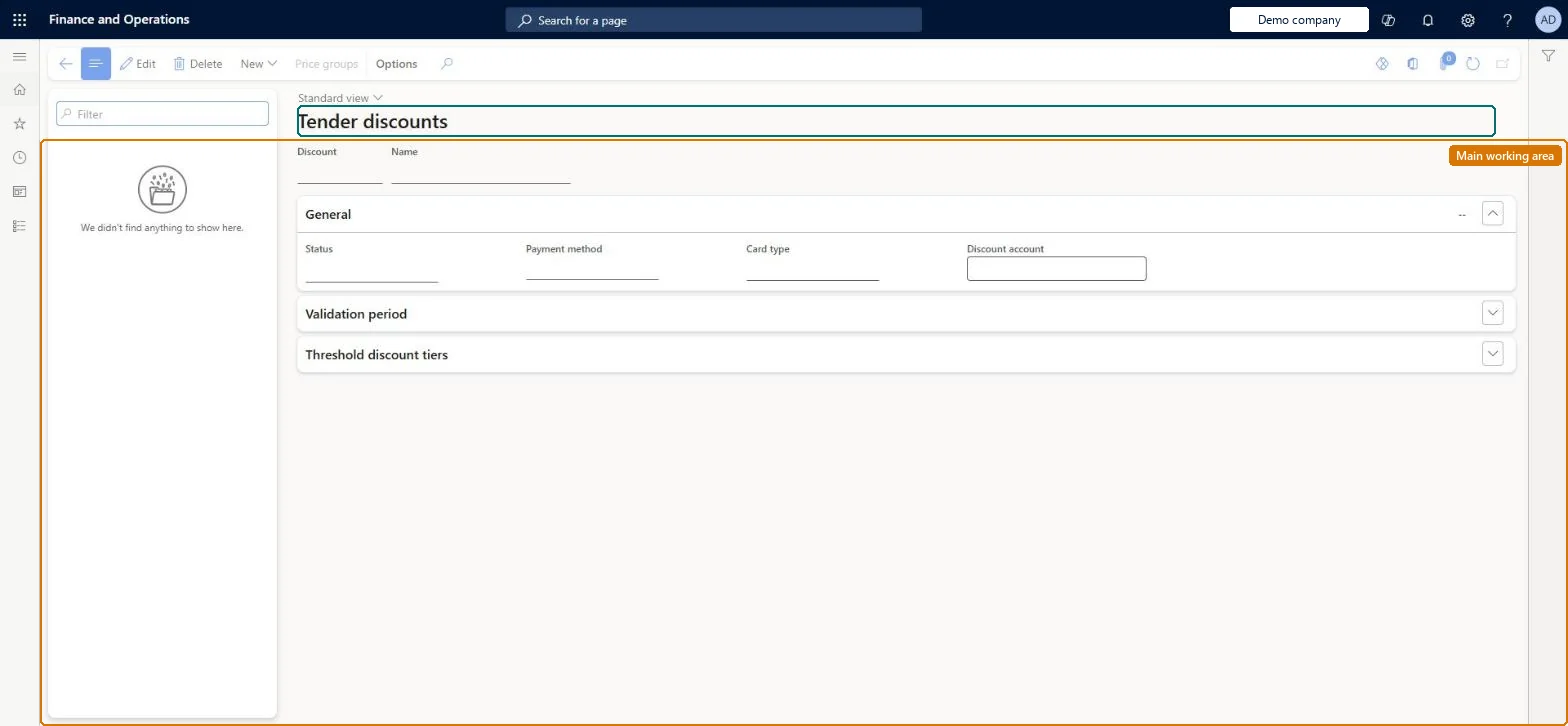
A setup page where you define tender-based discounts: a discount percentage that applies to a transaction when its total exceeds a set amount and the customer pays with a preferred payment type.
Retail merchandising manager, Retail operations manager, Retail service and 3 more roles
Business process
Set product prices
Menu item
GUPTenderDiscounts
Main table
RetailTenderDiscount
Data entity
RetailTenderDiscountEntity
Show what matters for
PAGE GUIDEWhat the page does and how to use it7 sections. Choose a role to highlight what matters to you.
Everyone
1What it is and why
What it is
A setup page where you define tender-based discounts: a discount percentage that applies to a transaction when its total exceeds a set amount and the customer pays with a preferred payment type.
What you do here
Use this page to reward customers who pay with a preferred tender type, such as cash or a branded credit card, with tiered discount percentages at different amount thresholds.
Example
For example, a retailer can give an extra discount to customers who pay with its own branded credit card.
The page in Dynamics 365. page title tab to open what to set or check
About the examples: Examples and screenshots in this guide use BEAT, a demo company in a Dynamics 365 test environment. Use your own company's codes and values instead of copying them.
Test checklist
Create a tender discount for cash, for example 2% above 100.
In POS, ring up items for 150 that already carry an exclusive discount.
Select Pay cash and check the tender discount is applied on top of the exclusive discount.
Select Back on the payment screen and check the tender discount is removed.
Reversible: Tender discounts are applied at payment to lines whose prices aren't locked. Changes affect transactions paid afterwards; prices already locked on customer orders aren't recalculated. Microsoft Learn
If you change it later
Tender discounts are always added on top of item-based discounts, even exclusive ones, so a tender discount lowers the amount that remains after other discounts. Microsoft Learn
Technical architect
5Technical
Menu item
GUPTenderDiscountsChecked in Dynamics 365
Form
RetailTenderDiscountChecked in Dynamics 365
Table
RetailTenderDiscountShown as “TENDER DISCOUNT” in Record infoChecked in Dynamics 365
PrivilegesMaintain pricing service sales discount records GUPDiscountRecordMaintainView pricing service discount agreements and records GUPDiscountRecordViewDutiesInquiries into pricing service discount agreements and records GUPDiscountInquiryMaintain pricing service sales discount records GUPDiscountMaintainMaintain pricing service sales discount records GUPDiscountRecordMaintainMaintain coupons MCRCouponMaintainMaintain retail coupons RetailCouponsMaintainMaintain retail campaign discounts RetailDiscountOfferMaintainMaintain retail campaign discounts RetailDiscountOfferView7 security rolesMCRTestUserRoleRetail merchandising manager RetailMerchandisingManagerRetail operations manager RetailOperationsManagerRetail service RetailServiceRetail store manager RetailStoreManagerSales clerk TradeSalesClerkSales manager TradeSalesManagerChecked in Dynamics 365
Roles to set it up and use it
To set it up or change itRetail service RetailServiceSales manager TradeSalesManagerRetail merchandising manager RetailMerchandisingManagerTo use itSales clerk TradeSalesClerkRetail operations manager RetailOperationsManagerRetail store manager RetailStoreManagerGive people one of these roles. On this system, 6 roles can open this page.Checked in Dynamics 365
Actions on the page
(Action Pane without tabs): New, Price groupsChecked in Dynamics 365