Retail merchandising manager, Retail operations manager, Retail service and 3 more roles
Business process
Set product prices
Menu item
GUPMixAndMatchLineGroups
Main table
RetailMixAndMatchLineGroups
Data entity
RetailMixAndMatchLineGroupsEntity
Setup steps
1 on this page
Show what matters for
PAGE GUIDEWhat the page does and how to use it8 sections. Choose a role to highlight what matters to you.
Everyone
1What it is and why
What it is
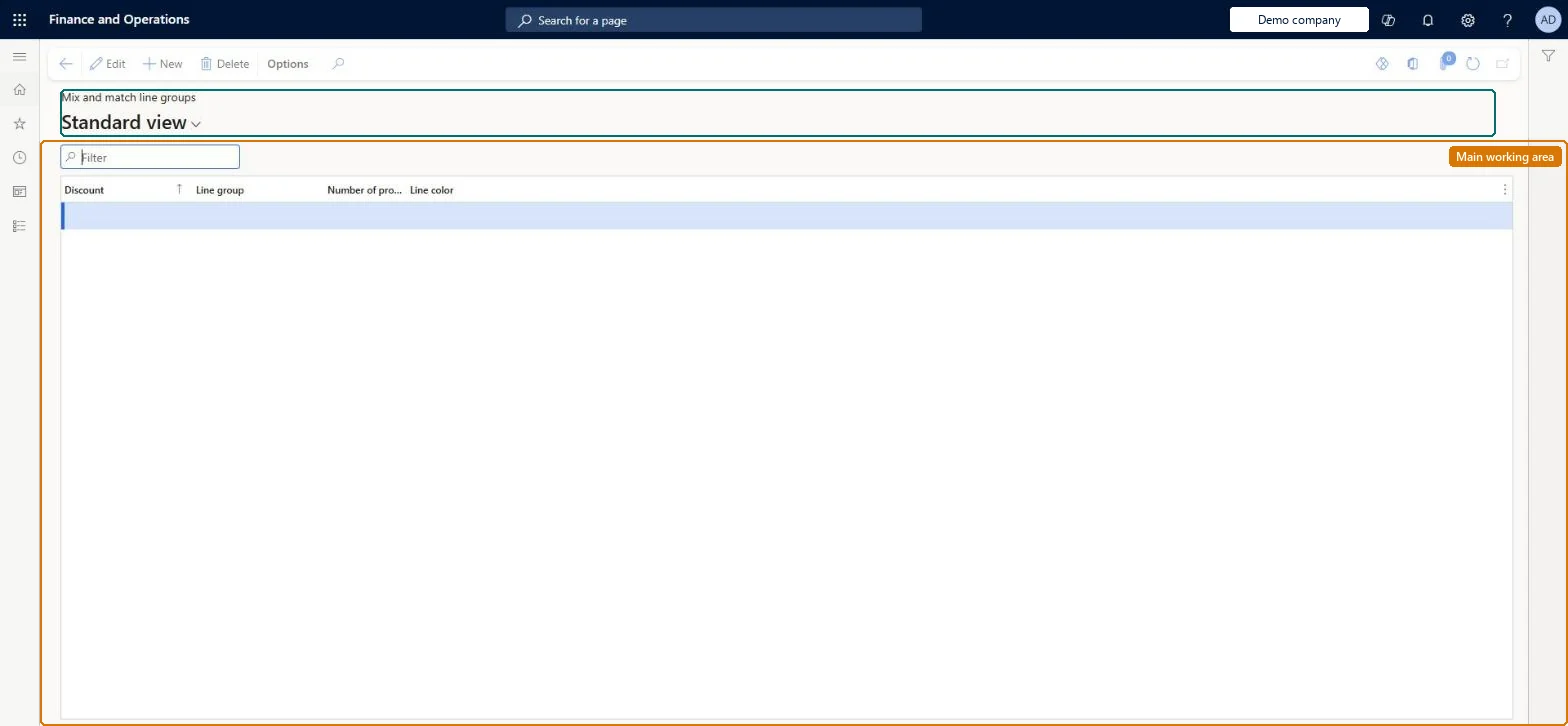
A page where you assign line groups to mix-and-match discount rules and set the number of products needed and a colour for each.
What you do here
Use this page to review and create the line group assignments for any or all mix-and-match discount rules.
Example
For example, a bundle discount can have line group A for any interior option item from package B and line group B for a dashboard camera that gets 10 percent off.
The page in Dynamics 365. page title tab to open what to set or check
About the examples: Examples and screenshots in this guide use BEAT, a demo company in a Dynamics 365 test environment. Use your own company's codes and values instead of copying them.
Setup steps on this page
Set up Mix and match line groups
Use this page to review and create the line group assignments for any or all mix-and-match discount rules.
Steps from Microsoft
Go to Pricing management > During-sales pricing > Discounts > Mix and match line groups.
Select New on the Action Pane to add a row.
In the Discount field, select the mix-and-match discount rule.
Give each line group on a discount its own Line color and set Number of products needed per discountThe Line color becomes the background of the lines assigned to that group on the Lines FastTab, and Number of products needed starts from the line group default but can be overridden.
Trying to change Number of products needed on the discount's Lines FastTab. There it is read-only and comes from the selected line group, so change it here.
Solution architect
5Design impact
Can it be undone
Reversible: Assignments can be added, removed and changed; changes affect orders priced afterwards. Microsoft Learn
If you change it later
Changing the number of products needed for a line group changes how many items a customer must buy from that group to qualify for the discount. Microsoft Learn
Technical architect
6Technical
Menu item
GUPMixAndMatchLineGroupsChecked in Dynamics 365
Form
RetailMixAndMatchLineGroupsChecked in Dynamics 365
Table
RetailMixAndMatchLineGroupsShown as “MIX AND MATCH LINE GROUPS” in Record infoKey field: mixAndMatchId, mixAndMatchLineGroupChecked in Dynamics 365
Data entities
RetailMixAndMatchLineGroupsEntityMix and match line groups Checked in Dynamics 365
Who can open it
PrivilegesMaintain pricing service sales discount records GUPDiscountRecordMaintainView pricing service discount agreements and records GUPDiscountRecordViewDutiesInquiries into pricing service discount agreements and records GUPDiscountInquiryMaintain pricing service sales discount records GUPDiscountMaintainMaintain pricing service sales discount records GUPDiscountRecordMaintainMaintain coupons MCRCouponMaintainMaintain retail coupons RetailCouponsMaintainMaintain retail campaign discounts RetailDiscountOfferMaintainMaintain retail campaign discounts RetailDiscountOfferView7 security rolesMCRTestUserRoleRetail merchandising manager RetailMerchandisingManagerRetail operations manager RetailOperationsManagerRetail service RetailServiceRetail store manager RetailStoreManagerSales clerk TradeSalesClerkSales manager TradeSalesManagerChecked in Dynamics 365
Roles to set it up and use it
To set it up or change itRetail service RetailServiceSales manager TradeSalesManagerRetail merchandising manager RetailMerchandisingManagerTo use itSales clerk TradeSalesClerkRetail operations manager RetailOperationsManagerRetail store manager RetailStoreManagerGive people one of these roles. On this system, 6 roles can open this page.Checked in Dynamics 365