Accounts payable manager, Retail merchandising manager, Retail operations manager and 4 more roles
Business process
Set product prices
Menu item
GUPDiscountVendorClaimGroup
Main table
GUPDiscountVendorClaimGr
Data entity
GUPDiscountVendorClaimGroupEntity
Setup steps
1 on this page
Show what matters for
PAGE GUIDEWhat the page does and how to use it8 sections. Choose a role to highlight what matters to you.
Everyone
1What it is and why
What it is
A setup page where you maintain discount claim groups, which you select on discounts that are marked as claimable.
What you do here
Use this page to define the claim groups that vendor-sponsored (claimable) discounts are assigned to, so those discounts can be charged back to the vendor.
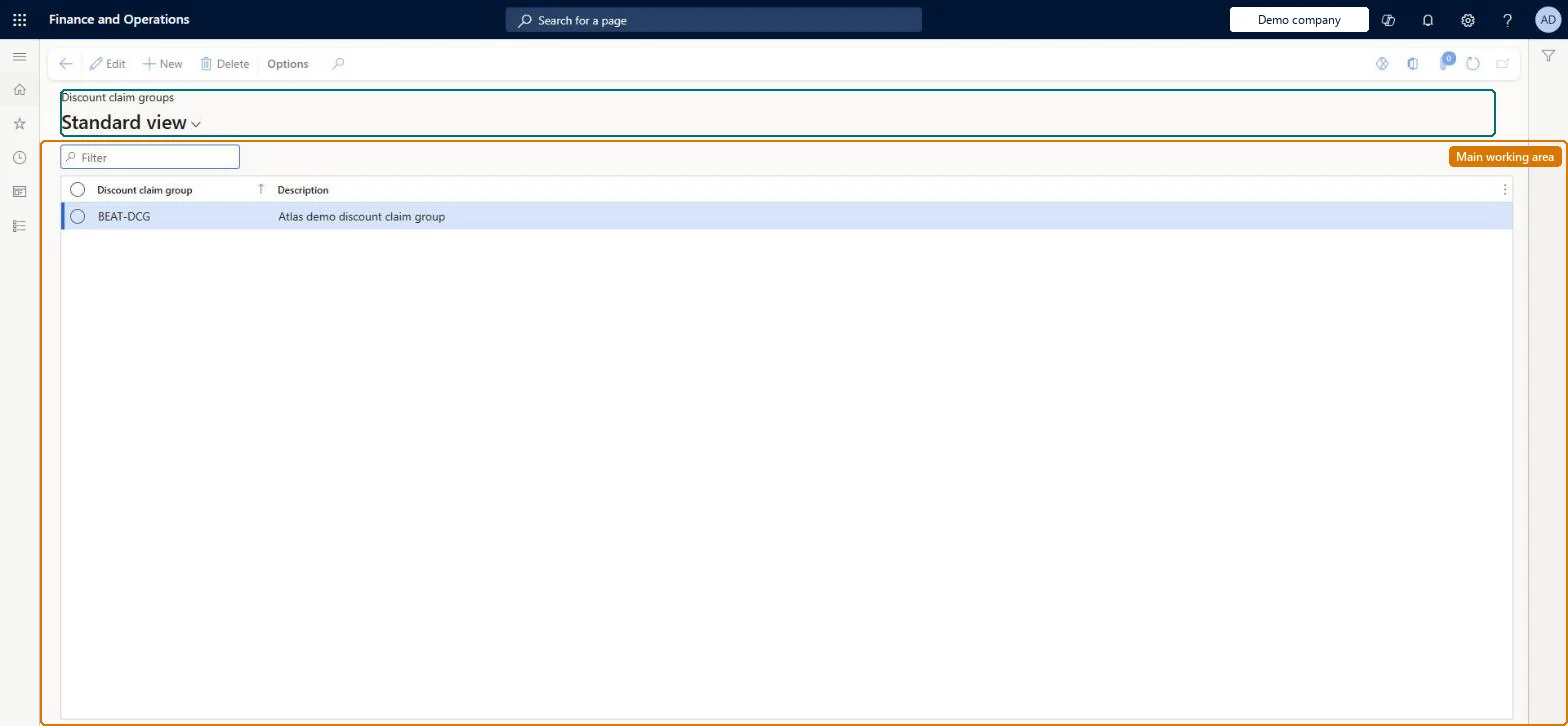
The page in Dynamics 365. page title tab to open what to set or check
About the examples: Examples and screenshots in this guide use BEAT, a demo company in a Dynamics 365 test environment. Use your own company's codes and values instead of copying them.
Setup steps on this page
Set up Discount claim groups
Use this page to define the claim groups that vendor-sponsored (claimable) discounts are assigned to, so those discounts can be charged back to the vendor.
Test checklist
Create a discount claim group for one vendor's sponsored promotions.
On a simple discount, set Claimable to Yes and select the group and the Claim offset posting.
Enable the discount and check it saves.
On a mix-and-match discount, check that claim options are not offered.
To set it up or change itRetail service RetailServiceRetail merchandising manager RetailMerchandisingManagerAccounts payable manager VendInvoiceAccountsPayableManagerTo use itSales manager TradeSalesManagerSales clerk TradeSalesClerkRetail operations manager RetailOperationsManagerRetail store manager RetailStoreManagerGive people one of these roles. On this system, 7 roles can open this page.Checked in Dynamics 365