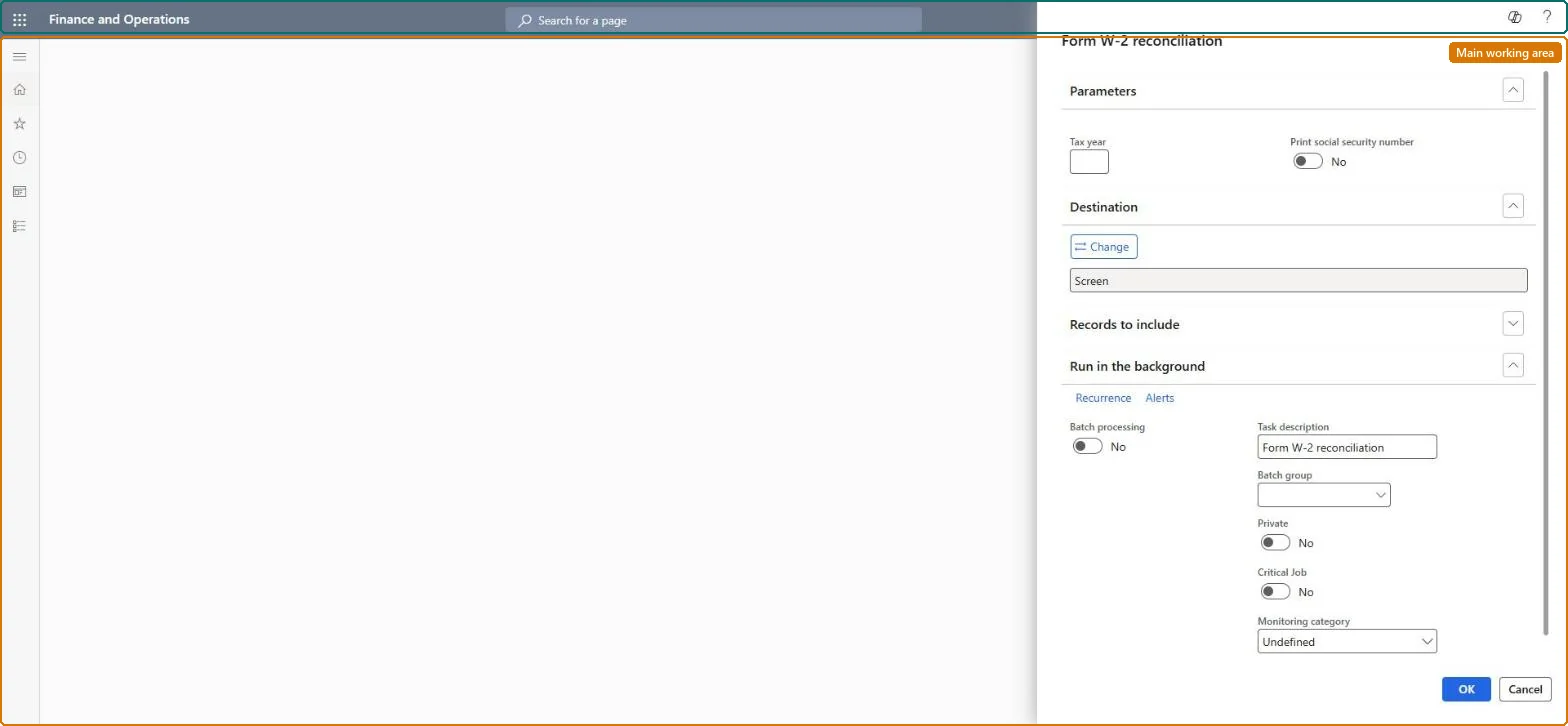
About the examples: Examples and screenshots in this guide use BEAT, a demo company in a Dynamics 365 test environment. Use your own company's codes and values instead of copying them.
When to run it
When to run it
At year end, after the last pay run is posted and before you create Form W-2s for workers; again after any W-2 correction.
How often
Annually, and as required after corrections.
What the output shows
The Form W-2 amounts for the tax year with the result of the validation, per worker. An amount that doesn't balance usually comes from a reversed or unposted pay statement or a wrong tax or benefit setup for that worker.
Nothing to undo: The reconciliation only reads W-2 amounts and reports problems; it changes nothing. Microsoft Learn
Technical architect
5Technical
Menu item
PayrollW2ReconciliationChecked in Dynamics 365
Form
SysOperationTemplateFormChecked in Dynamics 365
Roles to set it up and use it
To use itPayroll administrator HcmPayrollAdministratorPayroll manager HcmPayrollManagerGive people one of these roles. On this system, 2 roles can run this page.Checked in Dynamics 365