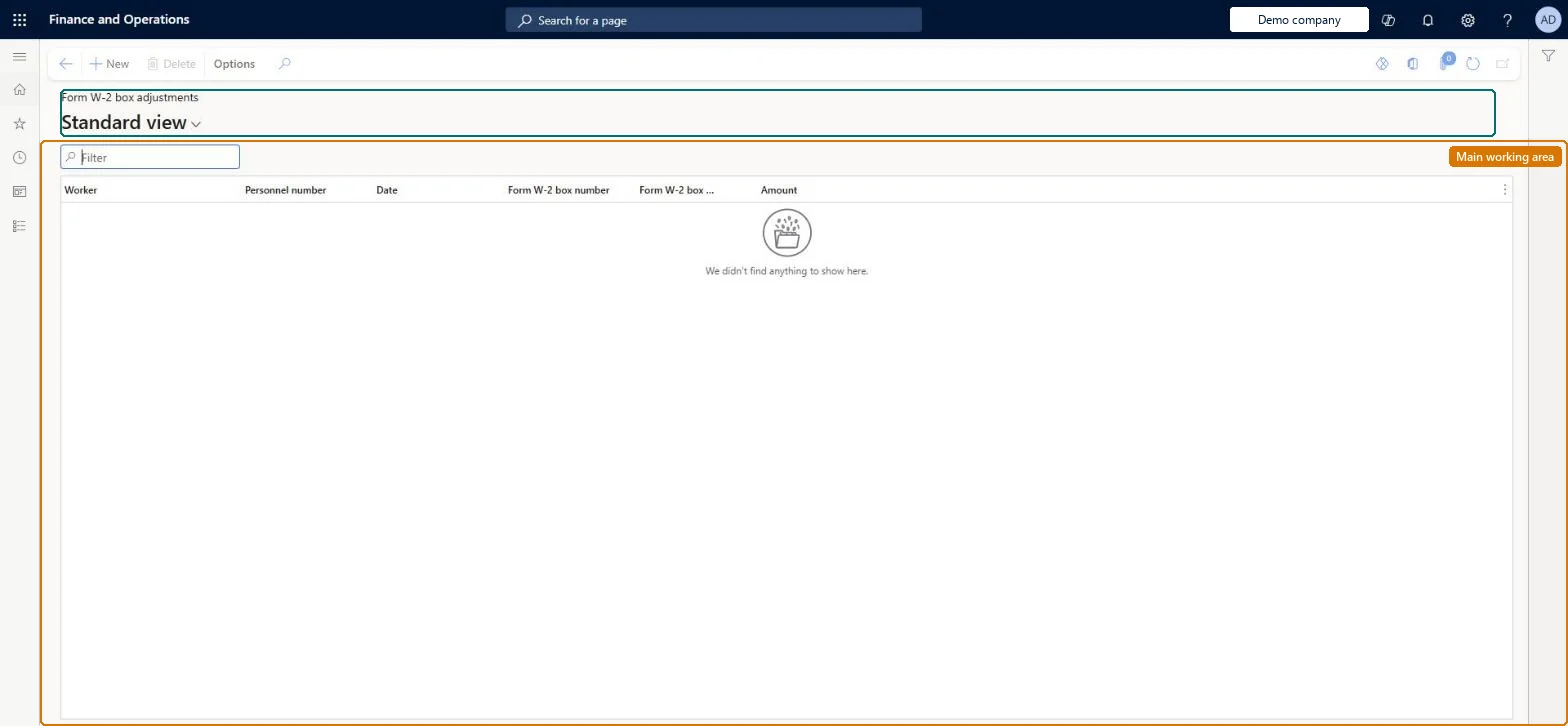
About the examples: Examples and screenshots in this guide use BEAT, a demo company in a Dynamics 365 test environment. Use your own company's codes and values instead of copying them.
How to use it
Go to Payroll > Tax processing > Annual reports > Form W-2 box adjustments.
Use the Filter box to find an adjustment by worker or box number.
Select New and enter the Worker, Date, Form W-2 box number, Form W-2 box code and Amount.
Select Delete to remove a selected adjustment.
Source: Checked in Dynamics 365
Fields on the page
Field
What it means
Table column
Date
The last date of the reporting period that the adjustment applies to.Microsoft Learn
ReportingDate
Form W-2 box number / Form W-2 box label
The Form W-2 box and label the adjustment amount is reported in; only boxes 10, 11, 12 and 14 are allowed.Microsoft Learn
Amount
The adjustment amount; several adjustments for the same tax year, box and label are added together on Form W-2.Microsoft Learn
Amount
Solution architect
4Design impact
If you change it later
An adjustment can't be changed or deleted once created; to correct it, enter a new adjustment that adds to or subtracts from the earlier amount. Microsoft Learn
Technical architect
5Technical
Menu item
PayrollFormW2BoxReportingAdjustmentChecked in Dynamics 365
Form
PayrollFormW2BoxReportingAdjustmentChecked in Dynamics 365
Table
PayrollFormW2BoxReportingAdjustmentShown as “FORM W2 BOX REPORTING ADJUSTMENT” in Record infoKey field: Worker_DirPerson_FK_NameChecked in Dynamics 365
Data entities
PayrollFormW2BoxReportingAdjustmentEntityForm W2 Box reporting adjustment Microsoft data model
Who can open it
PrivilegesMaintain Form W-2 box adjustments PayrollFormW2BoxReportingAdjMaintainView Form W-2 box adjustments PayrollFormW2BoxReportingAdjustmentViewDutiesInquire into payroll master data PayrollMasterDataInquireSet up payroll master data PayrollMasterDataMaintainInquire into payroll payments PayrollPayStatementGenerationInquireMaintain pay statements PayrollPayStatementGenerationMaintain3 security rolesCompensation and benefits manager HcmCompensationAndBenefitsManagerPayroll administrator HcmPayrollAdministratorPayroll manager HcmPayrollManagerChecked in Dynamics 365
Roles to set it up and use it
To set it up or change itPayroll administrator HcmPayrollAdministratorCompensation and benefits manager HcmCompensationAndBenefitsManagerTo use itPayroll manager HcmPayrollManagerGive people one of these roles. On this system, 3 roles can open this page.Checked in Dynamics 365