Compensation and benefits manager, Payroll administrator, Payroll manager
Business process
Manage compensation and benefits
Menu item
PayrollEmployerTaxRegion
Main table
PayrollEmployerTaxRegion
Data entity
PayrollEmployerTaxRegionEntity
Setup steps
1 on this page
Show what matters for
PAGE GUIDEWhat the page does and how to use it8 sections. Choose a role to highlight what matters to you.
Everyone
1What it is and why
What it is
A setup page where you define, for each legal entity, the states or territories where it has a nexus (a significant business presence).
What you do here
Use this page to record each employer tax region, which payroll uses with multiple-state taxation and reciprocity rules to decide when and where taxes are withheld and paid.
Example
For example, a legal entity with a nexus in two states has two employer tax regions.
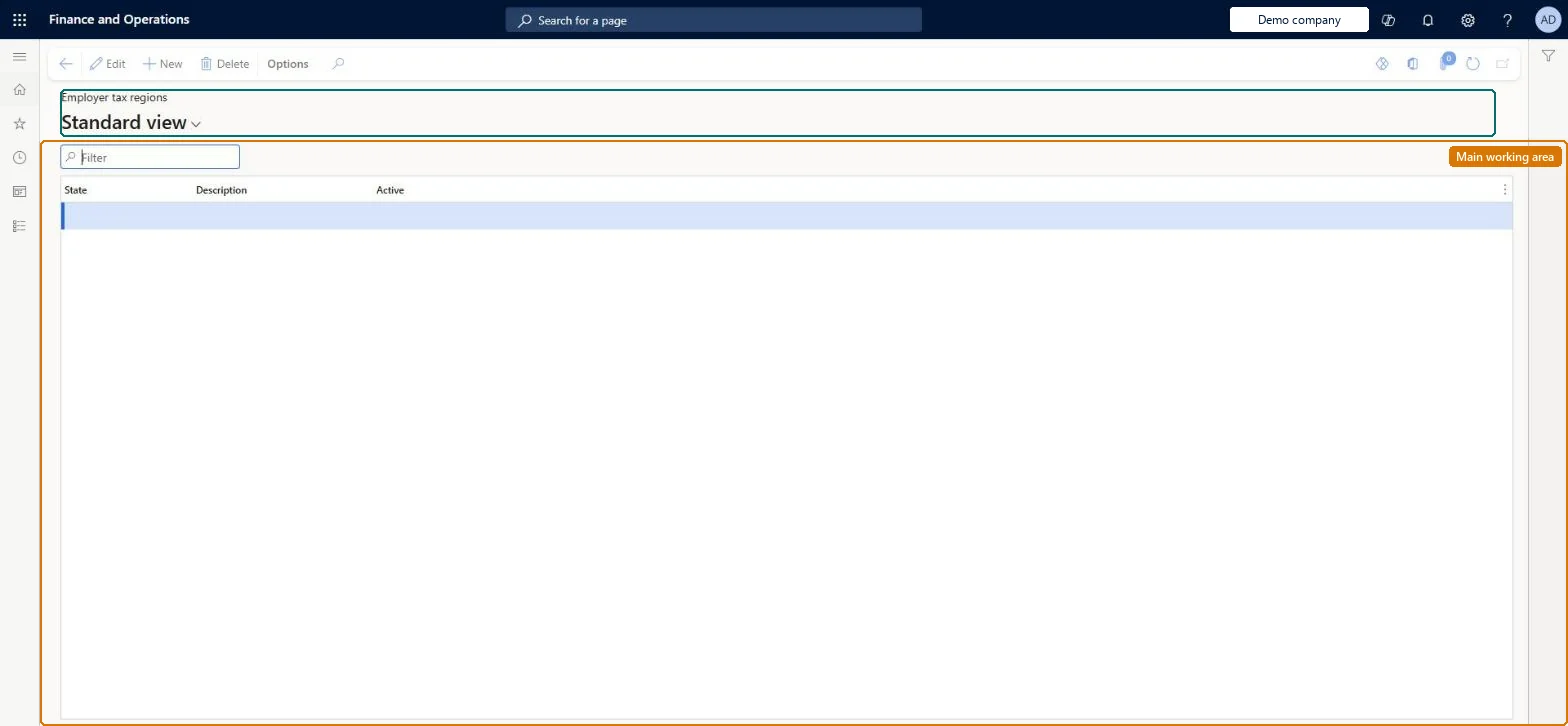
The page in Dynamics 365. page title tab to open what to set or check
About the examples: Examples and screenshots in this guide use BEAT, a demo company in a Dynamics 365 test environment. Use your own company's codes and values instead of copying them.
Setup steps on this page
Set up Employer tax regions
Use this page to record each employer tax region, which payroll uses with multiple-state taxation and reciprocity rules to decide when and where taxes are withheld and paid.
How to use it
Go to Payroll > Setup > Taxes > Employer tax regions.
Use the Filter box to find a state.
Select New and enter the State and Description, and set Active.
Select Edit to change a selected row, or Delete to remove it.
Source: Checked in Dynamics 365
Test checklist
Confirm the legal entity's primary address is in the United States.
Add an employer tax region for each nexus state.
Pay a worker who lives in one nexus state and works in another.
Check the state income tax lines follow the reciprocity rules for those states.
At least one employer tax region per legal entity, one per state or territory where legal advisors confirm a nexusEvery legal entity must have at least one employer tax region, and the nexus decision is complex enough that Learn says legal advisors usually make it.
Adding or leaving out states without a legal nexus review, so multiple-state taxation and reciprocity rules withhold and pay in the wrong places.
Solution architect
5Design impact
Can it be undone
Hard to reverse: Employer tax regions drive where taxes are withheld and paid with the multiple-state and reciprocity rules. A change affects new pay statements; posted pay statements must be reversed to correct them. Microsoft Learn
Technical architect
6Technical
Menu item
PayrollEmployerTaxRegionChecked in Dynamics 365
Form
PayrollEmployerTaxRegionChecked in Dynamics 365
Table
PayrollEmployerTaxRegionShown as “EMPLOYER TAX REGION” in Record infoKey field: StateIdChecked in Dynamics 365
PrivilegesMaintain employer tax regions PayrollEmployerTaxRegionMaintainView employer tax regions PayrollEmployerTaxRegionViewDutiesInquire into payroll master data PayrollMasterDataInquireSet up payroll master data PayrollMasterDataMaintain3 security rolesCompensation and benefits manager HcmCompensationAndBenefitsManagerPayroll administrator HcmPayrollAdministratorPayroll manager HcmPayrollManagerChecked in Dynamics 365
Roles to set it up and use it
To set it up or change itPayroll administrator HcmPayrollAdministratorCompensation and benefits manager HcmCompensationAndBenefitsManagerTo use itPayroll manager HcmPayrollManagerGive people one of these roles. On this system, 3 roles can open this page.Checked in Dynamics 365