PAGE GUIDEWhat the page does and how to use it7 sections. Choose a role to highlight what matters to you.
Everyone
1What it is and why
What it is
A processing page that combines the posted pay statements of a pay period and creates a vendor invoice for each benefit and tax vendor.
What you do here
Use this page after posting pay statements to create the vendor invoices for the benefit and tax payables of that pay period, either for all vendors, for one benefit plan or for one vendor.
Example
For example, generate the invoice for a single benefit plan for a pay period by selecting Benefit plan invoice and the plan.
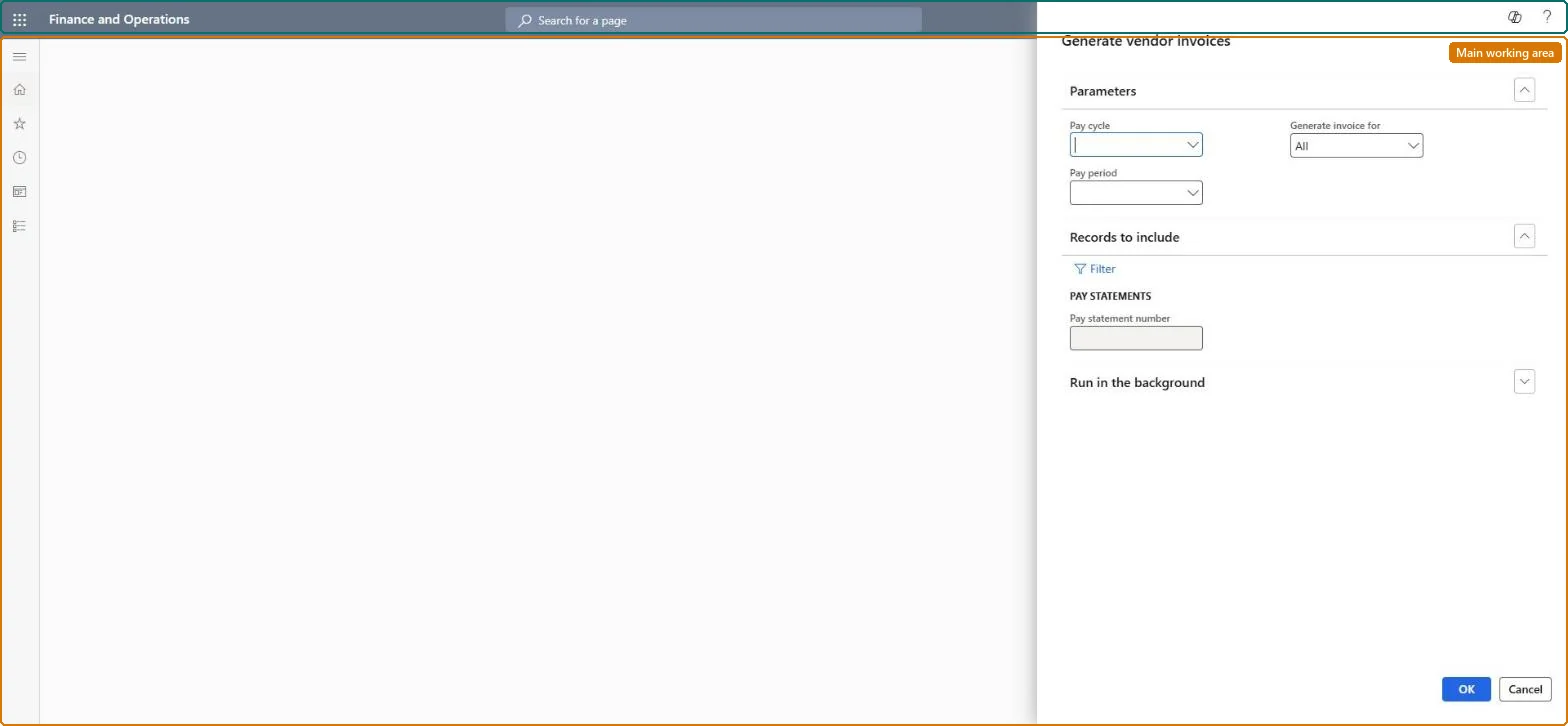
The page in Dynamics 365. page title tab to open what to set or check
About the examples: Examples and screenshots in this guide use BEAT, a demo company in a Dynamics 365 test environment. Use your own company's codes and values instead of copying them.
When to run it
When to run it
After Post pay statements has posted the pay statements of the pay period.
How often
Once per pay period for each pay cycle, or for a single plan or vendor when one invoice is needed earlier.
Batch settings
Usually run interactively right after posting; run it in the background for All invoices on large pay cycles.
What the output shows
One vendor invoice per benefit and tax vendor, combining the amounts of all posted pay statements of the period with their accounting distributions, and Included in invoice selected on the invoiced lines. A missing invoice usually means the pay statements weren't posted or the wrong period was selected.
Go to Payroll > Pay statement processing > Generate vendor invoices.
In Pay cycle, select the cycle, and in Pay period select the same period you posted pay statements for.
Select All invoices to create the invoices for every benefit and tax vendor of the period in one run.
Or select Benefit plan invoice and pick one plan, or Vendor invoice and pick one vendor to create all of that vendor's invoices, which can cover several benefit plans.
Select OK, then open a pay statement and confirm that Included in invoice is selected on the benefit and tax lines, and that the new invoices exist for the vendors.
No: The invoices can't be deleted or recalculated once generated. Post the pay statements and choose the right period before you run it. Microsoft Learn
If you change it later
Once generated, the vendor invoices can't be deleted or recalculated. Microsoft Learn
Technical architect
5Technical
Menu item
PayrollPayStatementGenerateVendorInvoiceChecked in Dynamics 365
Form
DialogChecked in Dynamics 365
Roles to set it up and use it
To use itPayroll administrator HcmPayrollAdministratorGive people one of these roles. On this system, 1 role can run this page.Checked in Dynamics 365