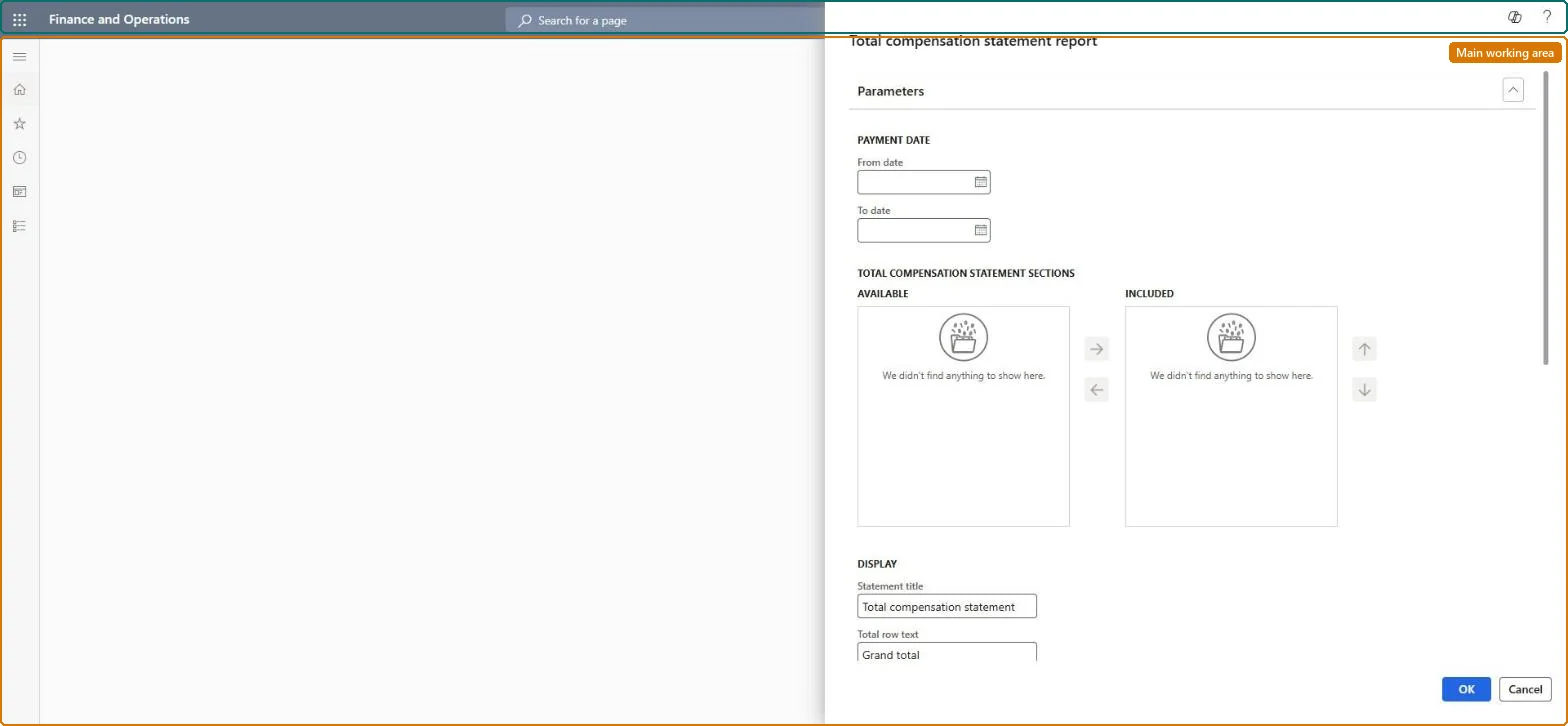
About the examples: Examples and screenshots in this guide use BEAT, a demo company in a Dynamics 365 test environment. Use your own company's codes and values instead of copying them.
When to run it
When to run it
When you want to show employees the full value of their pay and benefits, for example at year end or during a compensation review, after the pay statements for the period are posted.
How often
On demand, when total compensation statements are handed out.
What the output shows
One total compensation statement per worker, with a total for each included section of benefits, earnings and taxes, and a total row with your text. A section that is empty or too low usually means its earning codes, benefits or taxes aren't assigned to that statement section.
Nothing to undo: The total compensation statement only reads payment data; it changes nothing. Microsoft Learn
Technical architect
5Technical
Menu item
HcmTotalCompStatementReportChecked in Dynamics 365
Form
SysOperationTemplateFormChecked in Dynamics 365
Roles to set it up and use it
To use itPayroll administrator HcmPayrollAdministratorPayroll manager HcmPayrollManagerCompensation and benefits manager HcmCompensationAndBenefitsManagerGive people one of these roles. On this system, 3 roles can run this page.Checked in Dynamics 365