About the examples: Examples and screenshots in this guide use BEAT, a demo company in a Dynamics 365 test environment. Use your own company's codes and values instead of copying them.
When to run it
When to run it
After the payroll payment journal is generated and payments are issued, to give workers their pay statements; also to reprint them on request.
How often
Every pay period, and as required for reprints.
What the output shows
Printable pay statements for the selected pay cycle and period, showing each worker's earnings, deductions and net pay. A missing statement usually means its payment isn't issued yet or the statement was reversed.
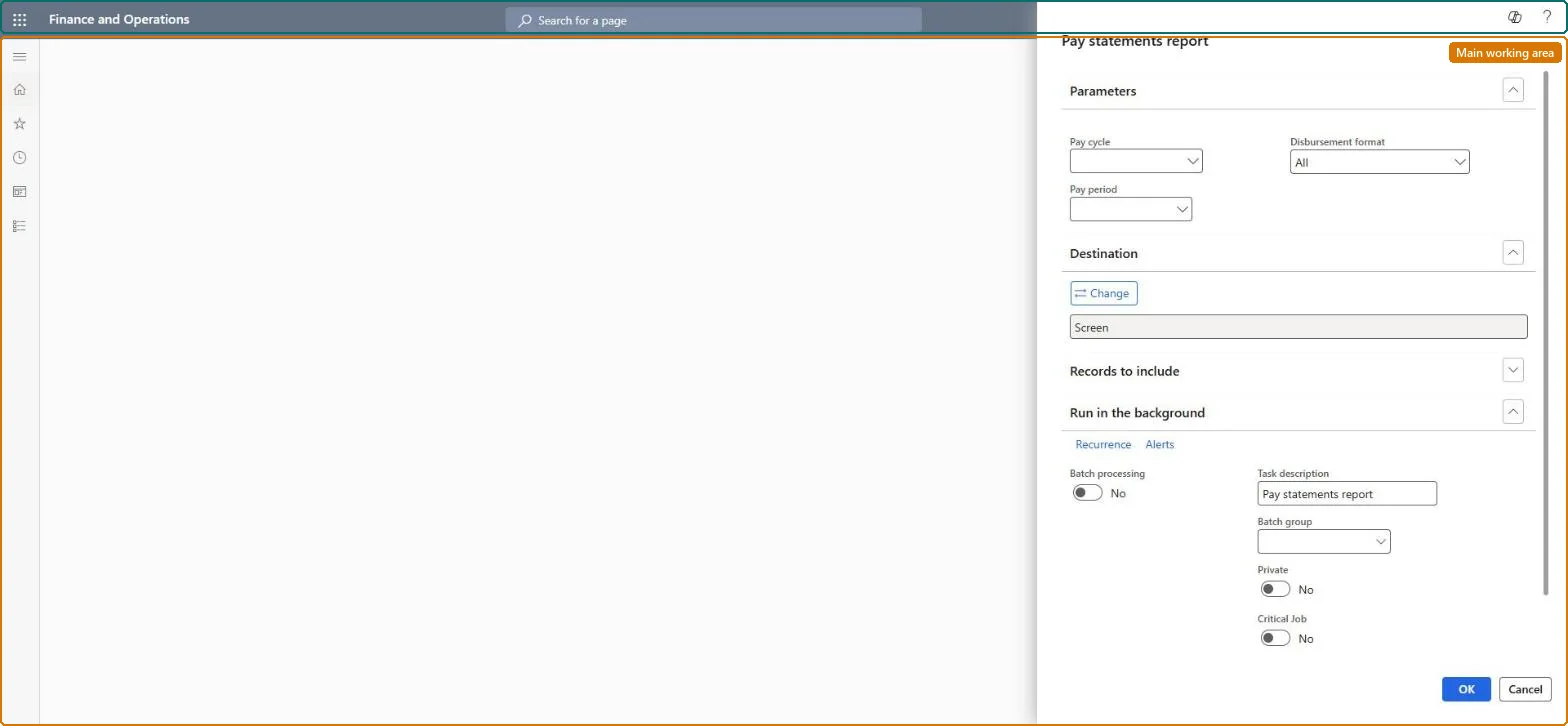
Go to Payroll > Inquiries and reports > Pay statements report.
Select the Pay cycle and Pay period of the pay statements to print.
In Disbursement format, choose check payments, electronic payments or both.
Under Records to include, filter on Worker or Batch number to reprint selected statements. Only statements whose payment is issued are printed, and reversed ones are left out, unless you change Pay statement status or Pay statement reversed in the query.
Print the statements and compare the net pay with the payment journal before you hand them out.
Limits printing to pay statements from specific pay statement generation runs.Microsoft Learn
Pay statement status
By default only pay statements whose payment has been issued are printed; change the query to include other statuses.Microsoft Learn
Pay statement reversed
By default reversed pay statements are not printed.Microsoft Learn
Solution architect
4Design impact
Can it be undone
Nothing to undo: Printing pay statements only reads data; it changes nothing. Microsoft Learn
Technical architect
5Technical
Menu item
PayrollPayStatementReportChecked in Dynamics 365
Form
SysOperationTemplateFormChecked in Dynamics 365
Roles to set it up and use it
To use itPayroll administrator HcmPayrollAdministratorPayroll manager HcmPayrollManagerGive people one of these roles. On this system, 2 roles can run this page.Checked in Dynamics 365