BeyondERP.Newsletter
Menu

Setup page · Organization administration

Active document tables

A setup page that holds the allow list of tables on which document attachments are allowed.

Used by
Electronic reporting developer, Electronic reporting functional consultant, Production manager and 1 more role
Business process
Administer system features
Menu item
DocuTableEnabled
Main table
DocuTableEnabled
Data entity
DocuEnabledTableEntity
Setup steps
1 on this page
Show what matters for
PAGE GUIDEWhat the page does and how to use it8 sections. Choose a role to highlight what matters to you.
Everyone

1What it is and why

What it isA setup page that holds the allow list of tables on which document attachments are allowed.
What you do hereUse this page to limit attachments to the listed tables when the Use active document tables option is turned on.
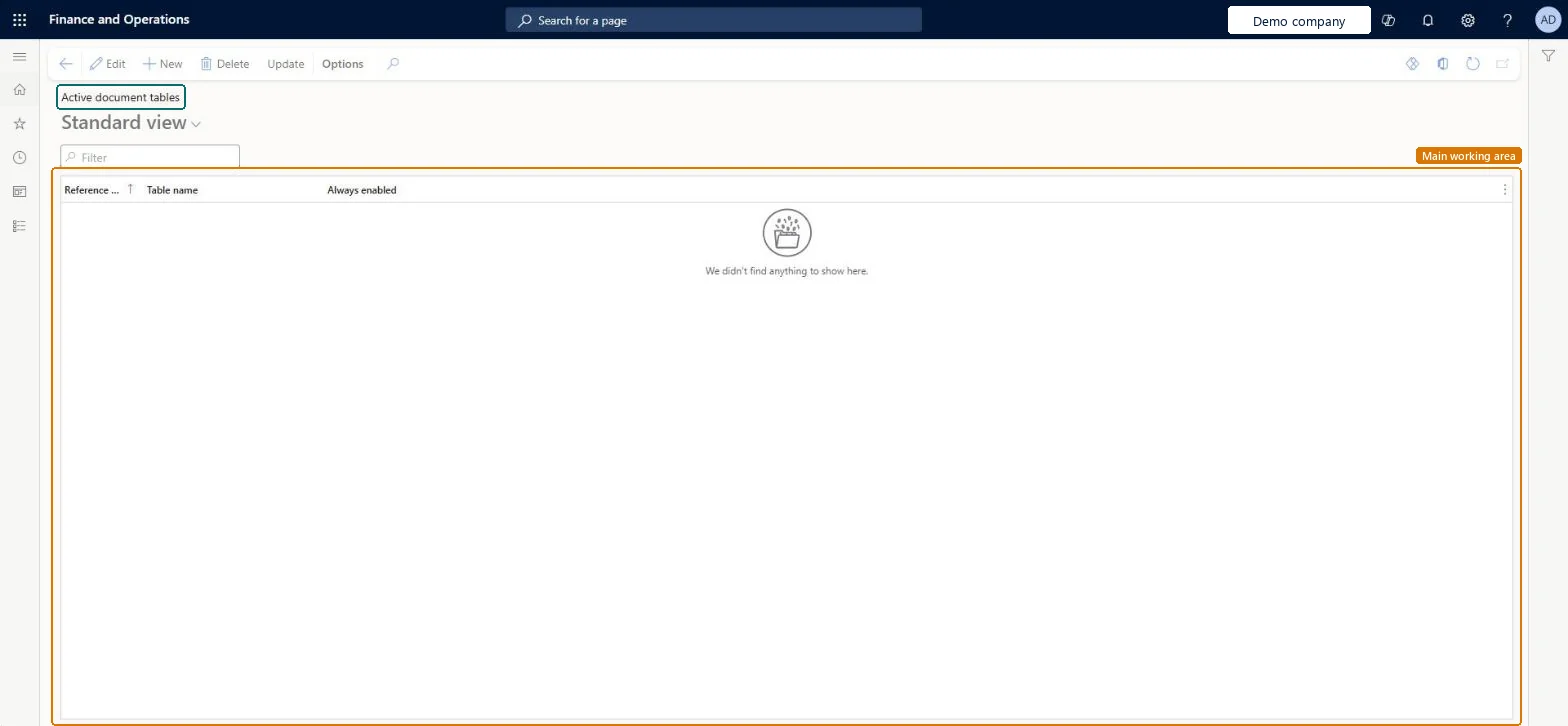
Active document tables page in Dynamics 365
The page in Dynamics 365. page title tab to open what to set or check
Functional consultant · Solution architect

2Where it fits

Business processAdminister system features
Menu pathOrganization administration › Document management › Active document tables
Set up firstDocument management parameters Microsoft Learn Set up Document management parameters
End user · Functional consultant

3How to do it

About the examples: Examples and screenshots in this guide use BEAT, a demo company in a Dynamics 365 test environment. Use your own company's codes and values instead of copying them.

Setup steps on this page

Set up Active document tables

Use this page to limit attachments to the listed tables when the Use active document tables option is turned on.

How to use it

  1. Go to Organization administration > Document management > Active document tables.
  2. Select New to add a table to the list.
  3. Enter the Reference and the Table name, and set Always enabled if needed.
  4. Select Update on the Action Pane if you need to refresh the list.
  5. Select Edit to change an existing line, or Delete to remove one.

Source: Checked in Dynamics 365

Test checklist

  1. Add the tables that need attachments, such as vendor invoices, to the list.
  2. Turn on Use active document tables on Document management parameters > General.
  3. Check the Attach button works on a listed table.
  4. Check attachments are unavailable on a table that isn't listed.

Source: Microsoft Learn

Functional consultant

4Setup decisions

Setup stepRecommended value and whyDecision, common mistake and test
Set up Active document tablesLeave Use active document tables off unless you must restrict attachments; if you turn it on, list every table that needs attachments first.Learn says to turn on the option only when it's required, because it disables attachments on all tables not in the list.Turning on Use active document tables with a short list: attachments stop working on every other table.
Solution architect

5Design impact

Shared or per companyPer company: each legal entity has its own records. Microsoft data model
Can it be undoneReversible: Turn Use active document tables off, or add tables to the list, to bring attachments back on other tables. Microsoft Learn
If you change it laterOnce the allow list is turned on, attachments are turned off on every table that isn't listed, so turn it on only when it's needed. Microsoft Learn
Technical architect

6Technical

Menu itemDocuTableEnabled Checked in Dynamics 365
FormDocuTableEnabled Checked in Dynamics 365
TableDocuTableEnabledShown as “Active document tables” in Record infoChecked in Dynamics 365
Data entitiesDocuEnabledTableEntityActive document tables Microsoft data model
Who can open itPrivilegesMaintain document handling DocumentHandlingMaintain ERDocumentHandlingReadDuties ERParametersMaintainMaintain indirect activity costs master JmgIndirectActivityCostMasterMaintainMaintain system settings SysServerSettingsMaintain
4 security rolesElectronic reporting developer ERDeveloperElectronic reporting functional consultant ERFunctionalConsultantProduction manager ProdProductionManagerInformation technology manager SysServerITManager
Checked in Dynamics 365
Roles to set it up and use itTo set it up or change itInformation technology manager SysServerITManagerProduction manager ProdProductionManagerTo use itElectronic reporting functional consultant ERFunctionalConsultantElectronic reporting developer ERDeveloperGive people one of these roles. On this system, 4 roles can open this page.Checked in Dynamics 365
Actions on the pageOptions: Personalize, Page options, ShareChecked in Dynamics 365
Developer

7Developer

Open it by URLhttps://<your-environment>/?mi=DocuTableEnabled
Integrate withDocuEnabledTableEntity data entity Microsoft data model
Data migrationDocuEnabledTableEntity (Active document tables): loaded for each company.Microsoft Learn
Table definitionDocuTableEnabled columns and relations Microsoft data model
Everyone

8Sources