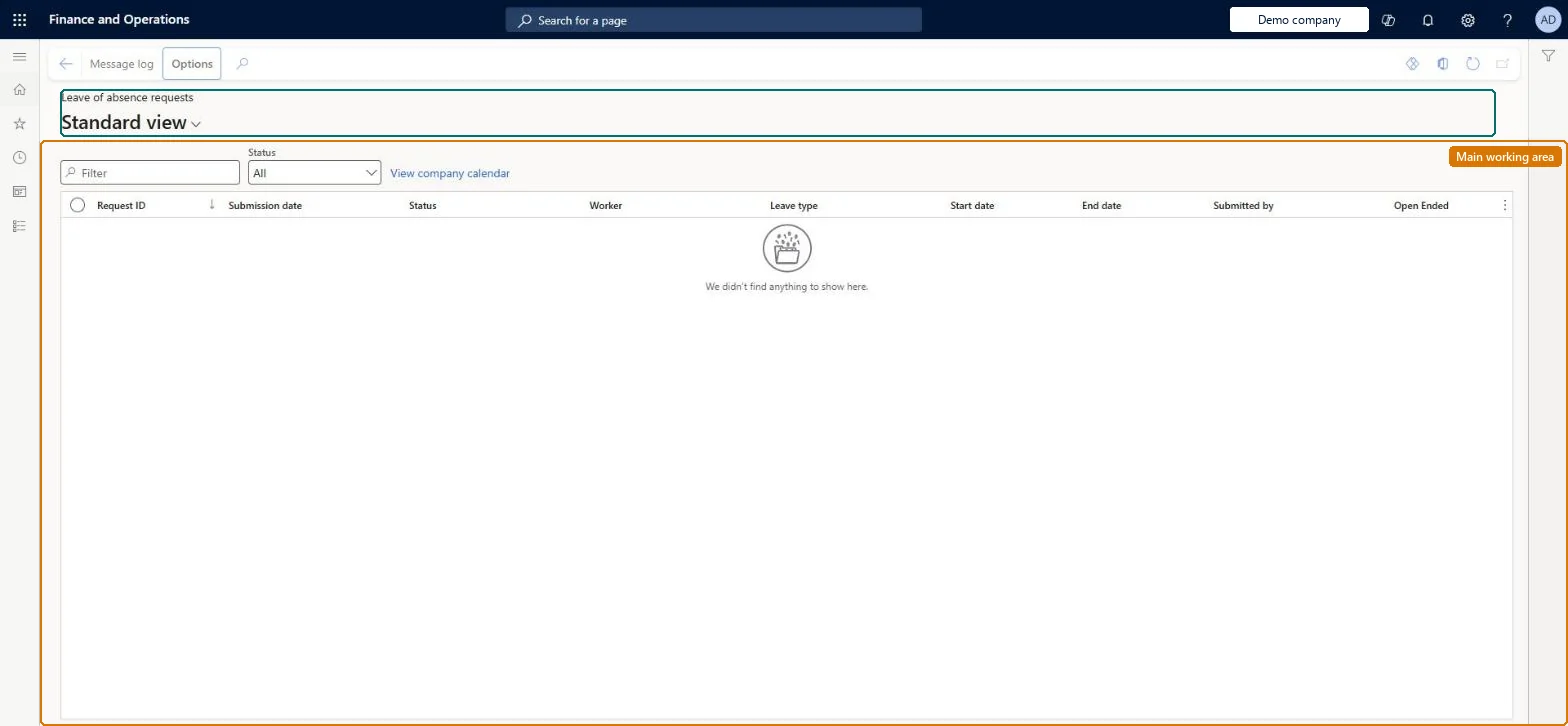
About the examples: Examples and screenshots in this guide use BEAT, a demo company in a Dynamics 365 test environment. Use your own company's codes and values instead of copying them.
The last day of the leave of absence; it can be updated to extend or shorten the leave.Microsoft Learn
Confirm end date
Confirms the end date, after which a return-to-work notice can be uploaded.Microsoft Learn
Cancel leave
Cancels the leave of absence request when set to Yes and submitted.Microsoft Learn
Solution architect
4Design impact
If you change it later
A submitted leave of absence for a leave type set up to suspend another leave type automatically creates an accrual suspension for that other type. Microsoft Learn
Technical architect
5Technical
Menu item
LeaveOfAbsenceRequestChecked in Dynamics 365
Form
LeaveOfAbsenceRequestChecked in Dynamics 365
Table
LeaveRequestShown as “LEAVE REQUEST” in Record infoKey field: RequestIdChecked in Dynamics 365
Data entities
LeaveOfAbsenceRequestEntityLeave of absence request Checked in Dynamics 365LeaveTypeEntityLeave and absence type Checked in Dynamics 365LeaveRequestEntityLeave time off request Checked in Dynamics 365LeaveRequestV2EntityLeave time off request V2 Checked in Dynamics 365LeaveRequestHeaderEntityLeave time off request header Checked in Dynamics 365
Who can open it
PrivilegesMaintain leave of absence requests for all workers LeaveOfAbsenceRequestMaintainView leave of absence requests for all workers LeaveOfAbsenceRequestViewView pending leave of absence requests from the absence manager hierarchy MssAbsenceManagerPendingLeaveOfAbsenceRequestsViewDutiesMaintain employee's absence LeaveAbsenceManagerView worker-specific leave and absence processes LeaveProcessInquireMaintain worker-specific leave and absence processes LeaveProcessMaintain3 security rolesHuman resource assistant HcmHumanResourceAssistantHuman resource manager HcmHumanResourceManagerLeave and absence manager LeaveAbsenceManagerChecked in Dynamics 365
Roles to set it up and use it
To set it up or change itHuman resource assistant HcmHumanResourceAssistantTo use itHuman resource manager HcmHumanResourceManagerLeave and absence manager LeaveAbsenceManagerGive people one of these roles. On this system, 3 roles can open this page.Checked in Dynamics 365
Actions on the page
(Action Pane without tabs): Message logChecked in Dynamics 365