PAGE GUIDEWhat the page does and how to use it7 sections. Choose a role to highlight what matters to you.
Everyone
1What it is and why
What it is
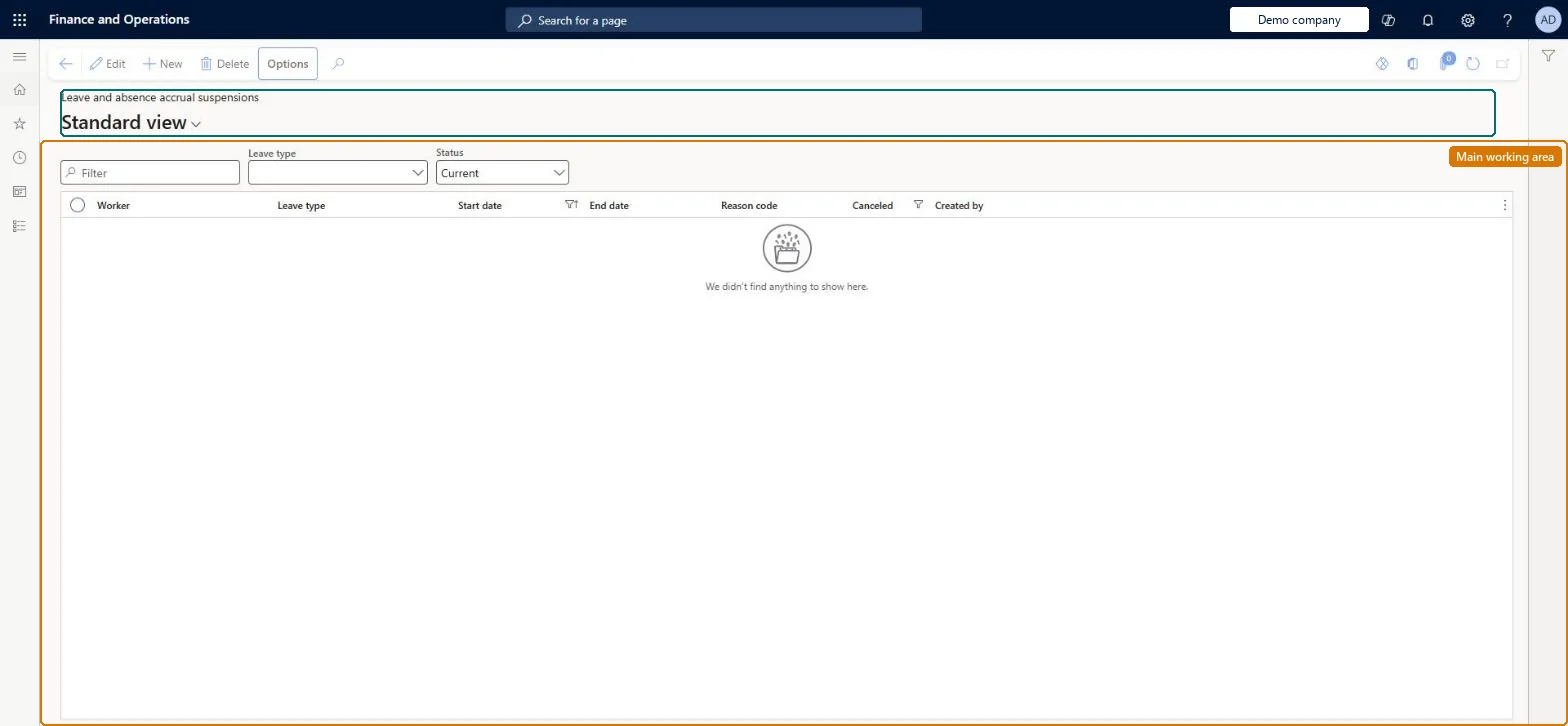
A page that lists leave accrual suspensions: periods in which accruals stop for selected leave types for an employee.
What you do here
Use this page to record or review suspensions, each with a leave type, start date, end date and optional comment, so that no time off accrues for that leave type during the period.
Example
For example, an unpaid leave of absence can suspend accrual of another leave type while the employee is away.
The page in Dynamics 365. page title tab to open what to set or check
About the examples: Examples and screenshots in this guide use BEAT, a demo company in a Dynamics 365 test environment. Use your own company's codes and values instead of copying them.
Reversible: A suspension is checked when accruals are processed. Change or remove it before accruals run for the period; while it covers the accrual date, no accrual is made for the suspended leave type. Microsoft Learn
If you change it later
While a suspension covers the accrual date, the accrual process gives the employee no time off for the suspended leave type. Microsoft Learn
Technical architect
5Technical
Menu item
LeaveAccrualSuspensionChecked in Dynamics 365
Form
LeaveAccrualSuspensionChecked in Dynamics 365
Table
LeaveAccrualSuspensionShown as “LEAVE AND ABSENCE ACCRUAL SUSPENSION” in Record infoKey field: Worker_DirPerson_FK_Name, LeaveType_Type, LeaveRequest_RequestIdChecked in Dynamics 365
Data entities
LeaveAccrualSuspensionEntityLeave and absence accrual suspension Checked in Dynamics 365LeaveTypeEntityLeave and absence type Checked in Dynamics 365
Who can open it
PrivilegesMaintain leave and absence accrual suspensions LeaveAccrualSuspensionMaintainView leave and absence accrual suspensions LeaveAccrualSuspensionViewDutiesView worker-specific leave and absence processes LeaveProcessInquireMaintain worker-specific leave and absence processes LeaveProcessMaintain2 security rolesHuman resource assistant HcmHumanResourceAssistantHuman resource manager HcmHumanResourceManagerChecked in Dynamics 365
Roles to set it up and use it
To set it up or change itHuman resource assistant HcmHumanResourceAssistantTo use itHuman resource manager HcmHumanResourceManagerGive people one of these roles. On this system, 2 roles can open this page.Checked in Dynamics 365