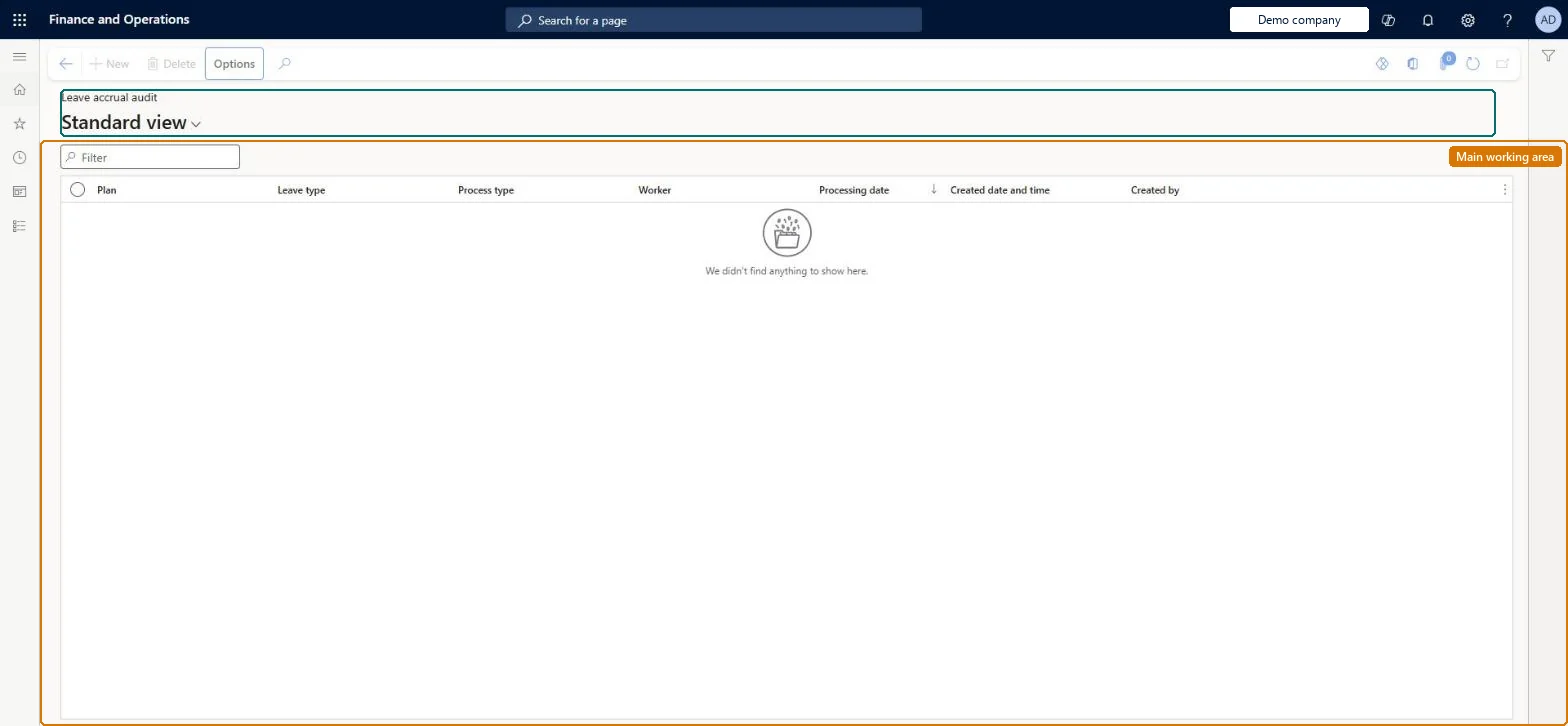
About the examples: Examples and screenshots in this guide use BEAT, a demo company in a Dynamics 365 test environment. Use your own company's codes and values instead of copying them.
Test checklist
Run Accrue leave and absence plans for one leave plan with Accrue as of = Today's date.
Open Leave accrual audit and check that a row shows the run, the date and your user.
Run Delete leave and absence plan accruals for the same plan with a leave accrual date of today or later.
Check that the deletion also appears in Leave accrual audit.
Hard to reverse: The audit only records accrual and deletion runs. An accrual run can be removed with Delete leave and absence plan accruals, but only for accrual dates today or in the future, so past accruals stay in the balance. Microsoft Learn
Technical architect
5Technical
Menu item
LeaveAccrualAuditChecked in Dynamics 365
Form
LeaveAccrualAuditChecked in Dynamics 365
Table
LeaveAccrualAuditShown as “LEAVE ACCRUAL AUDIT” in Record infoChecked in Dynamics 365
Who can open it
PrivilegesView leave and absence accrual and deletion activity LeaveAccrualAuditInquiryDutiesView worker-specific leave and absence processes LeaveProcessInquireMaintain worker-specific leave and absence processes LeaveProcessMaintain2 security rolesHuman resource assistant HcmHumanResourceAssistantHuman resource manager HcmHumanResourceManagerChecked in Dynamics 365
Roles to set it up and use it
To use itHuman resource assistant HcmHumanResourceAssistantHuman resource manager HcmHumanResourceManagerGive people one of these roles. On this system, 2 roles can open this page.Checked in Dynamics 365