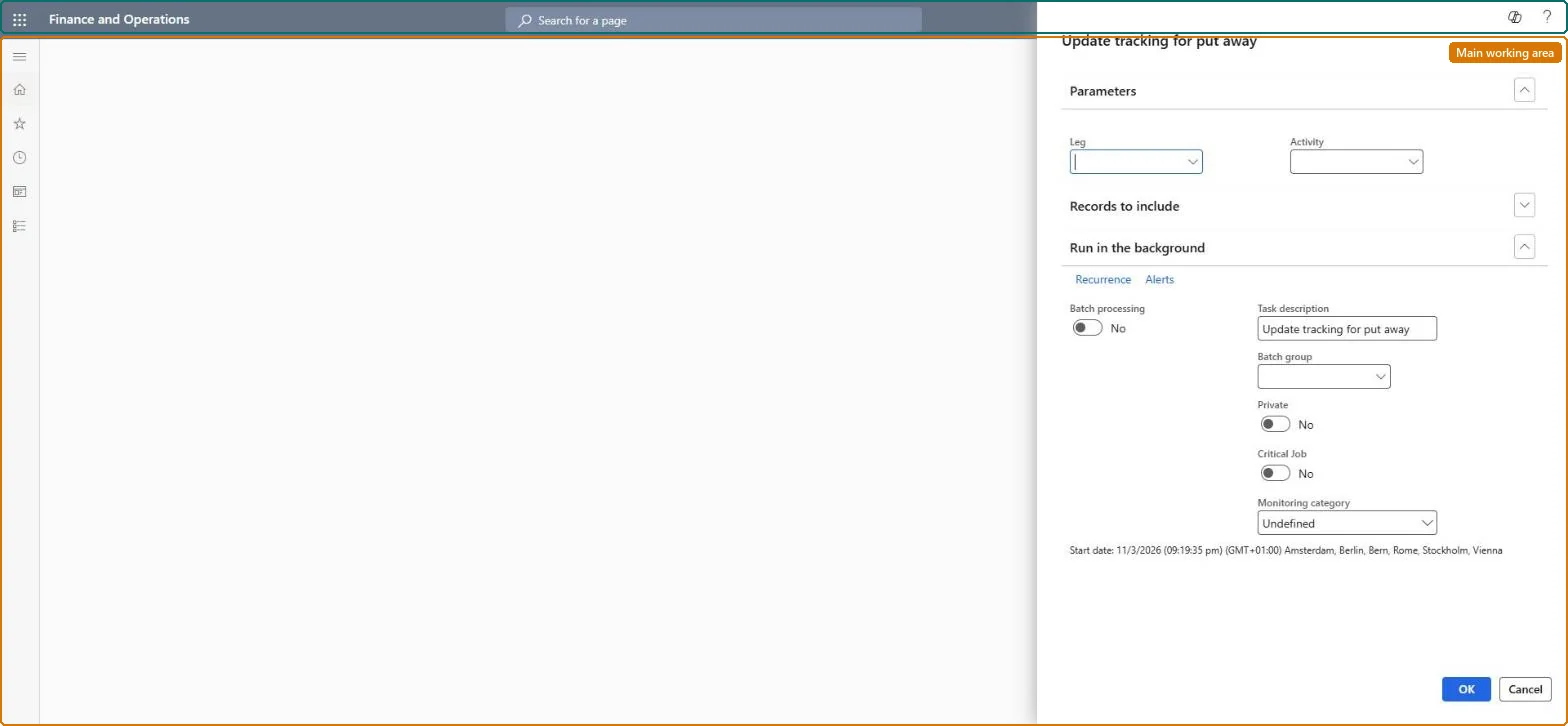
A periodic-task dialog, meant to run nightly, that finds voyages whose inventory has all been received but whose final journey leg has no actual end date, and sets that date to today.
PAGE GUIDEWhat the page does and how to use it7 sections. Choose a role to highlight what matters to you.
Everyone
1What it is and why
What it is
A periodic-task dialog, meant to run nightly, that finds voyages whose inventory has all been received but whose final journey leg has no actual end date, and sets that date to today.
What you do here
Use this page to close the last leg of a container journey automatically from the put-away of goods in the warehouse, without waiting for a freight forwarder to confirm the date.
Example
For example, a company schedules the task every night for its 'Arrival at warehouse' leg so that tracking records are completed as soon as goods are put away.
The page in Dynamics 365. page title tab to open what to set or check
About the examples: Examples and screenshots in this guide use BEAT, a demo company in a Dynamics 365 test environment. Use your own company's codes and values instead of copying them.
When to run it
When to run it
After goods have been put away in the warehouse, so the last journey leg is closed without waiting for a freight forwarder to confirm the date.
How often
Nightly, as a recurring batch job.
Batch settings
Schedule it as a nightly recurring batch job, as Microsoft designed it, so put-away from the day closes the arrival leg overnight.
What the output shows
The current date is set as Actual end date on the selected leg's container activity for every voyage that has received all inventory transactions and had no actual end date yet. A voyage that wasn't updated usually still has unreceived inventory or already had an actual end date.
Partly: The task only fills empty actual end dates and doesn't reverse them. You can correct a date by hand on the container activity. Microsoft Learn
If you change it later
Running the task writes today's date as the actual end date on the selected leg's container activity for every voyage whose inventory has been fully received. Microsoft Learn
Technical architect
5Technical
Menu item
ITMTrackingUpdatePutawayChecked in Dynamics 365
Form
SysOperationTemplateFormChecked in Dynamics 365
Roles to set it up and use it
To use itLanded cost manager ITMManagerGive people one of these roles. On this system, 1 role can run this page.Checked in Dynamics 365