Plan inbound transportation loads in Dynamics 365 Supply Chain Management
Menu item
ITMPurchCleanUp
Show what matters for
PAGE GUIDEWhat the page does and how to use it7 sections. Choose a role to highlight what matters to you.
Everyone
1What it is and why
What it is
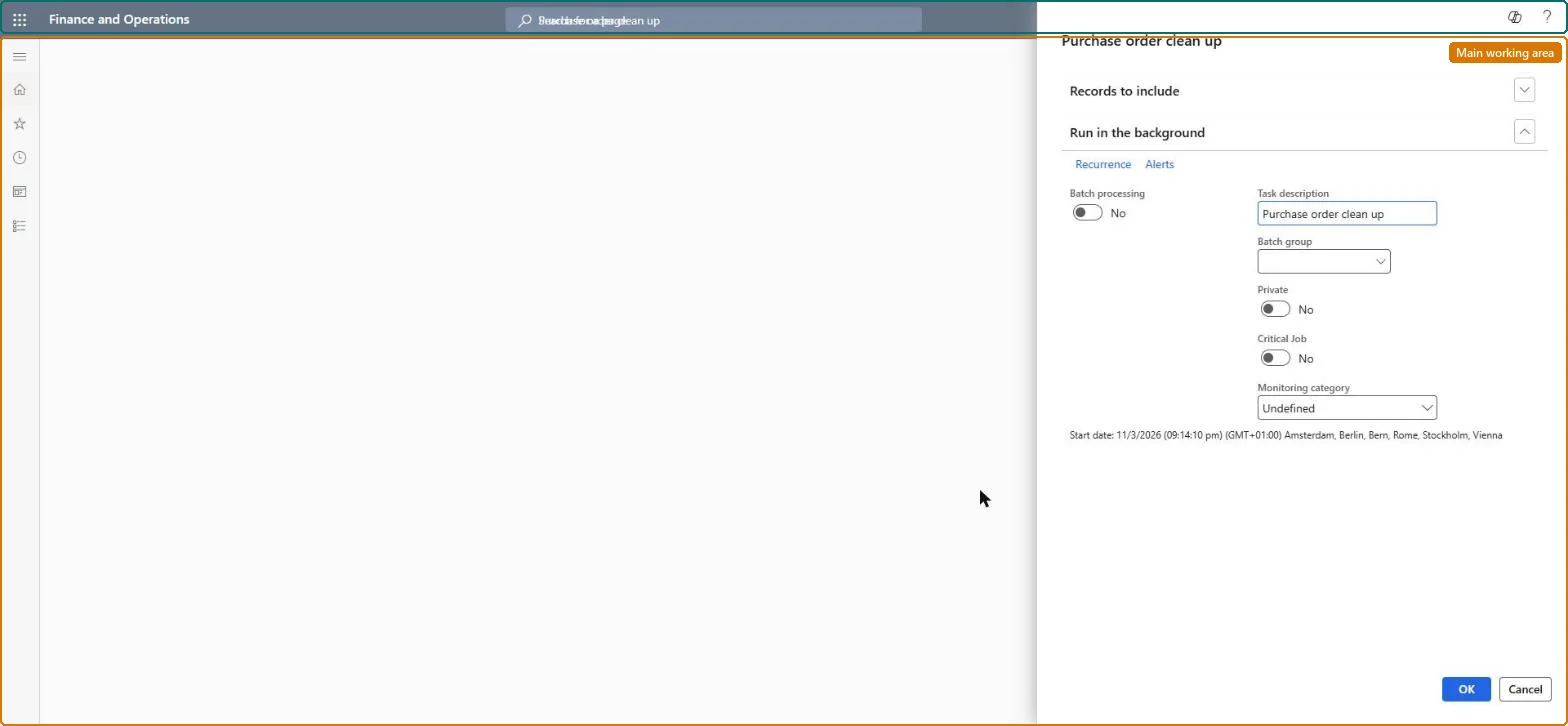
A periodic-task dialog that deletes purchase orders in the Landed cost module that have never been added to a voyage.
What you do here
Use this page to remove purchase orders that are not attached to any voyage, which reduces transaction counts and improves performance.
Example
For example, an administrator schedules the task monthly so that purchase orders created for Landed cost but never shipped on a voyage do not accumulate.
The page in Dynamics 365. page title tab to open what to set or check
About the examples: Examples and screenshots in this guide use BEAT, a demo company in a Dynamics 365 test environment. Use your own company's codes and values instead of copying them.
When to run it
When to run it
When purchase orders in Landed cost that were never added to a voyage are no longer needed and are slowing the system down.
How often
On demand, or on a recurring schedule as part of regular housekeeping.
Batch settings
Run it as a batch job outside working hours, with a filter that leaves out recent purchase orders that may still be added to a voyage.
What the output shows
Purchase orders that aren't on any voyage are deleted, which reduces transaction counts and improves performance. An order you still needed was missing from a voyage when the task ran.
No: Deleted purchase orders can't be restored. Run it only after every order that should go on a voyage has been added to one. Microsoft Learn
If you change it later
Running the task deletes purchase orders that are not on a voyage, so any order a user still intends to add to a voyage must be attached first or it will be removed. Microsoft Learn
Technical architect
5Technical
Menu item
ITMPurchCleanUpChecked in Dynamics 365
Form
SysOperationTemplateFormChecked in Dynamics 365
Roles to set it up and use it
To use itLanded cost agent ITMAgentGive people one of these roles. On this system, 1 role can run this page.Checked in Dynamics 365