PAGE GUIDEWhat the page does and how to use it8 sections. Choose a role to highlight what matters to you.
Everyone
1What it is and why
What it is
A setup page where you define the specific steps or actions required for handling samples.
What you do here
Use this page to give workers written instructions for handling samples, so that samples are processed consistently and in line with company and regulatory rules.
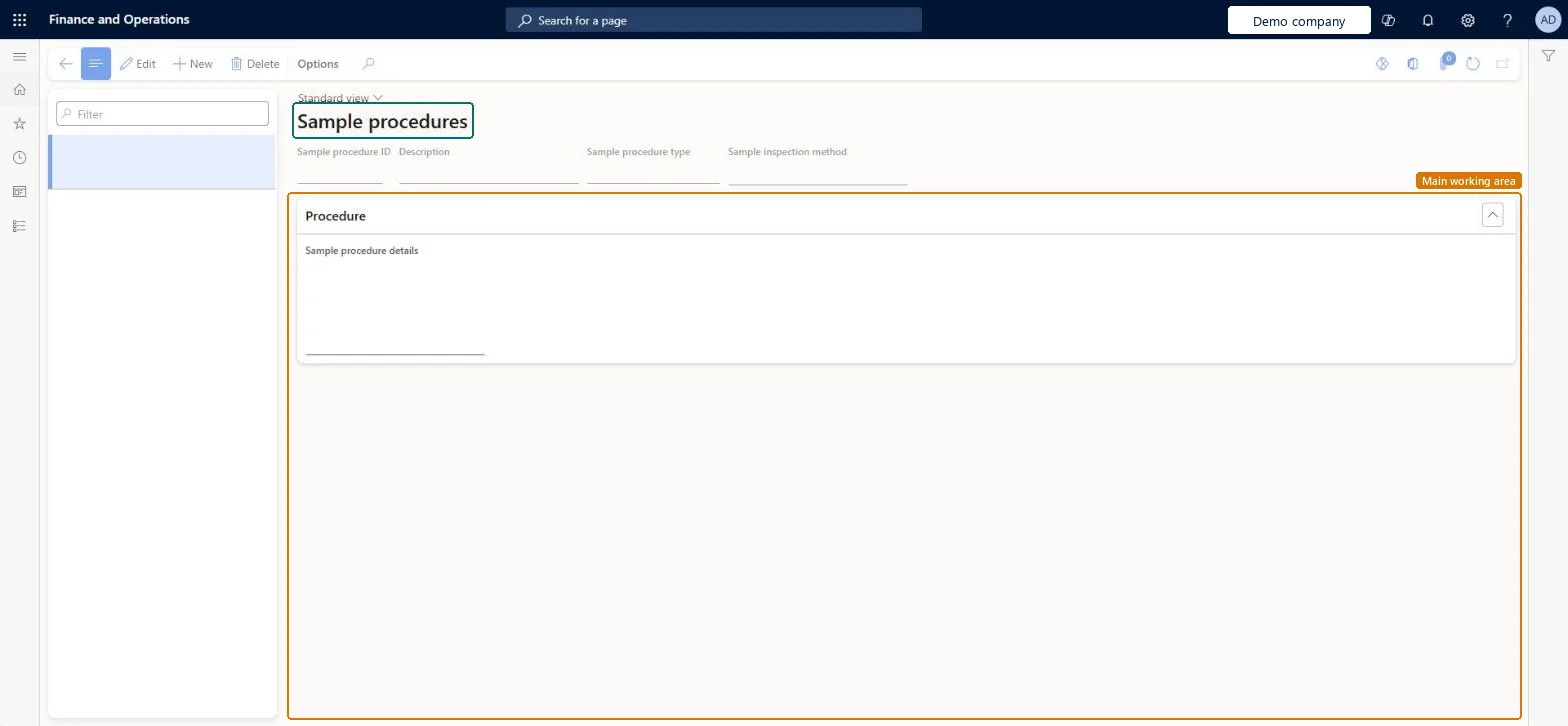
The page in Dynamics 365. page title tab to open what to set or check
About the examples: Examples and screenshots in this guide use BEAT, a demo company in a Dynamics 365 test environment. Use your own company's codes and values instead of copying them.
Step by step, with screenshots
Set up Sample procedures1 screen
Use this page to give workers written instructions for handling samples, so that samples are processed consistently and in line with company and regulatory rules.
Screen 1
Create a sample procedure
Go to Inventory management > Setup > Sample management > Sample procedures
Make sure the sample procedure type exists (here demo type BEAT-SPT)
Select New
Enter the sample procedure ID and a description
Select the sample procedure type and the sample inspection method
Under Procedure, write the instructions for handling the sample
Select Save
Add the procedure to a sample association
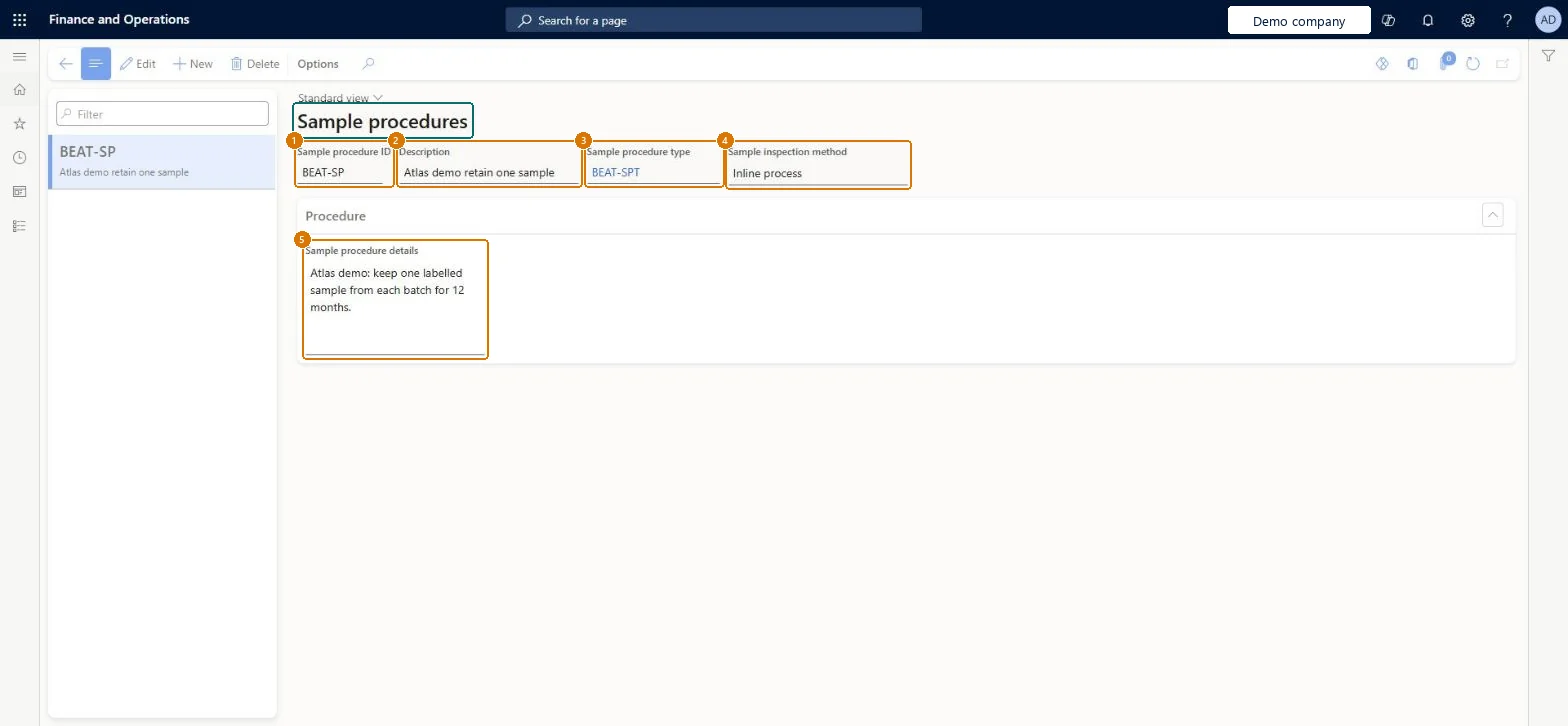
1Sample procedure ID
BEAT-SP
2Description
Retain one sample
3Sample procedure type
BEAT-SPT
4Sample inspection method
Inline process
5Sample procedure details
Keep one labelled sample from each batch for 12 months.
Show the full screen page title tab to open what to set or check
Steps from Microsoft
Go to Inventory management > Setup > Sample management > Sample procedures.
Create a new procedure, or select one to edit.
Enter the Sample procedure ID and a Description.
Select the Sample procedure type.
Select the Sample inspections method: Inline process, Continuous process or Both.
On the Procedure FastTab, enter the detailed instructions.
One procedure per handling instruction, with Sample inspections method set to the method it applies to (Inline process, Continuous process or Both)Procedures hold the instructions that sample associations attach to items, and the inspection method shows which sampling they are for.
Writing the instructions but not adding the procedure to the sample association, so workers don't see it for that item.
Feature management and licence
Feature to turn on
Advanced quality management (Mandatory, on by default)Sample management (Must be on)
Reversible: Procedures can be created, edited or deleted at any time. Microsoft Learn
Technical architect
6Technical
Menu item
QMSSampleProcedureChecked in Dynamics 365
Form
QMSSampleProcedureChecked in Dynamics 365
Table
QMSSampleProcedureShown as “Sample procedures” in Record infoChecked in Dynamics 365
Data entities
QMSSampleProcedureEntityQuality sample procedures Checked in Dynamics 365
Who can open it
PrivilegesMaintain sample procedures QMSSampleProcedureMaintainView sample procedures QMSSampleProcedureViewDutiesInquire into quality control master InventQualityControlMasterInquireEnable quality control process InventQualityControlProcessEnable2 security rolesQuality control clerk InventQualityControlClerkQuality control manager InventQualityControlManagerChecked in Dynamics 365
Roles to set it up and use it
To set it up or change itQuality control manager InventQualityControlManagerTo use itQuality control clerk InventQualityControlClerkGive people one of these roles. On this system, 2 roles can open this page.Checked in Dynamics 365
Actions on the page
Options: Personalize, Page options, ShareChecked in Dynamics 365
Developer
7Developer
Open it by URL
https://<your-environment>/?mi=QMSSampleProcedure
Integrate with
QMSSampleProcedureEntity data entity Checked in Dynamics 365
Checked in a working Dynamics 365 system, version 10.0.49: the menu item, form, table and security, the page, the demo records and the values in the screenshots.