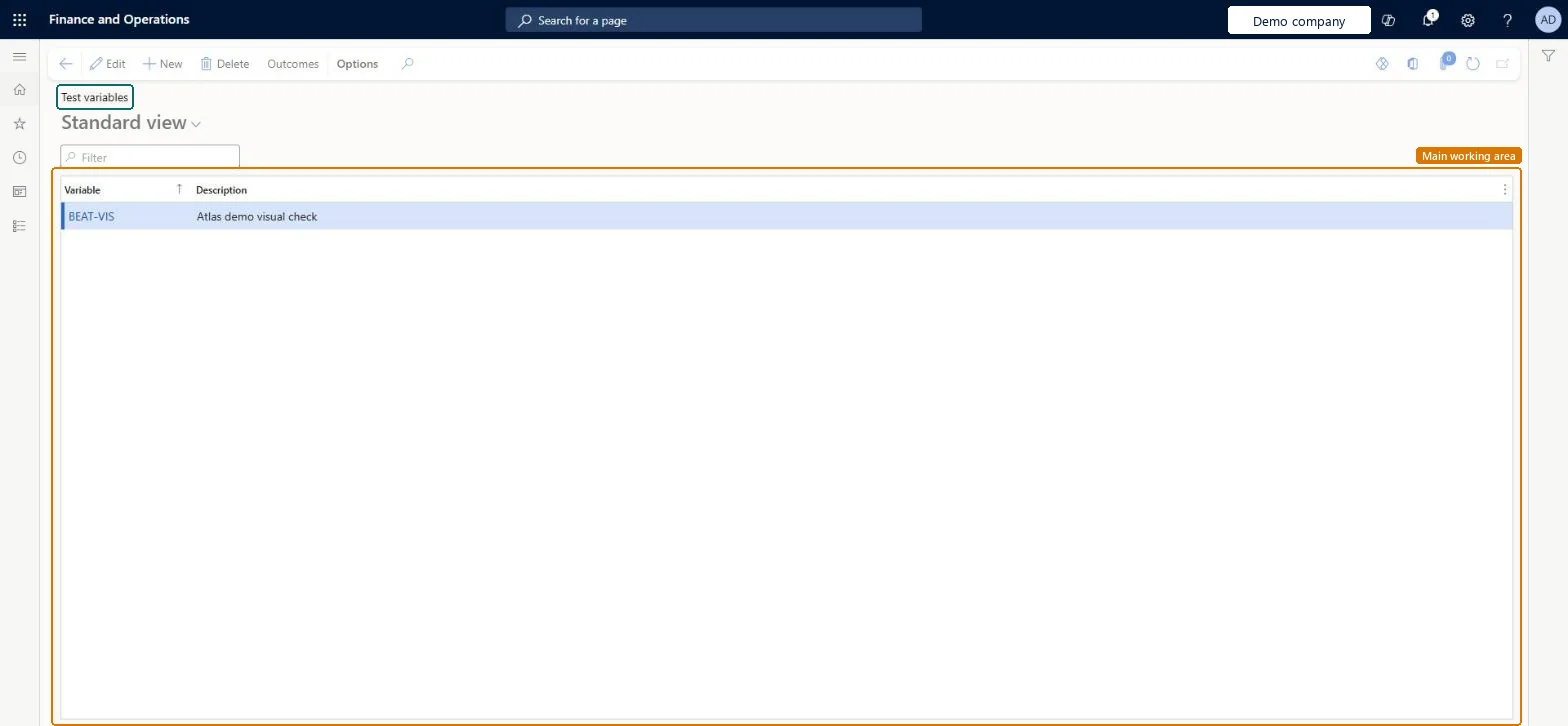
About the examples: Examples and screenshots in this guide use BEAT, a demo company in a Dynamics 365 test environment. Use your own company's codes and values instead of copying them.
Step by step, with screenshots
Set up Test variables1 screen
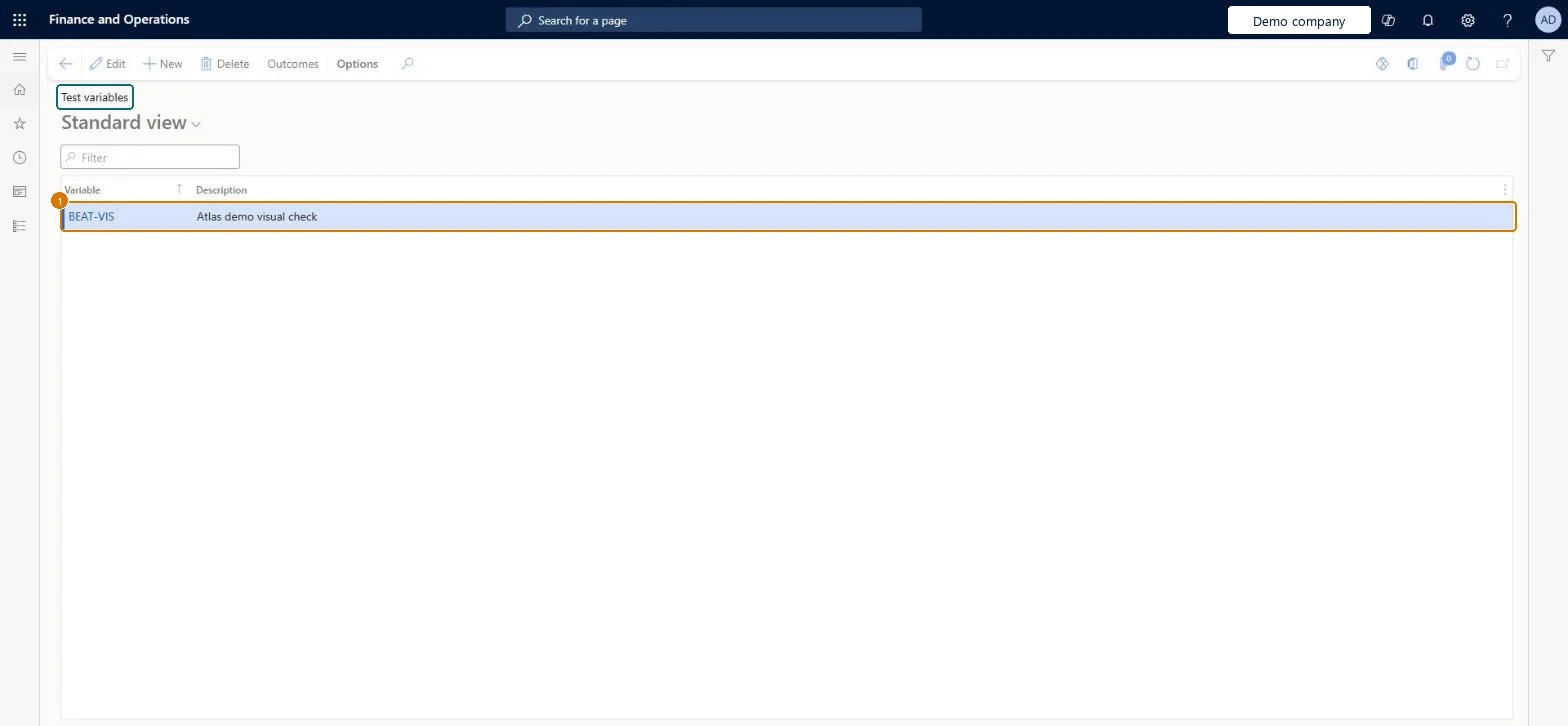
Use this page to give each outcome a Pass or Fail status, so that the result of a qualitative test can be judged.
Screen 1
Create a test variable
Go to Inventory management > Setup > Quality control > Test variables
Select New
Enter the variable code and a description
Select Save
Select Outcomes and add each possible outcome, giving each one the status Pass or Fail
Use the variable on a qualitative test
1Variable
BEAT-VIS
Description
Visual check
Show the full screen page title tab to open what to set or check
Steps from Microsoft
Go to Inventory management > Setup > Quality control > Test variables.
On the Action Pane, select New.
In the Variable field, enter a unique ID or name, and add a Description.
With the new row selected, select Outcomes on the Action Pane.
On the Test variable outcomes page, select New.
Enter the Outcome and its Description.
In the Outcome status field, select Pass or Fail.
Repeat for each outcome, making sure at least one is Pass and one is Fail.
At least two outcomes per variable: one with Outcome status Pass and one with FailMicrosoft recommends at least one Pass and one Fail outcome so a qualitative result can always be judged.
A variable with only Pass outcomes, so the test can never fail.
PrivilegesMaintain test variables InventTestVariableMaintainView test variables InventTestVariableViewDutiesInquire into quality control policies InventQualityControlPoliciesInquireEnable quality control process InventQualityControlProcessEnable2 security rolesQuality control manager InventQualityControlManagerWarehouse planner WHSWarehousePlannerChecked in Dynamics 365
Roles to set it up and use it
To set it up or change itQuality control manager InventQualityControlManagerTo use itWarehouse planner WHSWarehousePlannerGive people one of these roles. On this system, 2 roles can open this page.Checked in Dynamics 365
InventQualityTestVariableEntity (Quality test variables): loaded for each company, in Microsoft's default template 395 - Quality management.Load order: Microsoft's default template 395 - Quality management loads Quality test variables at execution unit 1, level 30, sequence 10. Lower levels load first, and entities at the same level load in sequence order.Load first: the default templates at lower levels (System setup to General ledger)Microsoft Learn
Checked in a working Dynamics 365 system, version 10.0.49: the menu item, form, table and security, the page, the demo records and the values in the screenshots.