About the examples: Examples and screenshots in this guide use BEAT, a demo company in a Dynamics 365 test environment. Use your own company's codes and values instead of copying them.
Steps from Microsoft
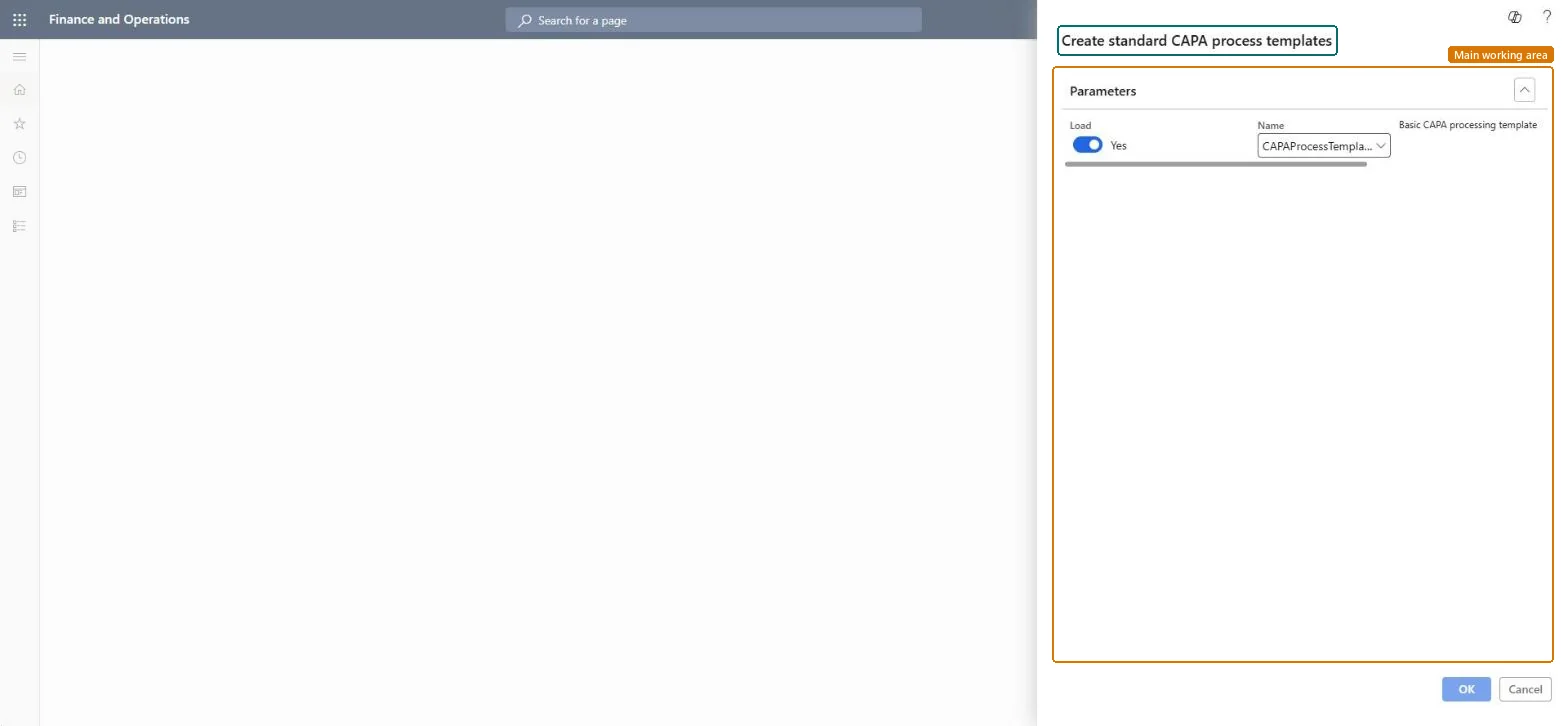
Go to Inventory management > Setup > CAPA management > Create CAPA process templates.
Set the Load option to Yes.
Leave the Name field set to CAPAProcessTemplate, unless you want to use another template.
Reversible: The template loads standard CAPA processes and worker groups that you can use as they are, change or delete. Worker groups can only be deleted while they aren't assigned to case activities. Microsoft Learn
Technical architect
6Technical
Menu item
action:QMSCAPATemplateCreatorChecked in Dynamics 365
Form
DialogChecked in Dynamics 365
Roles to set it up and use it
To use itInformation technology manager SysServerITManagerGive people one of these roles. On this system, 1 role can run this page.Checked in Dynamics 365