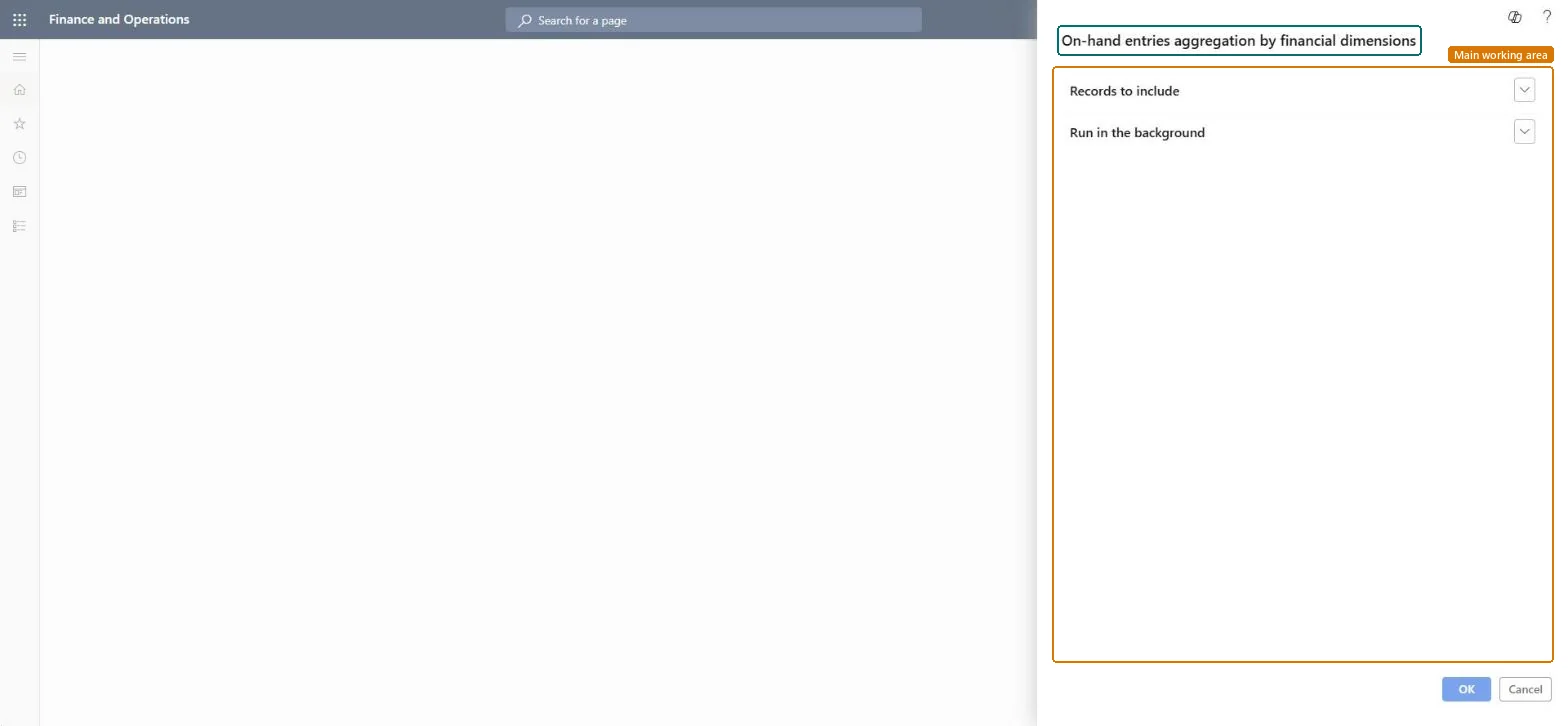
On-hand entries aggregation by financial dimensions
Inventory managementPeriodic tasksClean up
action:InventSumSummarize
Business process
Manage data
Menu item
action:InventSumSummarize
Show what matters for
PAGE GUIDEWhat the page does and how to use it7 sections. Choose a role to highlight what matters to you.
Everyone
1What it is and why
What it is
A periodic job that rolls up on-hand records with zero quantity and cleans up records that are marked as closed.
What you do here
Use this periodic task to reduce the number of on-hand records and speed up any function that reads them, while inventory value reports still show the same values.
Example
For example, when items use batch numbers, each batch gets its own on-hand record, and once a batch is sold its zero-quantity record can be rolled up to the site level.
The page in Dynamics 365. page title tab to open what to set or check
About the examples: Examples and screenshots in this guide use BEAT, a demo company in a Dynamics 365 test environment. Use your own company's codes and values instead of copying them.
When to run it
When to run it
When InventSum holds many rows with zero quantity, for example from batch numbers that are fully sold, and functions that read on-hand have become slow.
How often
On demand, when the number of zero-quantity on-hand rows has grown. Microsoft gives no fixed interval.
Batch settings
Run it as a batch job, because it goes through all InventSum records to find the ones with no open quantities.
What the output shows
Fewer InventSum rows: zero-quantity rows are rolled up to the site level and rows marked Closed are cleaned up. Inventory value reports still show the same values per site; a different value after the run points to a problem to raise before running it again.
Go to Inventory management > Periodic tasks > Clean up > On-hand entries aggregation by financial dimensions.
Decide whether you still need batch-level detail for sold items: the job copies the remaining value of closed InventSum rows with no open quantity (for example a sold batch number) to the site-level row of the same item, and then deletes the batch-level row.
Use Records to include to limit which items are aggregated in this run.
Run it in the background as a batch job when the InventSum table is large.
Afterwards, run an inventory value report for an affected item and site: the value should be the same as before, with fewer on-hand rows behind it.
No: Aggregated rows can't be split back into their batch-level detail. Historical reports that read those rows can show incomplete data. Microsoft Learn
If you change it later
Historical and "as of date" reports can show incomplete data for periods where on-hand rows were removed. Microsoft Learn
Technical architect
5Technical
Menu item
action:InventSumSummarizeChecked in Dynamics 365
Form
SysOperationTemplateFormChecked in Dynamics 365
Roles to set it up and use it
To use itInformation technology manager SysServerITManagerGive people one of these roles. On this system, 1 role can run this page.Checked in Dynamics 365