About the examples: Examples and screenshots in this guide use BEAT, a demo company in a Dynamics 365 test environment. Use your own company's codes and values instead of copying them.
When to run it
When to run it
After batches are retested and still meet testing standards, or when the shelf advice period of the product changed.
How often
On demand, after each retest of batches.
Batch settings
Select Batch to schedule it only for large selections.
What the output shows
Updated shelf advice dates on the selected batches. The system can generate quality orders when a batch approaches this date, so a missing or early quality order usually points to a wrong shelf advice date.
Yes, by running it again: Run the job again with the correct date or calculation type to overwrite the dates. Microsoft Learn
If you change it later
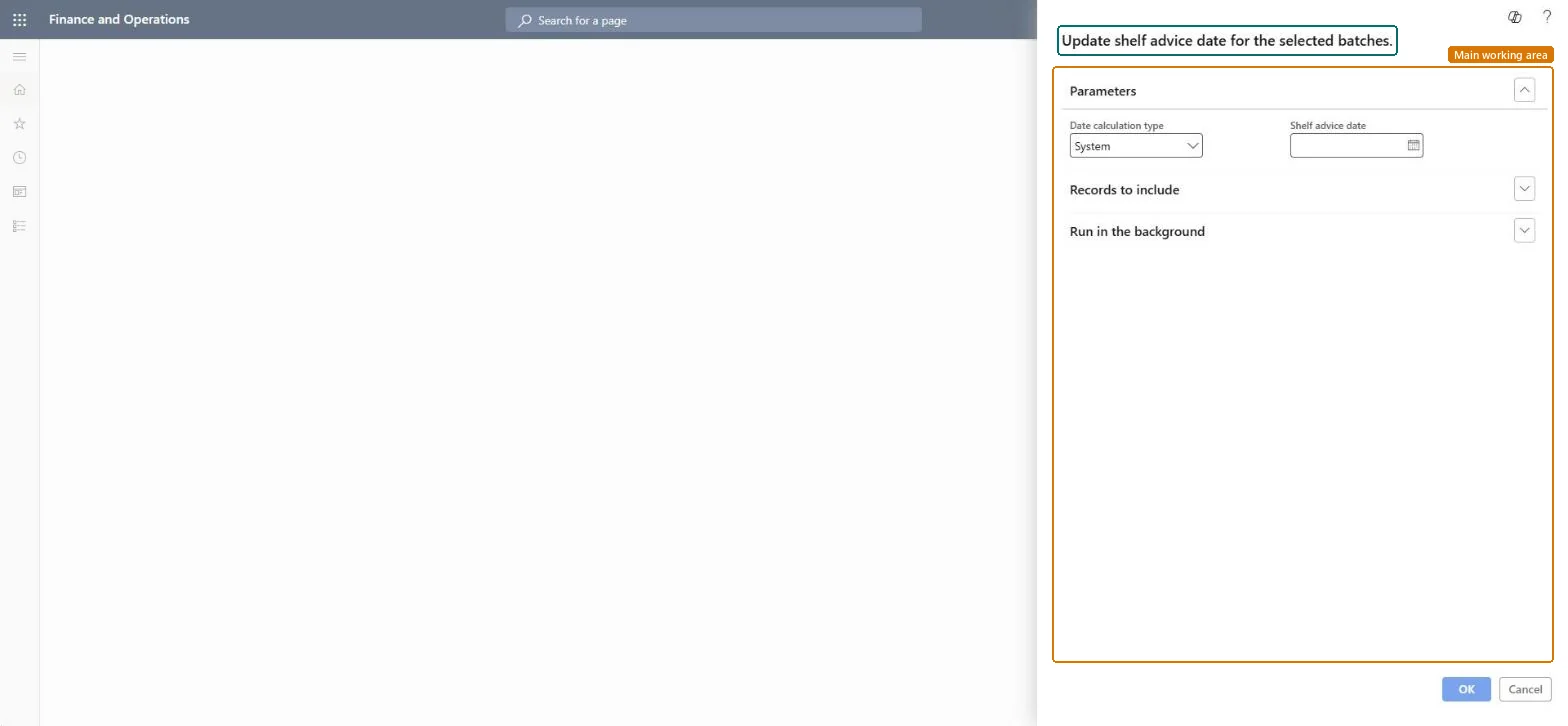
Changes the shelf advice date of the selected batches, which sets when they must be checked again. Microsoft Learn
Technical architect
5Technical
Menu item
action:PdsUpdateShelfAdviceChecked in Dynamics 365
Form
DialogChecked in Dynamics 365
Roles to set it up and use it
To use itQuality control clerk InventQualityControlClerkShipping clerk InventShippingClerkPurchasing manager TradePurchasingManagerSales manager TradeSalesManagerWarehouse worker WMSWarehouseWorkerGive people one of these roles. On this system, 6 roles can run this page.Checked in Dynamics 365