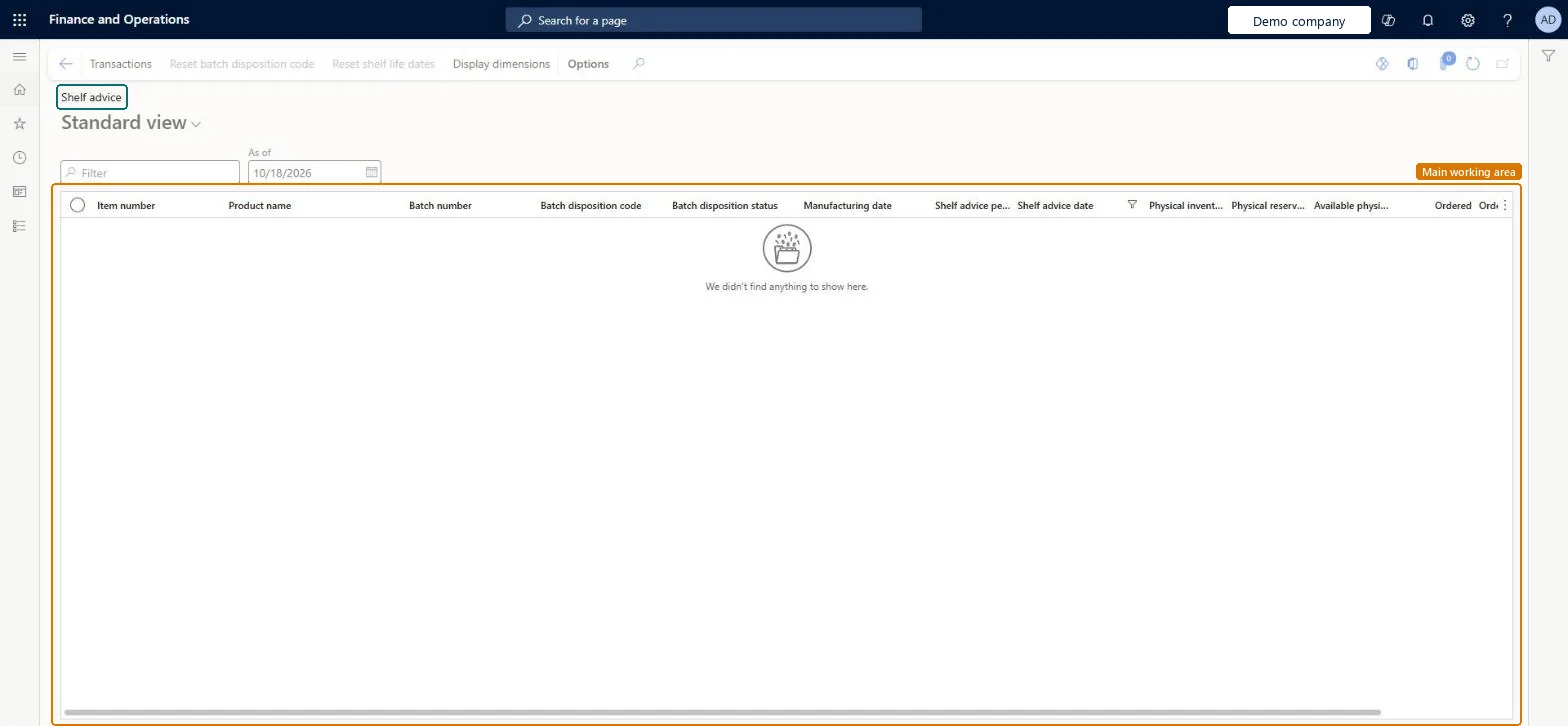
An inquiry page that lists batches as of a chosen date with their batch disposition, manufacturing date, shelf advice period, shelf advice date and inventory quantities.
PAGE GUIDEWhat the page does and how to use it7 sections. Choose a role to highlight what matters to you.
Everyone
1What it is and why
What it is
An inquiry page that lists batches as of a chosen date with their batch disposition, manufacturing date, shelf advice period, shelf advice date and inventory quantities.
What you do here
Use this page to see the shelf advice dates of batches as of a date you choose, and to reset the batch disposition code or shelf life dates from the Action Pane.
The page in Dynamics 365. page title tab to open what to set or check
Inventory management › Inquiries and reports › Batches › Shelf advice as of date
End user · Functional consultant
3How to do it
About the examples: Examples and screenshots in this guide use BEAT, a demo company in a Dynamics 365 test environment. Use your own company's codes and values instead of copying them.
How to use it
Go to Inventory management > Inquiries and reports > Batches > Shelf advice as of date.
Set the As of date to the date you want to review.
Type in the Filter box to narrow the list.
Read the columns Item number, Product name, Batch number, Batch disposition code, Batch disposition status, Manufacturing date, Shelf advice period, Shelf advice date and the inventory quantity columns.
Select a batch, then use Reset batch disposition code or Reset shelf life dates on the Action Pane.
Select Display dimensions to choose which inventory dimensions to show, or Transactions to see the transactions.
PrivilegesView batches past shelf advice date PdsInventBatchShelfAdviceViewDutiesInquire into tracking dimensions master InventTrackingDimensionsMasterInquire2 security rolesQuality control manager InventQualityControlManagerWarehouse manager WMSWarehouseManagerChecked in Dynamics 365
Roles to set it up and use it
To use itQuality control manager InventQualityControlManagerWarehouse manager WMSWarehouseManagerGive people one of these roles. On this system, 2 roles can open this page.Checked in Dynamics 365
Actions on the page
Options: Personalize, Page options, ShareChecked in Dynamics 365