An inquiry page where you run a check that finds, and can fix, differences between on-hand inventory in Supply Chain Management and on-hand records in Inventory Visibility.
PAGE GUIDEWhat the page does and how to use it7 sections. Choose a role to highlight what matters to you.
Everyone
1What it is and why
What it is
An inquiry page where you run a check that finds, and can fix, differences between on-hand inventory in Supply Chain Management and on-hand records in Inventory Visibility.
What you do here
Use this page to find and fix on-hand mismatches between the two systems by running a diagnostic batch job.
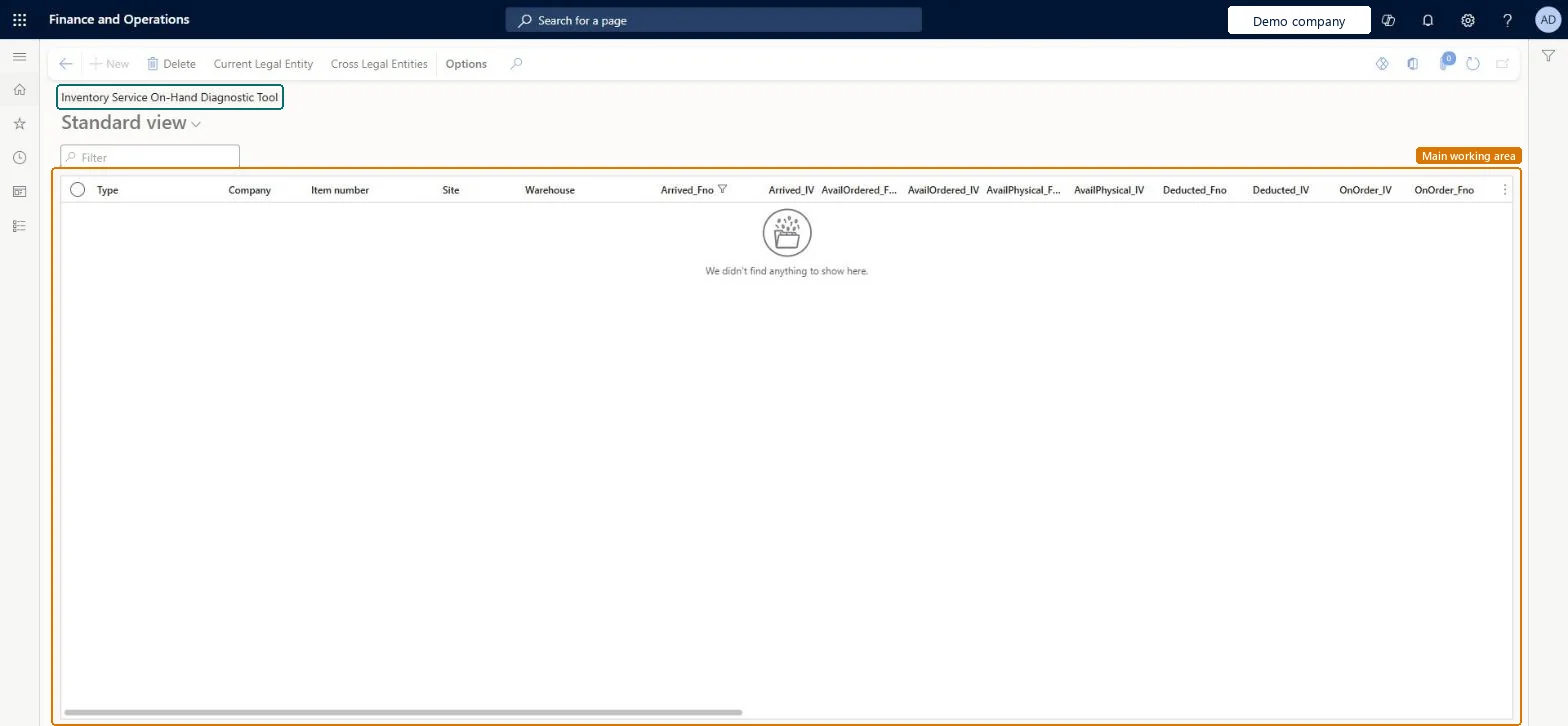
The page in Dynamics 365. page title tab to open what to set or check
About the examples: Examples and screenshots in this guide use BEAT, a demo company in a Dynamics 365 test environment. Use your own company's codes and values instead of copying them.
Steps from Microsoft
Open the Inventory Service On-Hand Diagnostic Tool page.
Select Run diagnostic.
Choose whether to fix discrepancies, check only warehouse items, or check only previously mismatched data.
Leave Batch Processing set to Yes.
Optionally, select Filter to limit the items that are checked.
Select OK, and review the results when the batch job finishes.
Reversible: With Fix inventory discrepancy set to No the run only reports mismatches and changes nothing. Set to Yes, it forces a resync from Supply Chain Management to the fno data source in Inventory Visibility; there's no undo, but the result is a corrected on-hand. Microsoft Learn
Technical architect
5Technical
Menu item
InventoryServiceOnHandDiagnosticToolChecked in Dynamics 365
Form
InventoryServiceOnHandDiagnosticToolChecked in Dynamics 365
Table
InventoryServiceOnHandCheckTableChecked in Dynamics 365
To set it up or change itWarehouse manager WMSWarehouseManagerSales manager TradeSalesManagerMaterials manager InventMaterialsManagerGive people one of these roles. On this system, 3 roles can open this page.Checked in Dynamics 365
Actions on the page
Options: Personalize, Page options, ShareChecked in Dynamics 365