BeyondERP.Newsletter
Menu

Report page · Inventory management

Non conformance tag

A report that prints a nonconformance tag, including the quarantine zone and type, to guide what happens to faulty material.

Business process
Handle quarantine goods
Menu item
output:InventNonConformanceTag
Show what matters for
PAGE GUIDEWhat the page does and how to use it7 sections. Choose a role to highlight what matters to you.
Everyone

1What it is and why

What it isA report that prints a nonconformance tag, including the quarantine zone and type, to guide what happens to faulty material.
What you do hereUse this report to label nonconforming material so that workers know how it may be used.
ExampleFor example, the tag might show that material is Unusable or only fit for Restricted usage.
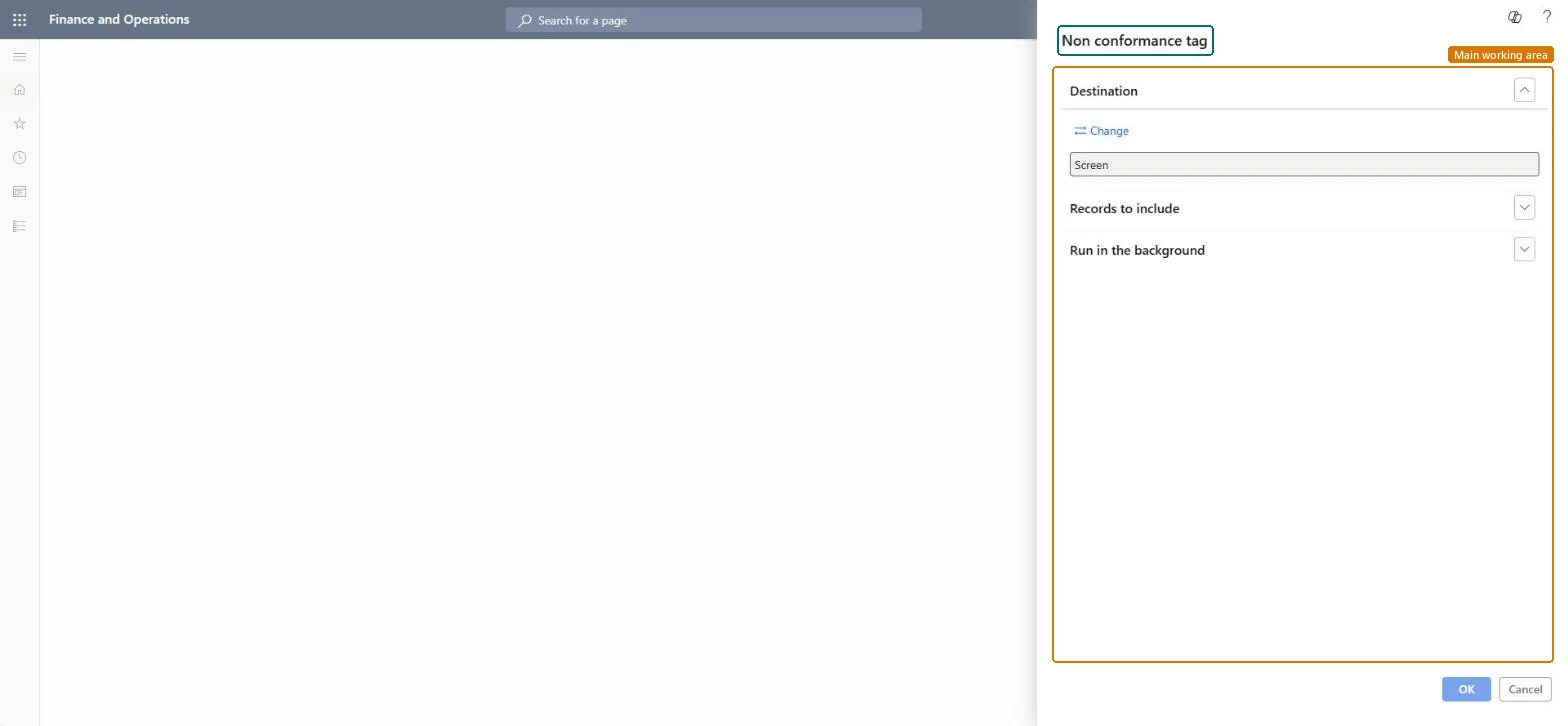
Non conformance tag page in Dynamics 365
The page in Dynamics 365. page title tab to open what to set or check
Functional consultant · Solution architect

2Where it fits

Business processManage inventory quality › Handle quarantine goods
Menu pathInventory management › Inquiries and reports › Quality management › Non conformance tag
Set up firstReport setup and document type for notes Microsoft Learn Quarantine zones Microsoft Learn
Related pagesNon conformance Microsoft Learn
End user · Functional consultant

3How to do it

About the examples: Examples and screenshots in this guide use BEAT, a demo company in a Dynamics 365 test environment. Use your own company's codes and values instead of copying them.

When to run it

When to run itWhen nonconforming material is moved to a quarantine zone and needs a label.
How oftenOnce per nonconformance, and again if its quarantine zone or type changes.
What the output showsA tag for each nonconformance with the nonconformance details plus the quarantine zone and quarantine type. A blank zone on the tag means the nonconformance has no quarantine zone set.

Source: Microsoft Learn

Steps from Microsoft

  1. Go to Inventory management > Inquiries and reports > Quality management > Non conformance tag.
  2. Under Records to include, choose the nonconformances to print a tag for.
  3. Set Quarantine zone and Quarantine type on the General tab of the nonconformance first, because the tag prints them.
  4. Attach the printed tag to the material so workers can see whether it is Restricted usage or Unusable and in which zone it is kept.

Source: Microsoft Learn

Solution architect

4Design impact

Can it be undoneNothing to undo: Printing a tag doesn't change the nonconformance. Microsoft Learn
Technical architect

5Technical

Menu itemoutput:InventNonConformanceTag Checked in Dynamics 365
FormSysOperationTemplateForm Checked in Dynamics 365
Roles to set it up and use itTo use itQuality control clerk InventQualityControlClerkGive people one of these roles. On this system, 1 role can run this page.Checked in Dynamics 365
Developer

6Developer

Open it by URLhttps://<your-environment>/?mi=output:InventNonConformanceTag
Everyone

7Sources