Chief executive officer, Materials manager, Warehouse planner and 1 more role
Business process
Count inventory
Menu item
InventCountJour
Main table
InventCountJour
Show what matters for
PAGE GUIDEWhat the page does and how to use it7 sections. Choose a role to highlight what matters to you.
Everyone
1What it is and why
What it is
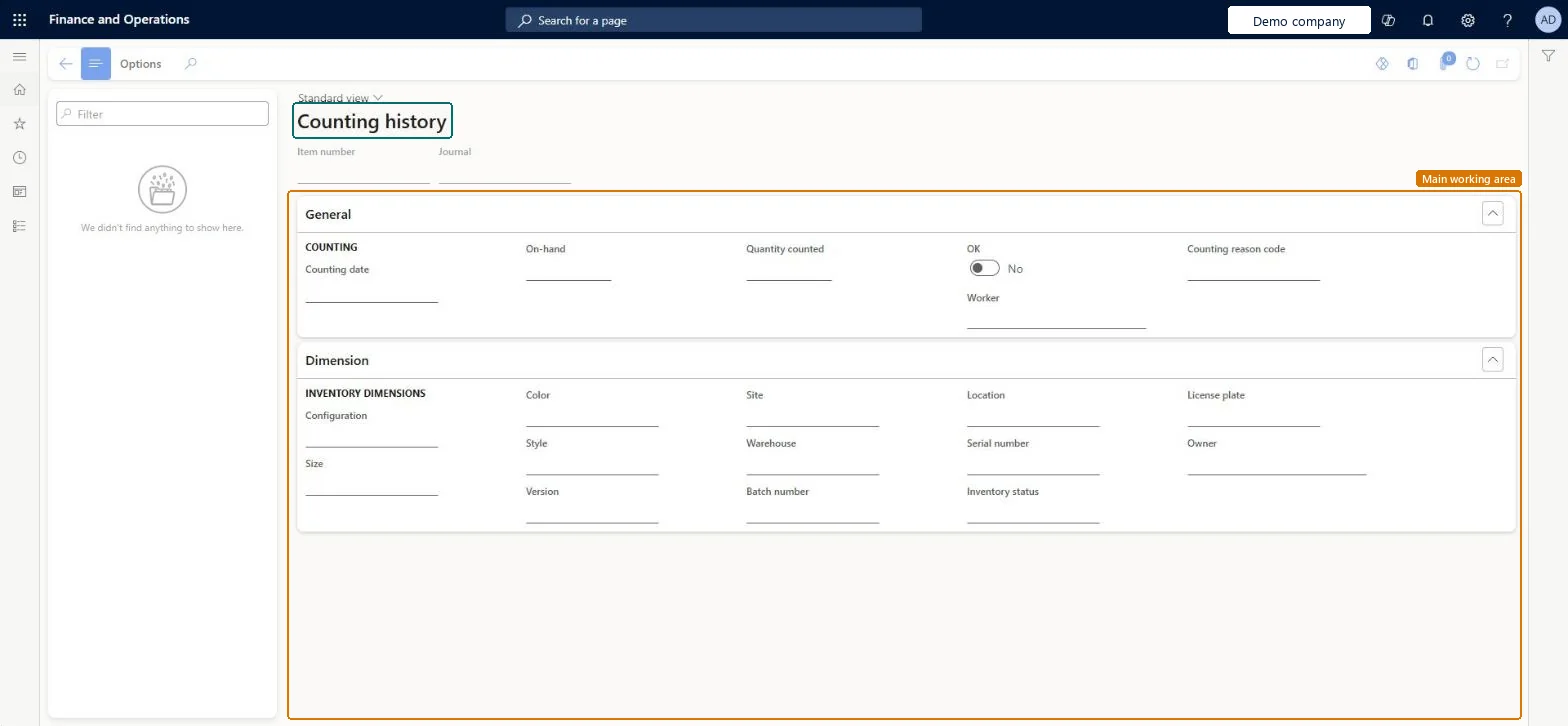
An inquiry page that shows past item counts, including the counting reason code recorded for each count.
What you do here
Use this page to look up the past counts of an item, such as the on-hand quantity, the quantity counted, the worker and the counting reason code recorded for each count.
The page in Dynamics 365. page title tab to open what to set or check
About the examples: Examples and screenshots in this guide use BEAT, a demo company in a Dynamics 365 test environment. Use your own company's codes and values instead of copying them.
Steps from Microsoft
Go to Inventory management > Inquiries and reports > Counting history.
Select an item count record in the list.
Check the Counting reason code field for that count.
InventCountJourShown as “Counting history” in Record infoKey field: ItemId, JournalId, InventDimIdChecked in Dynamics 365
Who can open it
PrivilegesView counting history InventCountJourViewDutiesReview warehouse process performance InventWarehouseProcessPerformanceReview4 security rolesChief executive officer CompanyChiefExecutiveOfficerMaterials manager InventMaterialsManagerWarehouse planner WHSWarehousePlannerWarehouse manager WMSWarehouseManagerChecked in Dynamics 365
Roles to set it up and use it
To use itWarehouse manager WMSWarehouseManagerMaterials manager InventMaterialsManagerWarehouse planner WHSWarehousePlannerChief executive officer CompanyChiefExecutiveOfficerGive people one of these roles. On this system, 4 roles can open this page.Checked in Dynamics 365
Actions on the page
Options: Personalize, Page options, ShareChecked in Dynamics 365