PAGE GUIDEWhat the page does and how to use it8 sections. Choose a role to highlight what matters to you.
Everyone
1What it is and why
What it is
A report that lists all workers who have FMLA cases and the hours applied toward each case.
What you do here
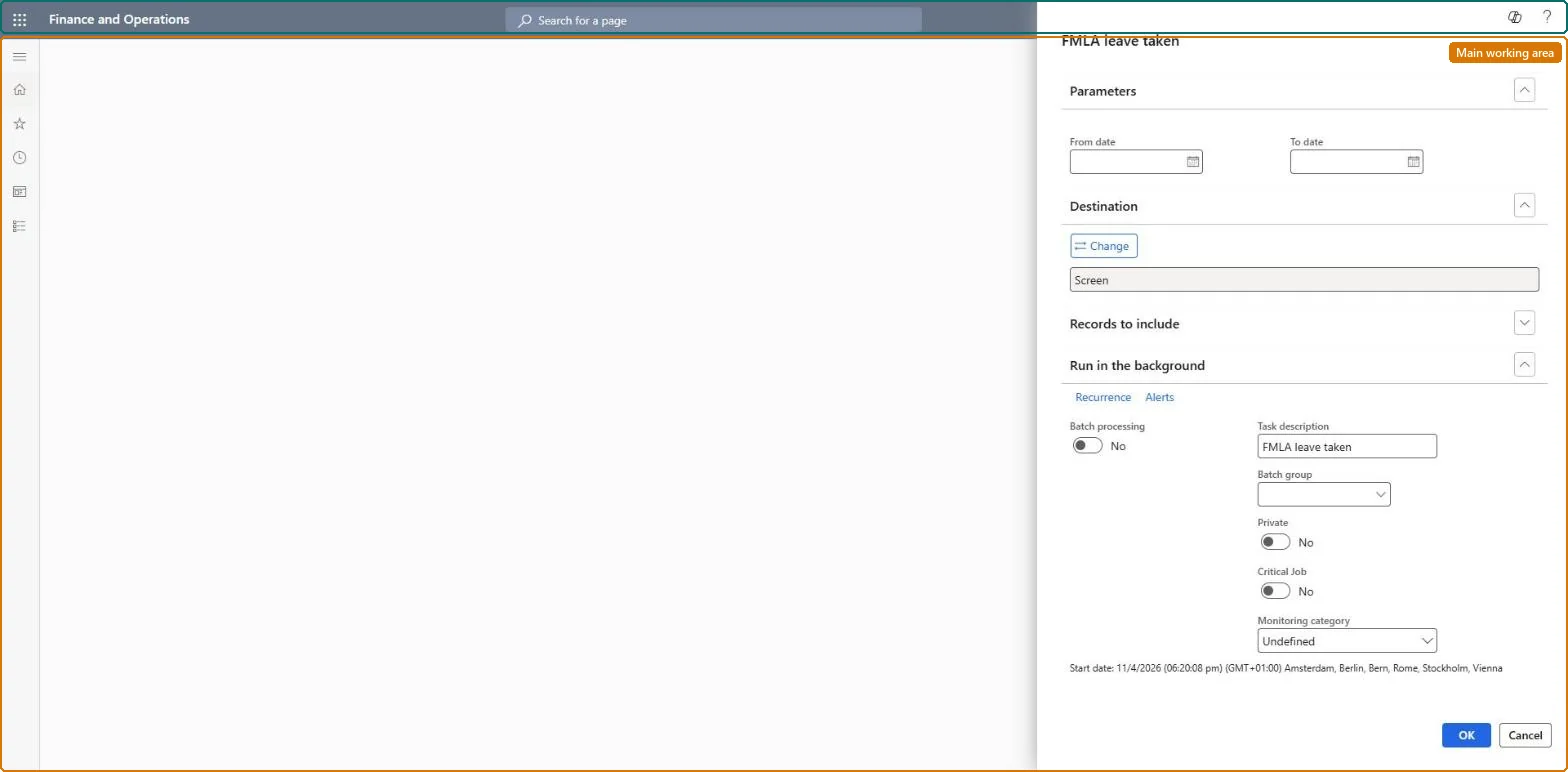
Use this report to review FMLA hours taken by workers for a chosen leave period.
Example
For example, at the end of Q2 2026 BEAT's US HR runs the report for 1 April to 30 June 2026 and sees 3 workers with FMLA cases: one has used 200 of 240 approved hours.
The page in Dynamics 365. page title tab to open what to set or check
About the examples: Examples and screenshots in this guide use BEAT, a demo company in a Dynamics 365 test environment. Use your own company's codes and values instead of copying them.
When to run it
When to run it
When you need to review FMLA hours that workers have taken in a leave period, for example before you approve more leave or when you answer a worker's question about remaining time.
How often
On demand, for the leave period you need to review.
What the output shows
All workers who have FMLA cases, with the hours applied toward each case in the period. Hours that are too low usually mean hours were not entered on the case, or the earning code doesn't have Reduce remaining FMLA time selected.
The hours are not logged on the case. Add them on the case's FMLA hours page, or check the earning code reduces remaining FMLA time and automatic updates from Payroll are allowed. Microsoft Learn
Run it for the leave period you review, for example each quarter, after Payroll earnings for the period are released.The report lists all workers with FMLA cases and the hours applied to each case.
FMLA administrator maintains FMLA cases. FMLA applies to US legal entities only: the primary address of the legal entity must be in the United States. No Feature management feature is needed for this page.
Per company data: FMLA cases are company records (Data management lists the Case detail and FMLA hours entities as not shared). US only. Checked in Dynamics 365
Can it be undone
Nothing to undo: The report only reads FMLA cases and hours; it changes nothing. Microsoft Learn
If you change it later
The report only reads the FMLA hours logged on each case, by hand or from released Payroll earnings, so hours released after the run appear only when it is run again. Microsoft Learn
Technical architect
6Technical
Menu item
HcmFMLALeaveTakenChecked in Dynamics 365
Form
SysOperationTemplateFormChecked in Dynamics 365
Roles to set it up and use it
To use itHuman resource manager HcmHumanResourceManagerFMLA administrator HcmFMLAAdministratorGive people one of these roles. On this system, 2 roles can run this page.Checked in Dynamics 365
Developer
7Developer
Open it by URL
https://<your-environment>/?mi=HcmFMLALeaveTaken
Data migration
Load order: The FMLA leave taken report has no data entity in Data management, so it can't be loaded from a file or a configuration template. It prints the FMLA cases and hours; load the cases with the Case management template and run the report in each environment.Microsoft Learn