Human resource assistant, Human resource manager, Training manager
Business process
Set employee growth goals
Menu item
HcmGoal
Data entity
HcmGoalEntity
Setup steps
1 on this page
Show what matters for
PAGE GUIDEWhat the page does and how to use it8 sections. Choose a role to highlight what matters to you.
Everyone
1What it is and why
What it is
A page that tracks performance goals created by employees and managers, with dates, category, topics, measurements, activities and attachments.
What you do here
Use this page to create and track goals that can span different periods and reviews, add measurements, and link them to reviews.
Example
For example, a BEAT sales manager creates the goal Win 5 new partners for 1 January to 31 December 2026 with the measurement Number of new partners, target 5, and a stretch measurement of 7; at the year-end review the goal and its 3 linked journal activities are pulled into the review.
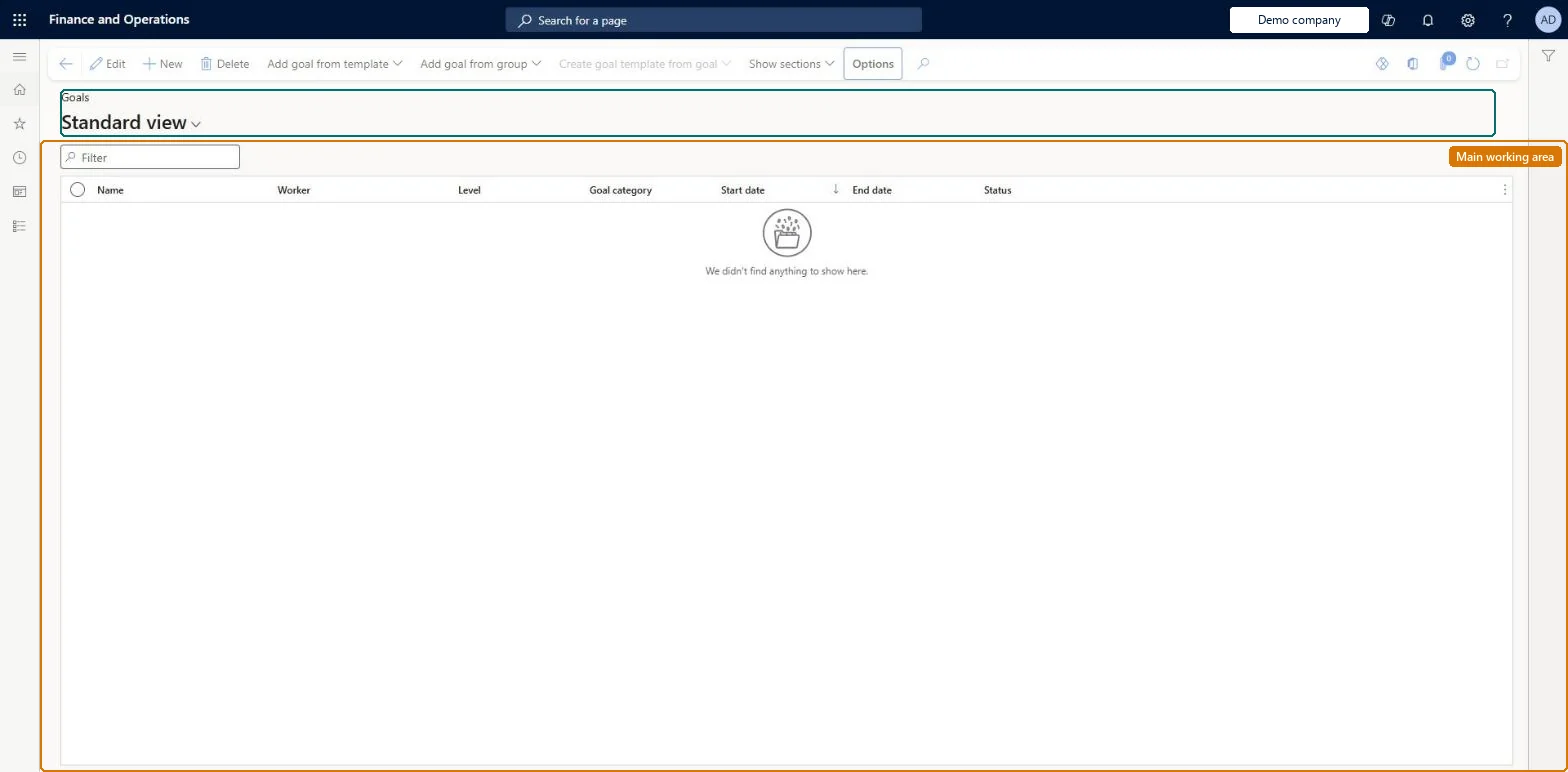
The page in Dynamics 365. page title tab to open what to set or check
About the examples: Examples and screenshots in this guide use BEAT, a demo company in a Dynamics 365 test environment. Use your own company's codes and values instead of copying them.
Setup steps on this page
Create goals with measurable targets
Give every goal dates, a category and a target that the review can measure.
Steps from Microsoft
Go to Human resources > Performance > Goals.
Select New.
Enter a Name and select a Level and Goal category.
Enter the Start date, End date and Overview.
Select Save.
In the Measurements section, select Add measurement and enter a Measurement and Target amount.
Yes, on the measurement Number of new partners with target 7
Common errors and fixes
Message
What to do
A journal activity doesn't show on the goal
Only entries linked to the goal appear in Activities. Add the entry to the goal from the Performance journal, or add a new journal from the goal so it is linked automatically. Microsoft Learn
A goal created from a template has no actual results
Templates keep the description, topics and target measurements only; actual measurements, completion dates and comments are removed by design. Microsoft Learn
Test checklist
In Employee self service, select View all goals > New, enter a Name, check Level defaults to Individual, and set Goal category, Start date and End date.
Add a measurement with a target amount and an activity, then save.
Select Add goal from template and check the template's description, topics and target measurements are copied.
Add the goal to a review with Add goal to review and check the goal and its measurements show on the review.
Every goal with a name, goal category, start and end date, and at least one measurement with a target amount; mark stretch targets with Stretch goal.Measurements track target and actual results; the review shows them and stores a snapshot when it is finalized.
HR sets up performance management; employees and managers use goals, journals and reviews in Employee self service and Manager self service. Goal weights management (Feature management, Dynamics 365 Finance 10.0.50 or later) adds an Actual goal weight to goals created from weighted goal templates; without it goals are unweighted.
Shared: Data management lists the Goals entity as shared, so the records are not kept per legal entity and every company sees the same list. Checked in Dynamics 365
Can it be undone
Reversible: Goals can be edited, given measurements and activities, and linked to reviews at any time. Once a review that includes the goal is finalised, a snapshot of the goal's measurements is stored with that review and is not updated by later changes to the goal. Microsoft Learn
If you change it later
When a review that includes the goal is finalized, a snapshot of its measurements is stored, so later changes to the goal don't change that review. A template created from a goal keeps the description, topics and target measurements but not actual measurements, completion dates or comments. Microsoft Learn
Technical architect
6Technical
Menu item
HcmGoalChecked in Dynamics 365
Form
HcmGoalChecked in Dynamics 365
Data entities
HcmGoalEntityGoals Checked in Dynamics 365HcmGoalMeasurementEntityGoal measurements (The measurements on goals.) HcmGoalActivityEntityGoal activities (The activities on goals.)
Who can open it
PrivilegesMaintain goal details for workers HcmGoalMaintainView goal details for workers HcmGoalViewDutiesEnable performance process HcmPerformanceProcessEnableInquire into performance process HcmPerformanceProcessInquireInquire into training process HcmTrainingProcessInquire3 security rolesHuman resource assistant HcmHumanResourceAssistantHuman resource manager HcmHumanResourceManagerTraining manager HcmTrainingManagerChecked in Dynamics 365
Roles to set it up and use it
To set it up or change itHuman resource manager HcmHumanResourceManagerTo use itHuman resource assistant HcmHumanResourceAssistantTraining manager HcmTrainingManagerGive people one of these roles. On this system, 3 roles can open this page.Checked in Dynamics 365
Actions on the page
(Action Pane without tabs): Add goal from template, Add goal from group, Create goal template from goal, Show sectionsChecked in Dynamics 365
Developer
7Developer
Open it by URL
https://<your-environment>/?mi=HcmGoal
Integrate with
HcmGoalEntity data entity Checked in Dynamics 365
Data migration
HcmGoalEntity Goals. Shared by all companies.HcmGoalMeasurementEntity Goal measurements: target and actual results per goal.Load order: Load with the Employee development template: Goal headings (the goal categories) load early in the template, Goals later in the same template, then their measurements.Load first: HcmGoalHeadingEntity, HcmMeasurementEntityMicrosoft Learn