PAGE GUIDEWhat the page does and how to use it8 sections. Choose a role to highlight what matters to you.
Everyone
1What it is and why
What it is
A report that gives an overview of course registrations, listing each course's participants and their status.
What you do here
Use this report to print registration information for training courses, sorted by course.
Example
For example, ten days before Excel for finance on 14 May 2026, HR runs the report for that course and sees 11 registrations against a maximum of 12 and a minimum of 6.
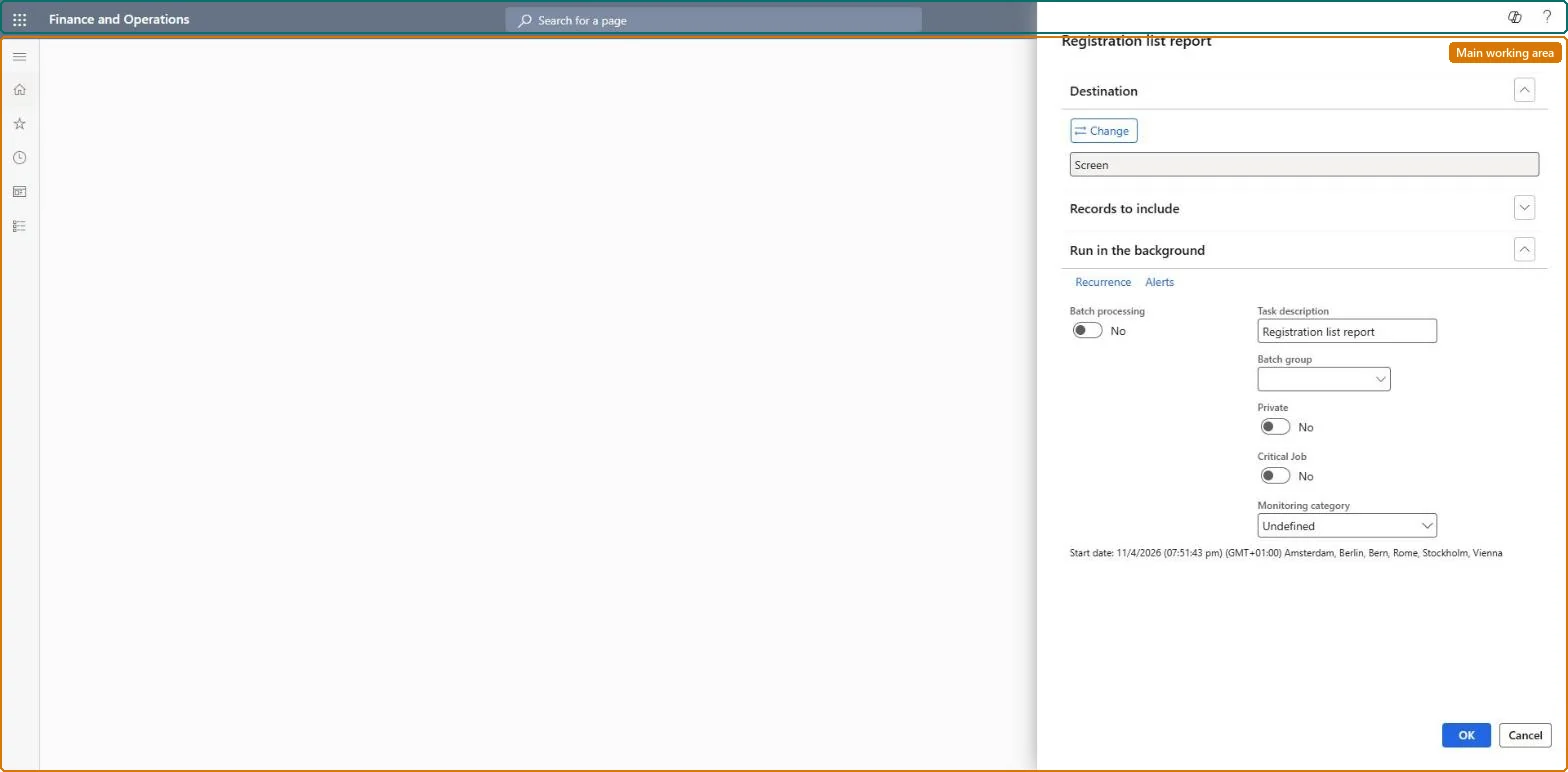
The page in Dynamics 365. page title tab to open what to set or check
About the examples: Examples and screenshots in this guide use BEAT, a demo company in a Dynamics 365 test environment. Use your own company's codes and values instead of copying them.
When to run it
When to run it
When you prepare a course and need to see who registered and their status.
How often
On demand, before each course and until registration closes.
What the output shows
Course registrations by course, with each participant's status. Fewer participants than the minimum may mean the course should be postponed.
Run it per course before the registration deadline and compare the number of registrations with the course's minimum and maximum participants.The minimum and maximum participants are set on the course's General FastTab; the report shows whether the course is short or full.
Courses are kept by HR and the Training manager role; employees register in Employee self service and managers follow their reports' courses in Manager self service. No Feature management feature is needed for this page.
Per company: courses and course participants are not shared in Data management (Courses V2, Course participants), so the report prints the courses of the legal entity you run it in. Checked in Dynamics 365
Can it be undone
Nothing to undo: The report only reads registrations; it changes nothing. Microsoft Learn
If you change it later
Registrations can be made only while a course is Open, so a course still in Draft prints no registrations; registrations added after the run show on the next run. Microsoft Learn
Technical architect
6Technical
Menu item
HRMCourseAttendeeLineChecked in Dynamics 365
Form
SysOperationTemplateFormChecked in Dynamics 365
Roles to set it up and use it
To use itHuman resource manager HcmHumanResourceManagerTraining manager HcmTrainingManagerChief executive officer CompanyChiefExecutiveOfficerGive people one of these roles. On this system, 3 roles can run this page.Checked in Dynamics 365
Load order: The Registration list report has no data entity in Data management, so it can't be loaded from a file or a configuration template. It prints course registrations; load courses and participants with the Employee development template (Courses V2, then Course participants) and run the report in each environment.Microsoft Learn