Compensation and benefits manager, Human resource manager, Payroll administrator and 1 more role
Business process
Develop people strategy
Menu item
HRMCompPerfPlan
Main table
HRMCompPerfPlan
Data entity
HcmCompensationPerformancePlansEntity
Setup steps
1 on this page
Show what matters for
PAGE GUIDEWhat the page does and how to use it8 sections. Choose a role to highlight what matters to you.
Everyone
1What it is and why
What it is
A setup page where you create performance plans that link employee performance to an allocation matrix for a pay-for-performance strategy.
What you do here
Use this page to define the performance plans that employees are rated against and that pay for performance allocations are based on.
Example
For example, BEAT creates the performance plan PERF-2025 valid 1 January to 31 December 2025, rates its 85 salaried employees under it and links it to the allocation ALLOC-2025; the March 2026 merit run then factors each increase by the employee's rating.
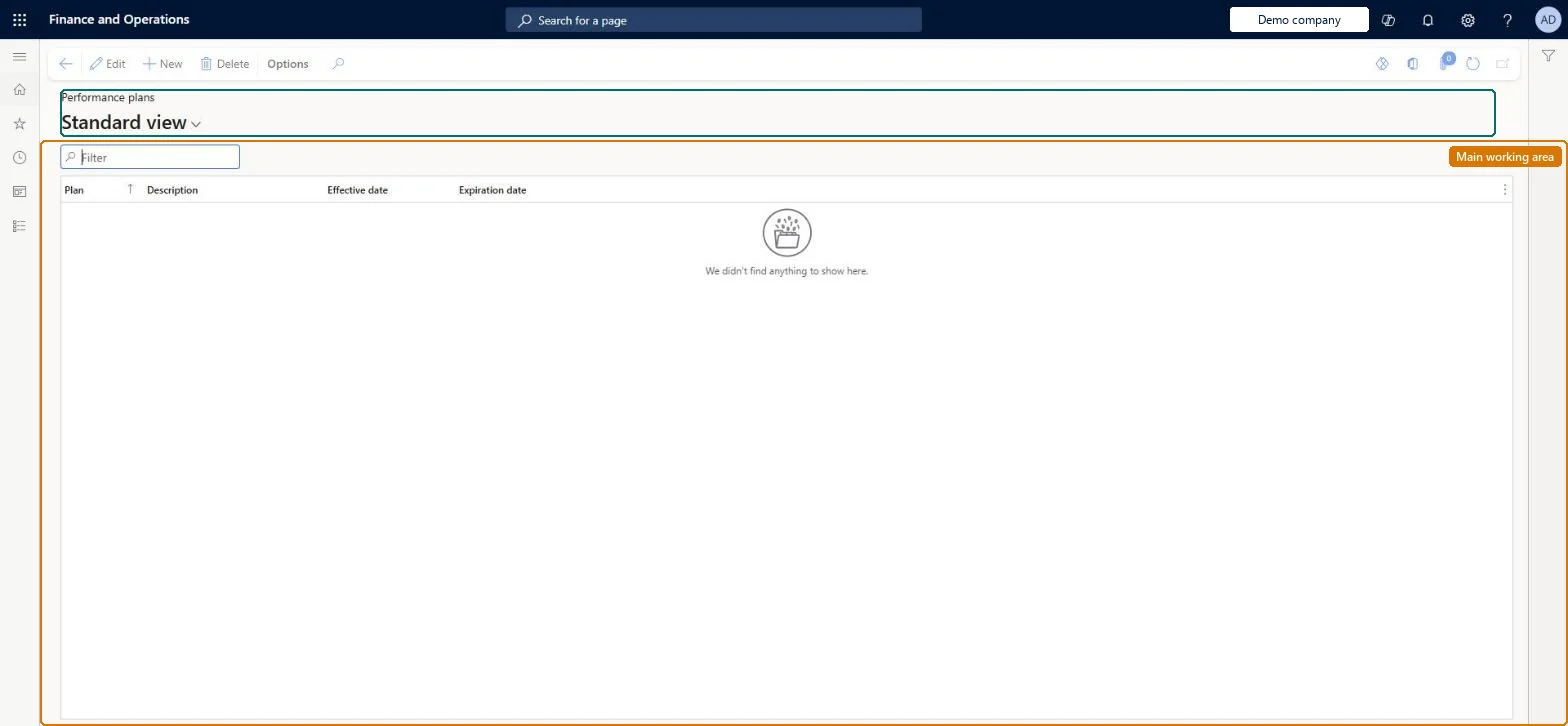
The page in Dynamics 365. page title tab to open what to set or check
About the examples: Examples and screenshots in this guide use BEAT, a demo company in a Dynamics 365 test environment. Use your own company's codes and values instead of copying them.
Setup steps on this page
Set up Performance plans
Use this page to define the performance plans that employees are rated against and that pay for performance allocations are based on.
Steps from Microsoft
Go to Human resources > Compensation > Pay for performance > Performance plans.
Select New.
Enter a name and description for the plan.
Enter the effective and expiration dates for the plan.
Ratings, allocations or leverage don't change the calculated amounts
Pay for performance is applied only for plans where Enable pay for performance is selected on the process setup. Select it for the plan and run the process again. Microsoft Learn
Test checklist
Create a performance plan and link it to an allocation matrix.
Give an enrolled employee a rating under the plan.
Run a compensation process with Enable pay for performance selected for the compensation plan.
Check the employee's result reflects the rating; run again without the option and check it doesn't.
One performance plan per rating cycle, linked to an allocation, and Enable pay for performance selected for each compensation plan that should follow ratings.Performance plans associate performance with an allocation matrix for a pay-for-performance strategy, and Enable pay for performance decides whether fixed and variable amounts are adjusted by the employee's rating.
Compensation and benefits managers set up and run compensation; Human resource managers and payroll roles can view it. No Feature management feature is needed for this page.
Per company: performance plans belong to the legal entity you are signed in to. Data management lists the HcmCompensationPerformancePlansEntity entity as not shared, so each company keeps its own. Checked in Dynamics 365
Can it be undone
Reversible: Changes take effect in the next compensation process run; employee records change only when approved events are loaded. Microsoft Learn
If you change it later
A performance plan links ratings to an allocation matrix; amounts change only for plans where Enable pay for performance is selected on the compensation process. Microsoft Learn
Technical architect
6Technical
Menu item
HRMCompPerfPlanChecked in Dynamics 365
Form
HRMCompPerfPlanChecked in Dynamics 365
Table
HRMCompPerfPlanShown as “COMPENSATION PERFORMANCE PLAN” in Record infoKey field: PerfPlanIdChecked in Dynamics 365
Data entities
HcmCompensationPerformancePlansEntityCompensation performance plan Microsoft data model
Who can open it
PrivilegesMaintain performance plans HRMCompPerfPlanMaintainView performance plans HRMCompPerfPlanViewDutiesInquire into compensation process HcmCompensationInquireEnable compensation process HcmCompensationProcessEnable4 security rolesCompensation and benefits manager HcmCompensationAndBenefitsManagerHuman resource manager HcmHumanResourceManagerPayroll administrator HcmPayrollAdministratorPayroll manager HcmPayrollManagerChecked in Dynamics 365
Roles to set it up and use it
To set it up or change itCompensation and benefits manager HcmCompensationAndBenefitsManagerTo use itHuman resource manager HcmHumanResourceManagerPayroll administrator HcmPayrollAdministratorPayroll manager HcmPayrollManagerGive people one of these roles. On this system, 4 roles can open this page.Checked in Dynamics 365