PAGE GUIDEWhat the page does and how to use it8 sections. Choose a role to highlight what matters to you.
Everyone
1What it is and why
What it is
A setup page where you define the policies workers must follow when they enter and submit travel requisitions.
What you do here
Use this page to warn, block or ask for a justification when a travel requisition goes against company policy.
Example
For example, if a worker's travel requisition shows a New York City room rate above the USD 250 policy limit, the worker is told the policy amount has been exceeded.
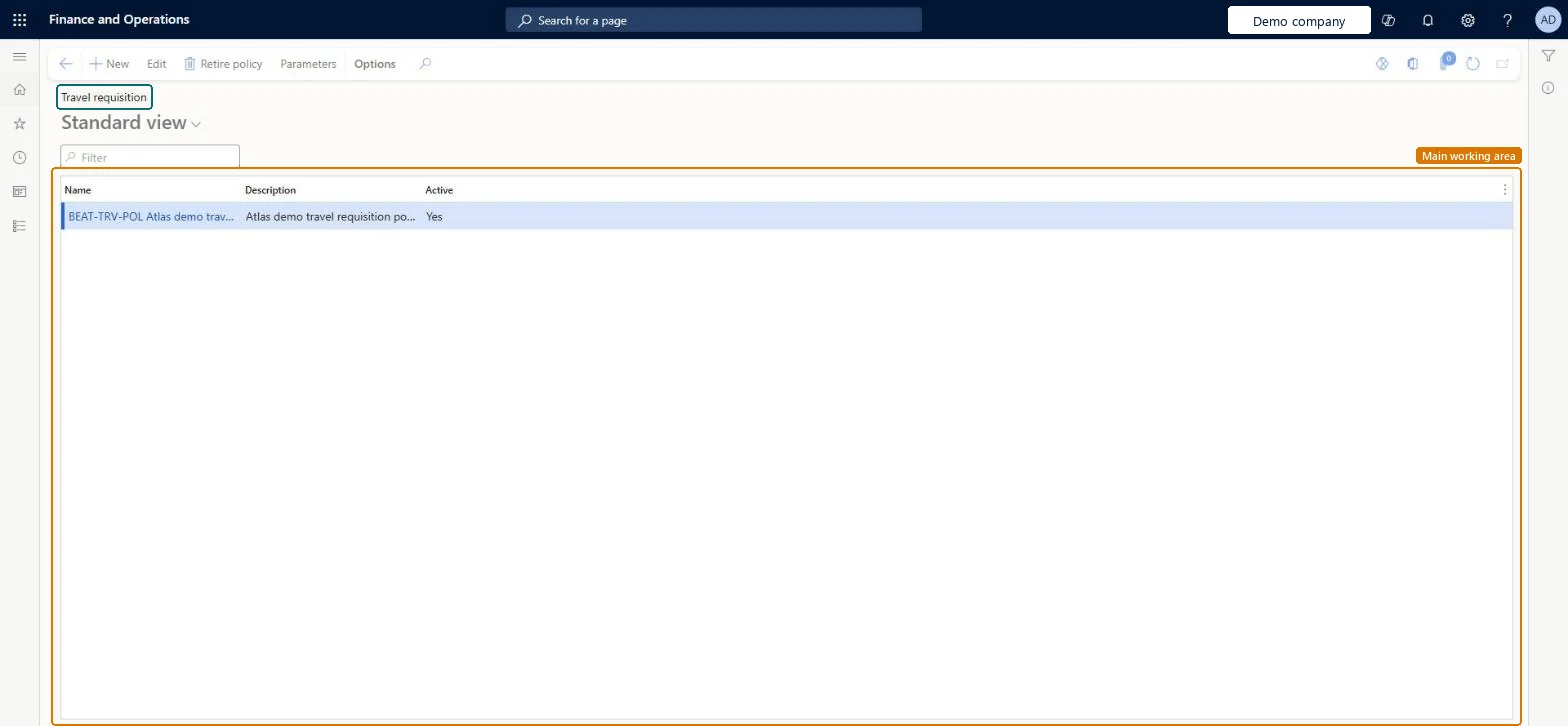
The page in Dynamics 365. page title tab to open what to set or check
About the examples: Examples and screenshots in this guide use BEAT, a demo company in a Dynamics 365 test environment. Use your own company's codes and values instead of copying them.
Step by step, with screenshots
Set up Travel requisition1 screen
Use this page to warn, block or ask for a justification when a travel requisition goes against company policy.
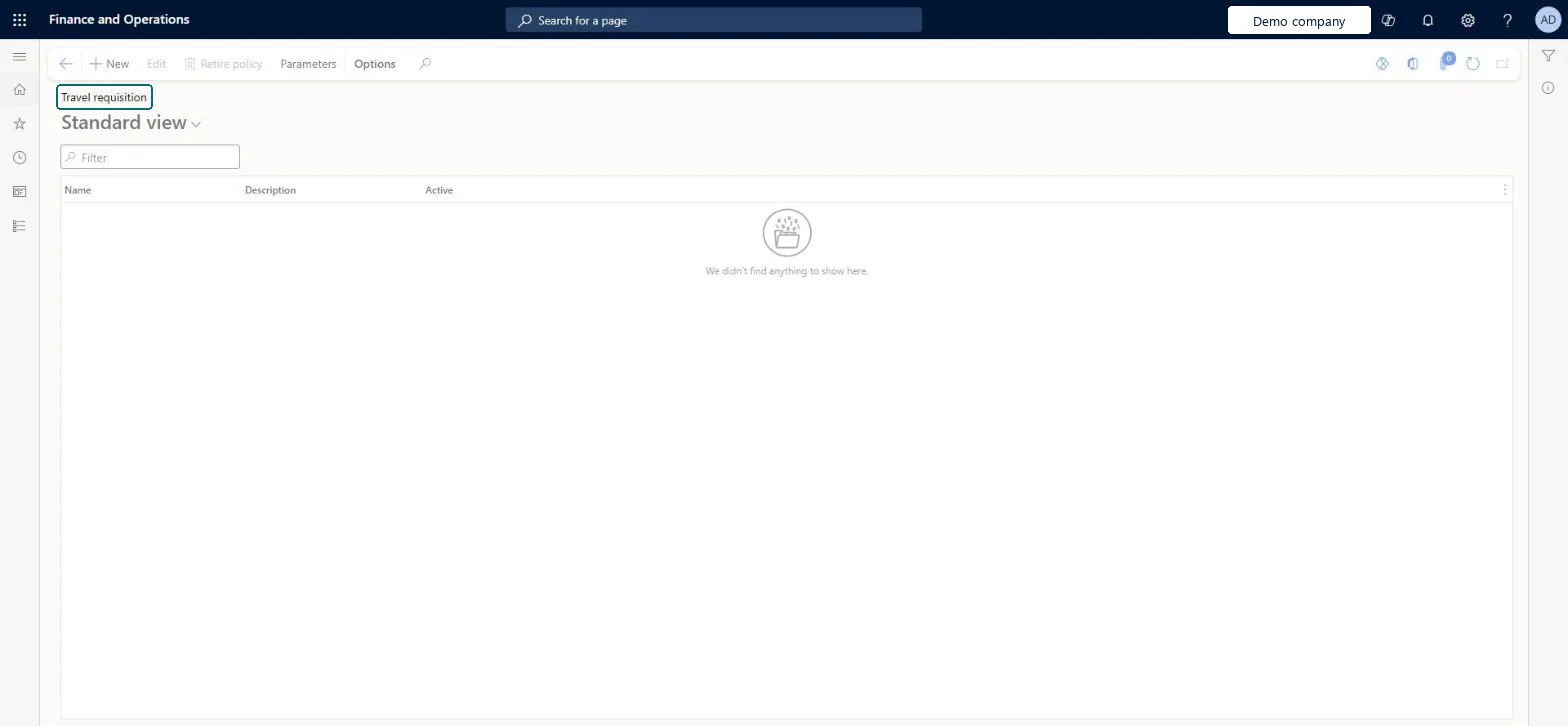
Screen 1
Review the travel requisition policies
Go to Expense management > Setup > Policies > Travel requisition
Open the page to see the policies that apply to travel requisitions
Select New to define a policy rule and what happens when it is broken
Select Parameters to set how policy checks behave
page title tab to open what to set or check
Steps from Microsoft
Go to Expense management > Setup > Policies > Travel requisition.
Select New, enter a name, and choose the organizations the policy applies to.
Enter the effective date, and the expiration date if any.
Add a rule: set the condition under Where and the outcome (Warning, Error or Justification) under Do the following, with the message text.
From when the policy checks travel requisitions; it doesn't check requisitions dated earlier.Microsoft Learn
Policy rule (Where)
The condition the rule checks, such as a room rate above a limit for a destination.Microsoft Learn
Room rate > 250.00 USD in New York City
Do the following
What happens when the rule is broken: Warning, Error or Justification.Microsoft Learn
Warning
Common errors and fixes
Message
What to do
The employee can't submit: a policy rule of type Error is broken
The employee must change the line until it meets the rule. A Warning rule lets the report go on with a mark for the approver; a Justification rule asks for a reason first. Microsoft Learn
Test checklist
Create a travel requisition policy of type Justification for New York hotels over USD 250 per night.
Create a travel requisition with a New York hotel estimate of USD 300 per night.
Check you are asked for a justification before you can submit.
Change the policy to Error and check the requisition can't be submitted until the estimate is lowered.
Error for travel that must not be booked over the limit, Justification where exceptions need a reason, Warning where approvers should just be alertedLearn applies the same Warning, Error and Justification policy types to travel requisitions as to expense reports, so the same policy outcomes can be set before the trip is approved.
In this system Employee and Contractor enter their own expenses, and Expense administrator sets up the module and processes documents. The expense mobile app needs the Employee role, a company on the user account and a link to an employee with active employment. The expense administrator maintains policies. No Feature management feature is needed for this page.
Reversible: Policies are date effective and can be edited or expired; they don't re-check documents dated before they took effect. Microsoft Learn
If you change it later
Policies are date effective, so a new policy doesn't apply to expenses dated before it. Microsoft Learn
Technical architect
6Technical
Menu item
TrvTravelPolicyDetailsChecked in Dynamics 365
Form
SysPolicyListPageChecked in Dynamics 365
Table
SysPolicyShown as “Policy” in Record infoChecked in Dynamics 365
Data entities
SysPolicyEntityPolicies (the policy headers of every policy type, including travel requisition policies) Microsoft data model TrvPolicyRuleEntityExpense and travel policy rule (the rules of expense and travel requisition policies) Microsoft data model
Who can open it
PrivilegesMaintain travel policy details TrvTravelPolicyDetailsMaintainView travel policy details TrvTravelPolicyDetailsViewDutiesInquire into expense management policies TrvTravelAndExpensePoliciesInquireEnable expense management process TrvTravelAndExpenseProcessEnable2 security rolesAuditor AuditPolicyManagerExpense administrator ExpenseAdministratorChecked in Dynamics 365
Roles to set it up and use it
To set it up or change itExpense administrator ExpenseAdministratorTo use itAuditor AuditPolicyManagerGive people one of these roles. On this system, 2 roles can open this page.Checked in Dynamics 365
Actions on the page
Options: Personalize, Page options, ShareChecked in Dynamics 365
SysPolicyEntity (Policies): the policy headers.TrvPolicyRuleEntity (Expense and travel policy rule): the rules.Load order: Load the headers, then the rules; check effective dates.Load first: Organizations the policy applies toMicrosoft Learn
Checked in a working Dynamics 365 system, version 10.0.49: the menu item, form, table and security, the page, the demo records and the values in the screenshots.