Business Performance Planning app role, Data management administrator, Data management migration user and 3 more roles
Business process
Develop people strategy
Menu item
TrvCostTypeStatistics
Main table
TrvCostTypeStatistics
Data entity
TrvStatisticsGroupEntity
Setup steps
1 on this page
Show what matters for
PAGE GUIDEWhat the page does and how to use it8 sections. Choose a role to highlight what matters to you.
Everyone
1What it is and why
What it is
A setup page where you group expense categories for expense reporting.
What you do here
Use this page to build the groups that the Statistics on cost groups report totals expenses by; each expense category is linked to one group.
Example
For example, the Airfare, Hotel and Car rental categories are linked to the group TRAVEL, so the Statistics on cost groups report shows one travel total for management.
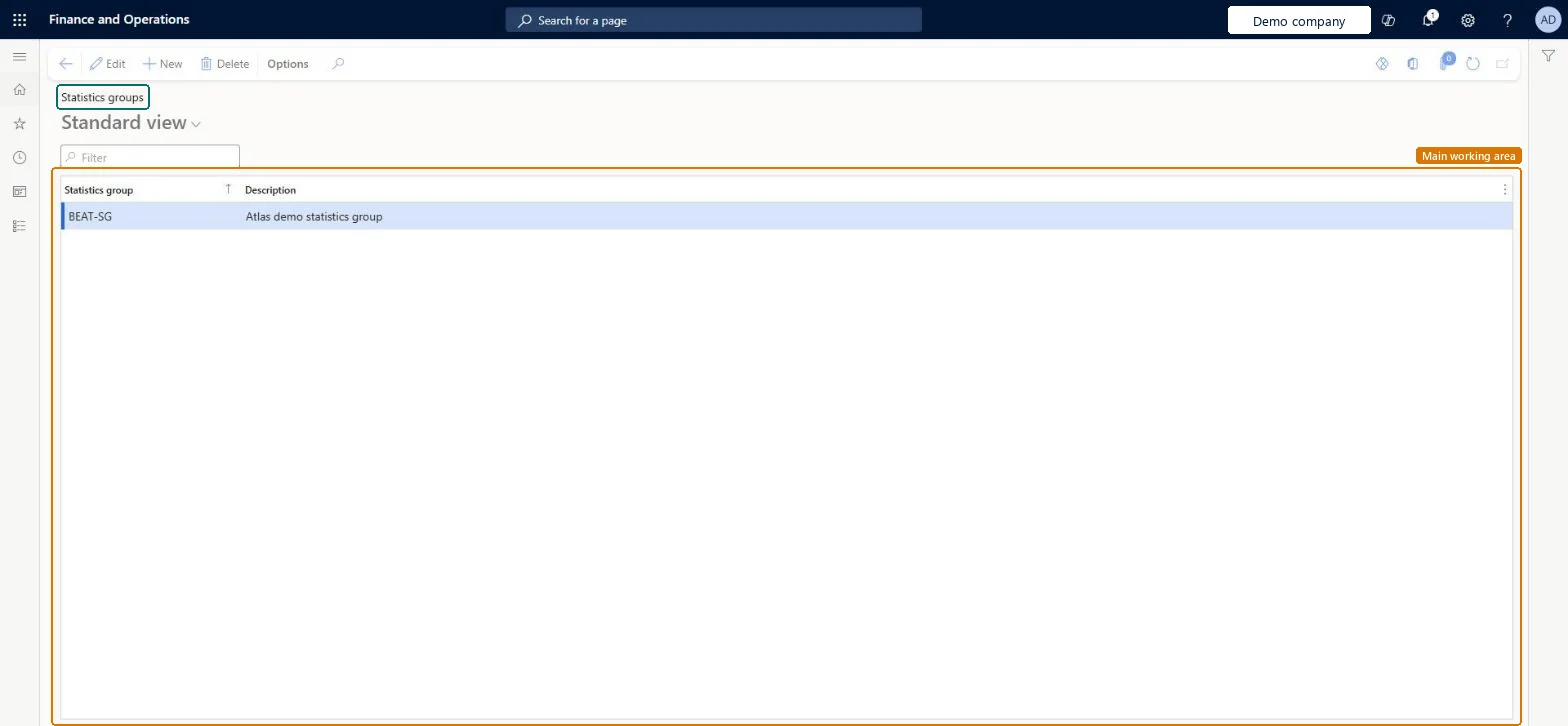
The page in Dynamics 365. page title tab to open what to set or check
About the examples: Examples and screenshots in this guide use BEAT, a demo company in a Dynamics 365 test environment. Use your own company's codes and values instead of copying them.
Step by step, with screenshots
Set up Statistics groups1 screen
Group expense categories for management reporting.
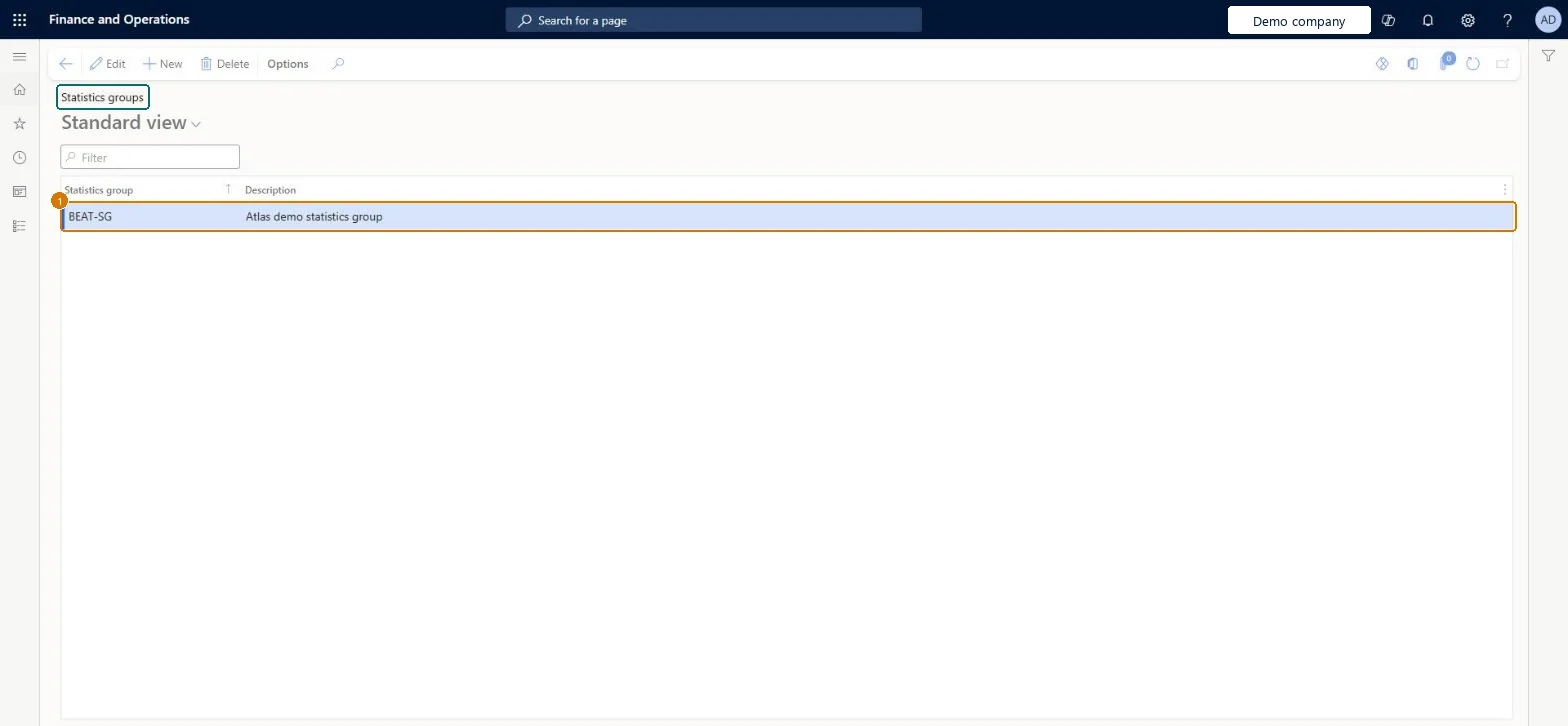
Screen 1
Create a statistics group
Go to Expense management > Setup > Calculations and codes > Statistics groups
Select New
Enter the statistics group and a description
Select Save
1Statistics group
BEAT-SG
Description
Statistics group
Show the full screen page title tab to open what to set or check
Steps from Microsoft
Go to Expense management > Setup > Calculations and codes > Statistics groups.
Select New and enter the group code and description.
Link expense categories to the group on Expense categories.
Run Statistics on cost groups to check the totals.
Create a handful of broad groups and link every expense category to one.The report totals cost by statistics group, so every category needs a group to be counted.
In this system Employee and Contractor enter their own expenses, and Expense administrator sets up the module and processes documents. The expense mobile app needs the Employee role, a company on the user account and a link to an employee with active employment. The expense administrator maintains the groups. No Feature management feature is needed for this page.
PrivilegesMaintain expense statistics groups TrvCostTypeStatisticsMaintainView expense statistics groups TrvCostTypeStatisticsViewDutiesMaintain Master entity data for data management DataManagementApplicationMasterEntitiesMaintainView Master entity data for data management DataManagementApplicationMasterEntitiesViewEnable expense management process TrvTravelAndExpenseProcessEnableInquire into expense management reference data TrvTravelAndExpenseReferenceDataInquire6 security rolesBusiness Performance Planning app role BPPBudgetPlanningAppRoleData management administrator DataManagementAdministratorData management migration user DataManagementMigrationUserExpense administrator ExpenseAdministratorDemand planning app role ScpDemandPlanningAppRoleInformation technology manager SysServerITManagerChecked in Dynamics 365
Roles to set it up and use it
To set it up or change itExpense administrator ExpenseAdministratorInformation technology manager SysServerITManagerBusiness Performance Planning app role BPPBudgetPlanningAppRoleData management migration user DataManagementMigrationUserDemand planning app role ScpDemandPlanningAppRoleGive people one of these roles. On this system, 6 roles can open this page.Checked in Dynamics 365
Actions on the page
Options: Personalize, Page options, ShareChecked in Dynamics 365
TrvStatisticsGroupEntity (Statistics groups): loaded for each company, in Microsoft's default template 600 - Expense.Load order: Microsoft's default template 600 - Expense loads Statistics groups at execution unit 1, level 30, sequence 10. Lower levels load first, and entities at the same level load in sequence order.Load first: the default templates at lower levels (System setup to General ledger)Microsoft Learn
Checked in a working Dynamics 365 system, version 10.0.49: the menu item, form, table and security, the page, the demo records and the values in the screenshots.