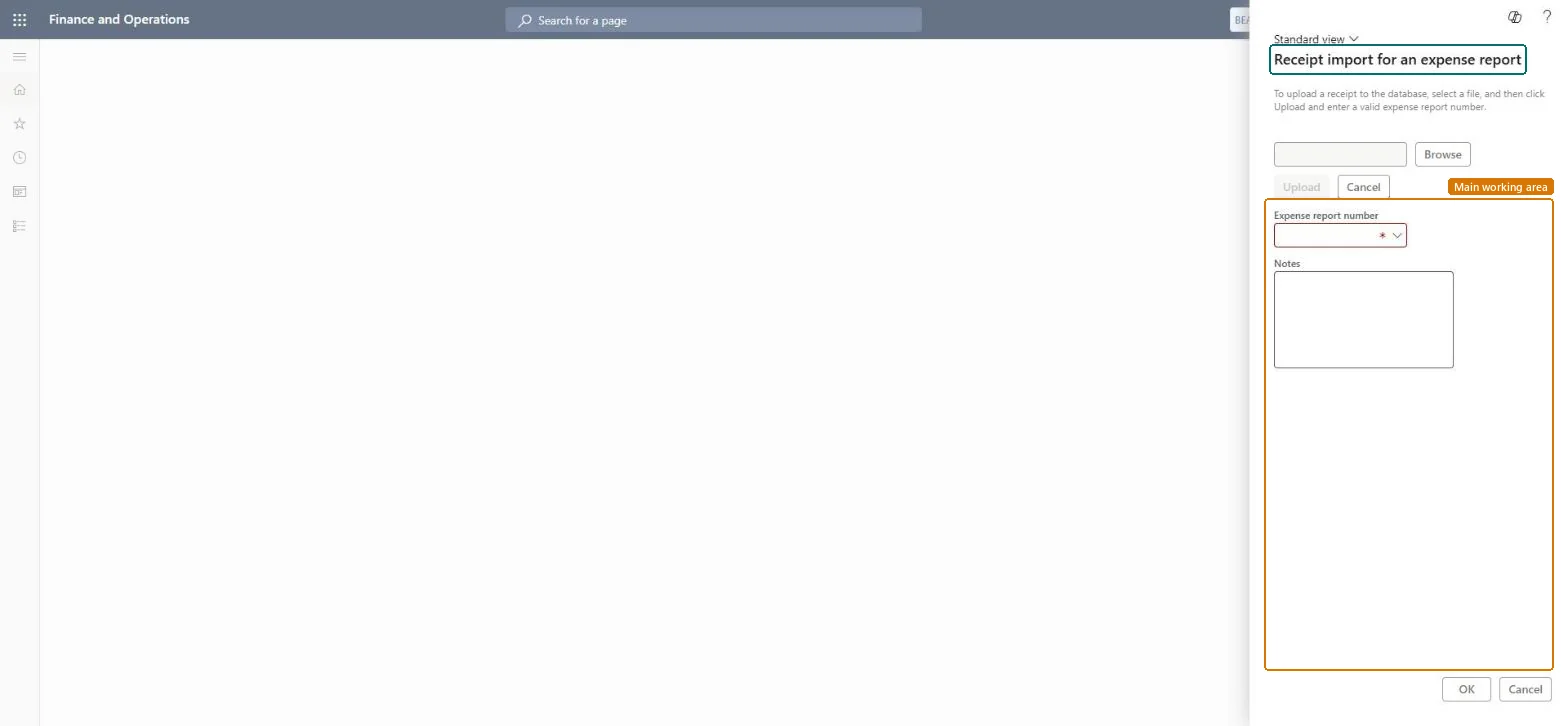
About the examples: Examples and screenshots in this guide use BEAT, a demo company in a Dynamics 365 test environment. Use your own company's codes and values instead of copying them.
When to run it
When to run it
When the receipts for one expense report arrive together as a file.
How often
On demand, per expense report.
Batch settings
Usually not needed; use the Batch tab only for large receipt files.
What the output shows
Receipts attached to the selected expense report. A line without a receipt after the import still needs its receipt added by hand.
Use it for single reports only, and move employees to upload or mobile capture where you can.Receipts uploaded in the workspace or the app are matched to expenses directly, and OCR can read them; fax import has none of that.
In this system Employee and Contractor enter their own expenses, and Expense administrator sets up the module and processes documents. The expense mobile app needs the Employee role, a company on the user account and a link to an employee with active employment. The expense administrator runs this job. No Feature management feature is needed.
Per company: receipts are attached to one expense report in the current legal entity. Checked in Dynamics 365
Can it be undone
Yes: Imported receipts can be removed from the expense report before it is submitted. Microsoft Learn
If you change it later
The instructions and the bar code (39 or 128) printed on the fax cover page are set on the Fax cover pages tab of the parameters. Microsoft Learn
Technical architect
6Technical
Menu item
TrvReceiptImportForExpenseReportChecked in Dynamics 365
Form
TrvReceiptImportChecked in Dynamics 365
Roles to set it up and use it
To set it up or change itExpense administrator ExpenseAdministratorGive people one of these roles. On this system, 1 role can open this page.Checked in Dynamics 365
Load order: The job has no data entity in Data management, so it can't be loaded from a file or a configuration template. It processes data that is already in the system and keeps only its batch settings; set up and schedule it again in each environment.Microsoft Learn