Engineering change managementInquiries and reports
EngChgEcoReportController
Business process
Manage engineering changes on change orders in Dynamics 365 Supply Chain Management
Menu item
EngChgEcoReportController
Show what matters for
PAGE GUIDEWhat the page does and how to use it7 sections. Choose a role to highlight what matters to you.
Everyone
1What it is and why
What it is
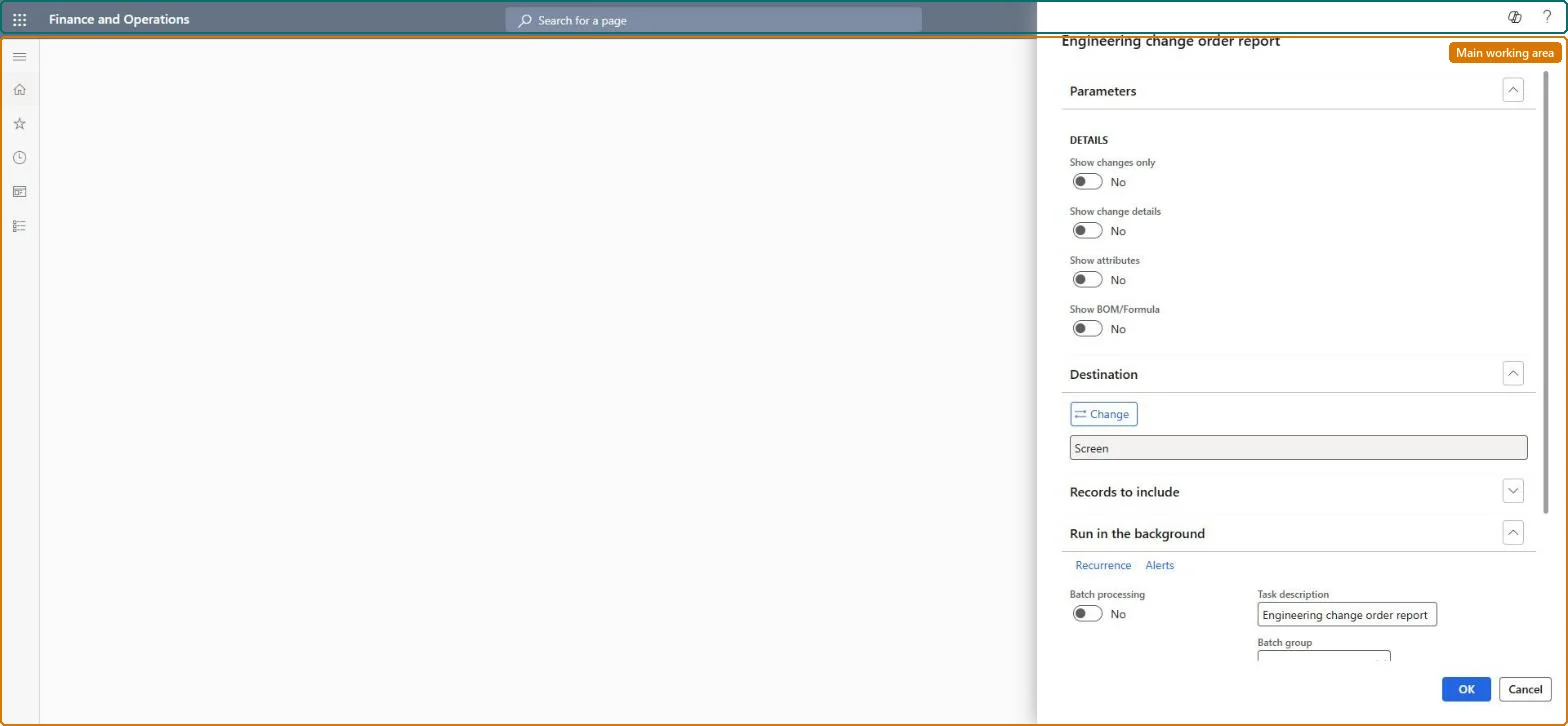
A report dialog that prints the Engineering change order report, which describes all the changes contained in a selected engineering change order.
What you do here
Use this report to document and communicate the changes in a change order while it is being reviewed and approved, and as a record afterwards.
Example
For example, an approver prints the report for change order 555 to see which BOM lines were deleted and which new version was created before approving it.
The page in Dynamics 365. page title tab to open what to set or check
About the examples: Examples and screenshots in this guide use BEAT, a demo company in a Dynamics 365 test environment. Use your own company's codes and values instead of copying them.
When to run it
When to run it
While an engineering change order is in review and approval, and after it is processed as a record of what changed.
How often
On demand, for each change order that is reviewed or closed.
What the output shows
A document that describes all changes in the selected engineering change order, product by product. A product missing from the report usually wasn't added to the change order.
Go to Engineering change management > Inquiries and reports > Engineering change order.
Select the change order or orders to print; for a single order you can also open it and select Engineering change order report on the Change order tab, View group.
Read the changes per affected product, including the Impact (None, New version, New product or New variant) and change fields such as Engineering change reasons and Change description.
Share the report with the reviewers in the approval workflow, and keep a copy as a record once the order is processed.