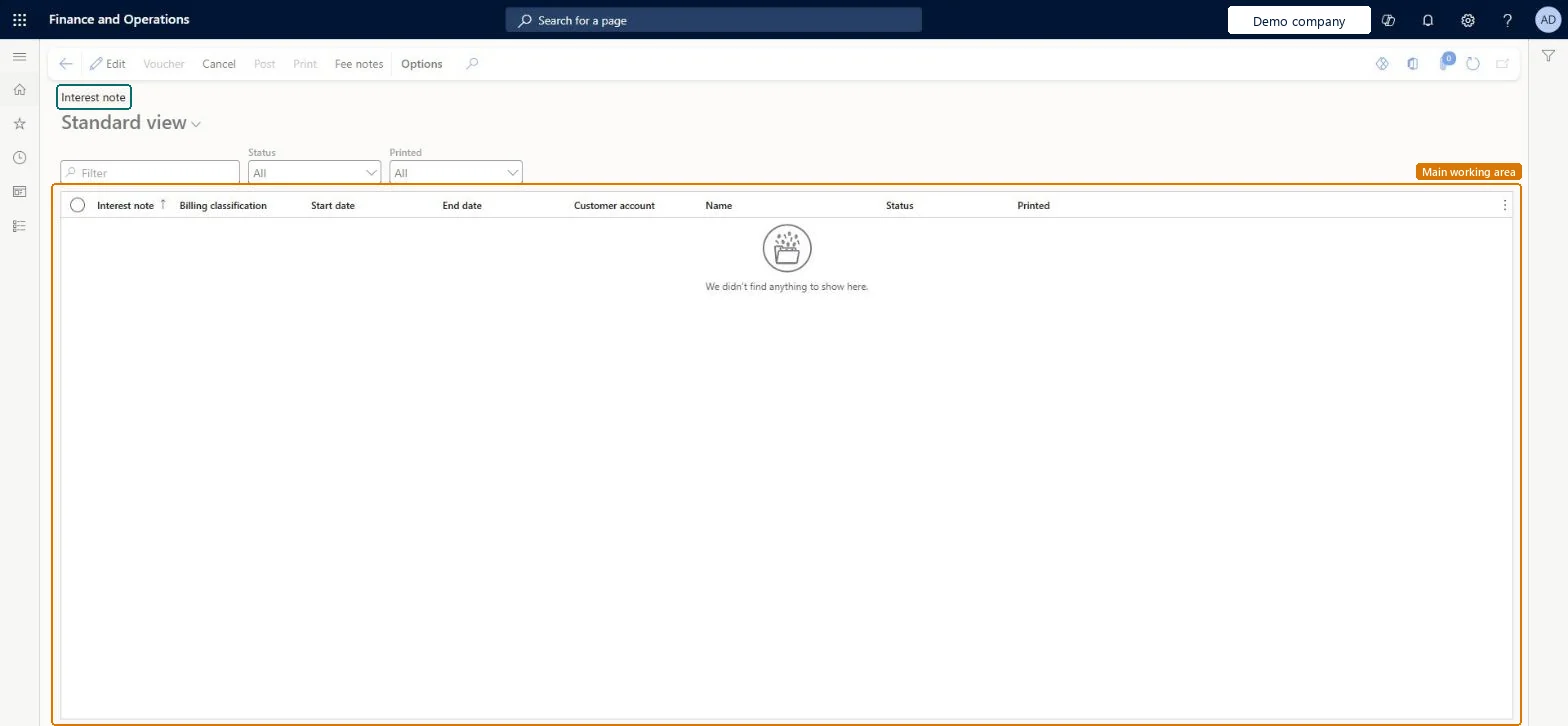
About the examples: Examples and screenshots in this guide use BEAT, a demo company in a Dynamics 365 test environment. Use your own company's codes and values instead of copying them.
Steps from Microsoft
Go to Credit and collections > Interest > Review and process interest notes.
In the Status field, select Created, and in the Printed field, select Not printed.
Select Print, set the records to include, and select OK.
Select an interest note with the status Created, and then select Post.
Enter the posting date and choose whether to post interest per transaction.
Select OK, and then filter the Status field on Posted to check the result.
Hard to reverse: A posted interest note isn't edited. To remove its charges, waive or reverse it from the Collect tab on the customer (Interest note, Transaction interest or Fee); this creates a credit note or adjustment invoice. Reinstating creates a debit invoice. Without Interest per transaction, all interest for a customer posts to the ledger as one transaction. Microsoft Learn
If you change it later
If you post without one transaction per interest note, all interest for a customer is added up and posted to the general ledger as one transaction. Microsoft Learn
Technical architect
5Technical
Menu item
CustInterestNoteChecked in Dynamics 365
Form
CustInterestNoteChecked in Dynamics 365
Table
CustInterestJourShown as “Interest journal” in Record infoKey field: InterestNote, CustBillingClassification, CustBillingClassification_BillingClassification, FromDate, ToDate, DueDateChecked in Dynamics 365
Data entities
CustCollectionsBIInterestNotesInterest notes generated for customers Microsoft data model
Who can open it
PrivilegesMaintain customer interest note CustInterestNoteMaintainView interest notes CustInterestNoteViewDutiesReview collections process performance CollectionLetterCollectionProcPerfRevieInquire into collections status CollectionLetterCollectionsStatusInquirMaintain collections transactions CollectionLetterCollectionsTransMaintaiInquire into customer invoice status CustInvoiceCustomerInvoiceStatusInquireMaintain customer invoice transactions CustInvoiceCustomerInvoiceTransMaintainReview invoice and cash process performance CustInvoiceInvoiceAndCashProcPerfReviewInquire into customer payments status PaymCustomerPaymentsStatusInquire13 security rolesAuditor AuditPolicyManagerCollections agent CollectionLetterCollectionsAgentCollections manager CollectionLetterCollectionsManagerChief executive officer CompanyChiefExecutiveOfficerChief financial officer CompanyChiefFinancialOfficerAccounts receivable clerk CustInvoiceAccountsReceivableClerkAccounts receivable manager CustInvoiceAccountsReceivableManagerAccountant LedgerAccountantAccounting manager LedgerAccountingManagerAccounting supervisor LedgerAccountingSupervisorFinancial controller LedgerFinancialControllerAccounts receivable centralized payments clerk PaymAccountsReceivableCentralPaymClerkAccounts receivable payments clerk PaymAccountsReceivablePaymentsClerkChecked in Dynamics 365
Roles to set it up and use it
To set it up or change itCollections manager CollectionLetterCollectionsManagerCollections agent CollectionLetterCollectionsAgentTo use itAccounts receivable manager CustInvoiceAccountsReceivableManagerAccounting manager LedgerAccountingManagerAccounting supervisor LedgerAccountingSupervisorAccounts receivable payments clerk PaymAccountsReceivablePaymentsClerkAccounts receivable clerk CustInvoiceAccountsReceivableClerkGive people one of these roles. On this system, 13 roles can open this page.Checked in Dynamics 365
Actions on the page
Options: Personalize, Page options, ShareChecked in Dynamics 365