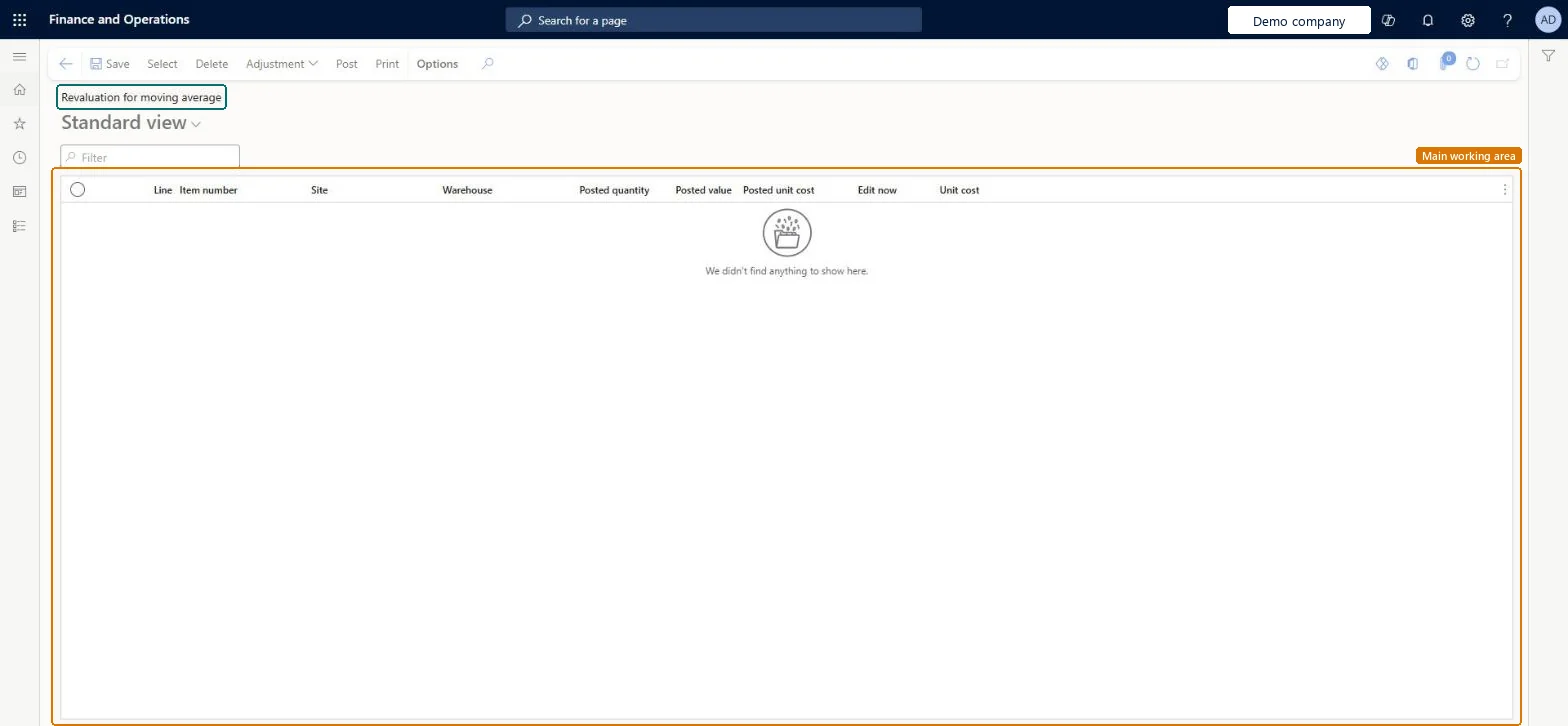
A list page where you adjust the moving average cost of products, with one line per item, site and warehouse that shows the posted quantity, posted value, posted unit cost and the new unit cost.
Adjust on hand inventory moving average value in Dynamics 365 Finance
Menu item
InventAdjInventOnHandMovingAverage
Show what matters for
PAGE GUIDEWhat the page does and how to use it7 sections. Choose a role to highlight what matters to you.
Everyone
1What it is and why
What it is
A list page where you adjust the moving average cost of products, with one line per item, site and warehouse that shows the posted quantity, posted value, posted unit cost and the new unit cost.
What you do here
Use this page to adjust the moving average cost of a product to a new unit price as of today's date.
Example
For example, a product with a posted unit cost of 12.00 can be revalued by entering 16.00 in the Unit cost field, which posts an adjustment of 4.00 to the cost revaluation for moving average account.
The page in Dynamics 365. page title tab to open what to set or check
About the examples: Examples and screenshots in this guide use BEAT, a demo company in a Dynamics 365 test environment. Use your own company's codes and values instead of copying them.
Steps from Microsoft
Go to Cost management > Inventory accounting > Revaluation for moving average.
Select the product that you want to adjust the moving average cost for.
Hard to reverse: A revaluation posts to the Cost revaluation for moving average account as of today's date and can't be backdated. To correct it you post another revaluation, also as of today; the cost doesn't flow back through earlier transactions. Microsoft Learn
If you change it later
A moving average revaluation can only be made as of today's date. It can't be backdated to correct the moving average cost of a product. Microsoft Learn
Technical architect
5Technical
Menu item
InventAdjInventOnHandMovingAverageChecked in Dynamics 365
To set it up or change itInventory accountant InventCostAccountantGive people one of these roles. On this system, 1 role can open this page.Checked in Dynamics 365
Actions on the page
(Action Pane without tabs): Select, Delete, Adjustment, Post, PrintChecked in Dynamics 365