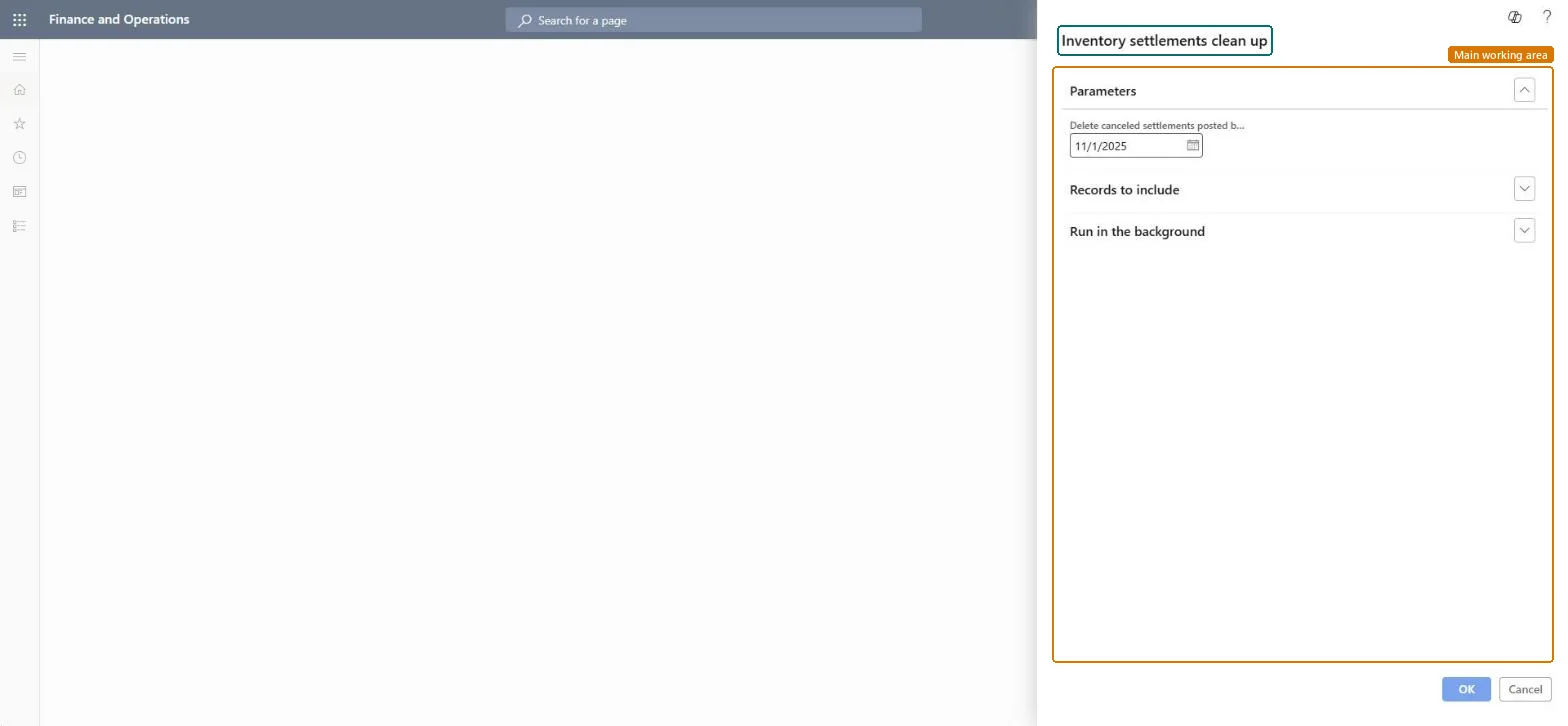
About the examples: Examples and screenshots in this guide use BEAT, a demo company in a Dynamics 365 test environment. Use your own company's codes and values instead of copying them.
When to run it
When to run it
After inventory close for the old periods is final and the business has confirmed that settlement detail before the chosen dates is no longer needed.
How often
On demand, as part of periodic database housekeeping, with dates far behind the current fiscal year.
Batch settings
Schedule it as a one-off batch job outside business hours; the first run on years of settlements can process a large volume.
What the output shows
Fewer inventory settlement records: closed settlements before the first date are grouped, and canceled settlements before the second date are deleted. If later reconciliation of inventory with finance fails for an old period, the dates were set too close to that period.
Go to Cost management > Inventory accounting > Clean up > Inventory settlements cleanup.
In Group settlements posted before, enter the date before which the settlements of closed inventory transactions are grouped. Grouped transactions can no longer be changed, so stay well away from the current date and fiscal year.
In Delete canceled settlements posted before, enter the date before which canceled settlements are deleted. Both dates are optional, so fill in only the action you want.
Use Records to include to limit the run to certain items or item groups, and run it in the background for large volumes, then select OK.
Open the inventory settlements of a sample item and check that settlements before the date are grouped and canceled settlements are gone.
No: Grouped settlements lose their transaction detail and deleted canceled settlements can't be restored or reconciled with finance transactions. Test the job in a test environment first. Microsoft Learn
If you change it later
Grouped closed transactions can no longer be changed, and deleted canceled settlements can't be reconciled with finance transactions. Microsoft Learn
Technical architect
5Technical
Menu item
action:InventCostCleanUpChecked in Dynamics 365
Form
DialogChecked in Dynamics 365
Roles to set it up and use it
To use itInventory accountant InventCostAccountantInformation technology manager SysServerITManagerGive people one of these roles. On this system, 2 roles can run this page.Checked in Dynamics 365