About the examples: Examples and screenshots in this guide use BEAT, a demo company in a Dynamics 365 test environment. Use your own company's codes and values instead of copying them.
Setup steps on this page
Trace network print jobs
Find out why a document didn't print on a network printer.
How to use it
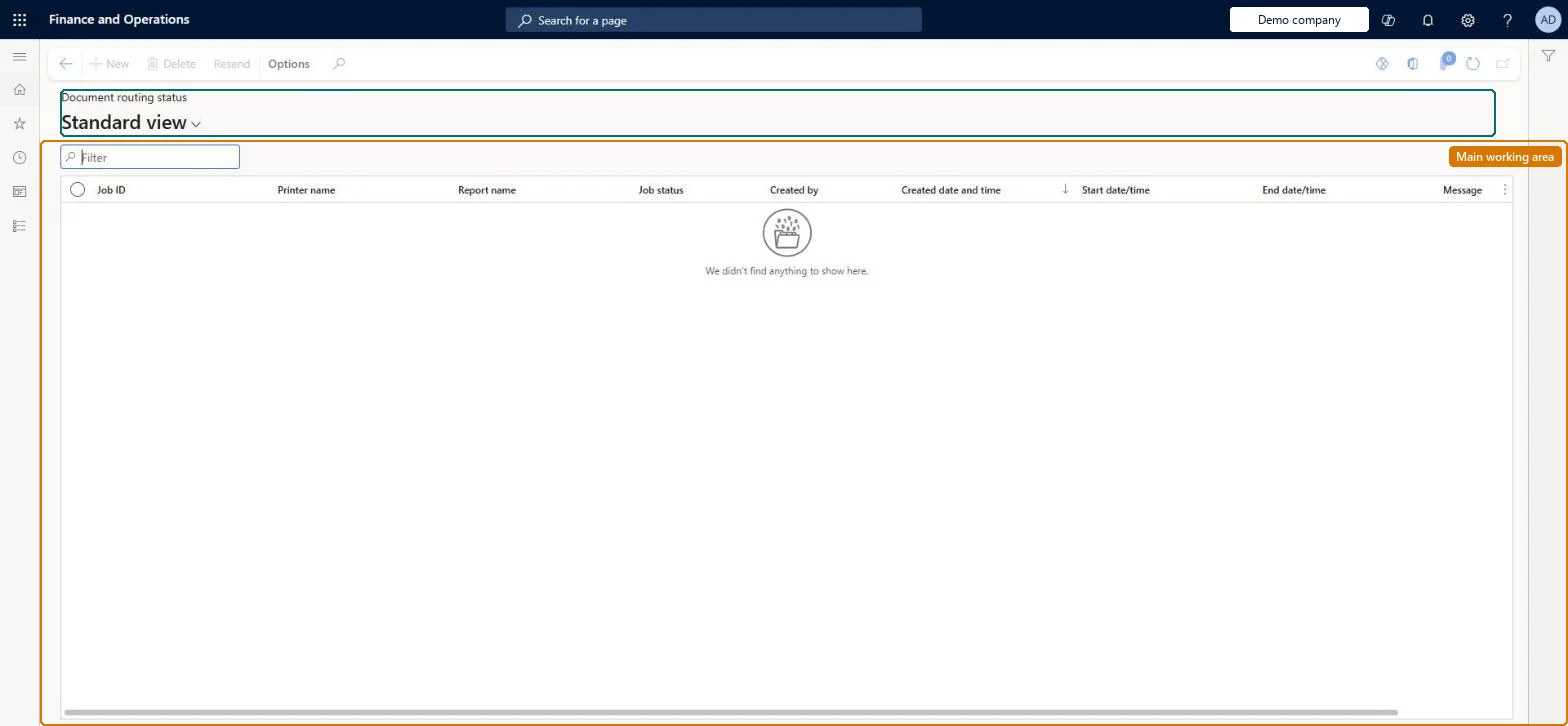
Go to Common > Inquiries > Document routing status.
Use the Filter box to find a print job by job ID, printer name or report name.
Review the Job status, the start and end date and time and the Message of the job.
Select Resend to send a failed job to the printer again, or Delete to remove it.
Source: Checked in Dynamics 365
Fields on the page
Field
What it means
Example
Job status
The status of the print job sent to the Document Routing Agent.Checked in Dynamics 365
Pending
Printer name
The network printer the job was sent to.Checked in Dynamics 365
Message
The message returned for the job.Checked in Dynamics 365
Resend
Action that sends a failed job to the printer again.Checked in Dynamics 365
Common errors and fixes
Message
What to do
Jobs stay pending and nothing prints
Check that the Document Routing Agent is running and signed in, and clear the stuck jobs from the queue. Microsoft Learn
On the live system, these roles can open the page: System user, TestEssentialsRole, Retail store IT, Information technology manager, System external user.
Checked in Dynamics 365
Solution architect
5Design impact
Shared or per company
The list shows the print jobs sent through the Document Routing Agent, kept as history for auditing. Microsoft Learn
Can it be undone
One-way: Deleted jobs and jobs removed by the daily clean-up can't be restored. Microsoft Learn
If you change it later
The history is purged by a daily cleanup batch job (default retention seven days); keeping fewer records helps printing performance. Microsoft Learn
Technical architect
6Technical
Menu item
DocumentRoutingStatusChecked in Dynamics 365
Form
DocumentRoutingStatusChecked in Dynamics 365
Table
DocumentRoutingJobShown as “DOCUMENT ROUTING JOB” in Record infoChecked in Dynamics 365
PrivilegesClient essentials ClientEssentialsClient essentials privileges for retail trial RetailTrialClientEssentialsMaintainSystemExternalUserDenyDutiesView retail channels RetailChannelsViewMaintain system for retail trial. RetailTrialSystemExternalBasicMaintainUse basic external functionality SystemExternalBasicMaintainMaintain duty for system external only account SystemExternalOnlyMaintain10 security rolesAifTestSecRoleEventTestRoleRetail catalog manager RetailCatalogManagerRetail store IT RetailStoreITRetail store manager RetailStoreManagerInformation technology manager SysServerITManagerSystem external user SystemExternalUserSystem user SystemUserTestEssentialsExternalUserRoleTestEssentialsRoleChecked in Dynamics 365
Roles to set it up and use it
To set it up or change itSystem user SystemUserTestEssentialsRole Retail store IT RetailStoreITInformation technology manager SysServerITManagerSystem external user SystemExternalUserGive people one of these roles. On this system, 7 roles can open this page.Checked in Dynamics 365
Actions on the page
(Action Pane without tabs): ResendChecked in Dynamics 365
DocumentRoutingJobEntity (Document routing Job): shared by all companies.Load order: Routing jobs are history and are not migrated; set up network printers and install the Document Routing Agent in the new environment.Load first: network printersChecked in Dynamics 365