Collections agent, Collections manager, Marketing coordinator and 10 more roles
Business process
Administer system features
Menu item
smmActivitiesListPage_MyPastDue
Main table
smmActivities
Data entity
smmActivitiesEntity
Setup steps
1 on this page
Show what matters for
PAGE GUIDEWhat the page does and how to use it8 sections. Choose a role to highlight what matters to you.
Everyone
1What it is and why
What it is
A filtered list of the activities assigned to you that are past their due date.
What you do here
Use this page to catch up on your own overdue activities and close them when done.
Example
For example, a BEAT sales representative back from leave opens My activities past due, finds 4 overdue tasks, makes two calls, closes them and moves the other two to next week.
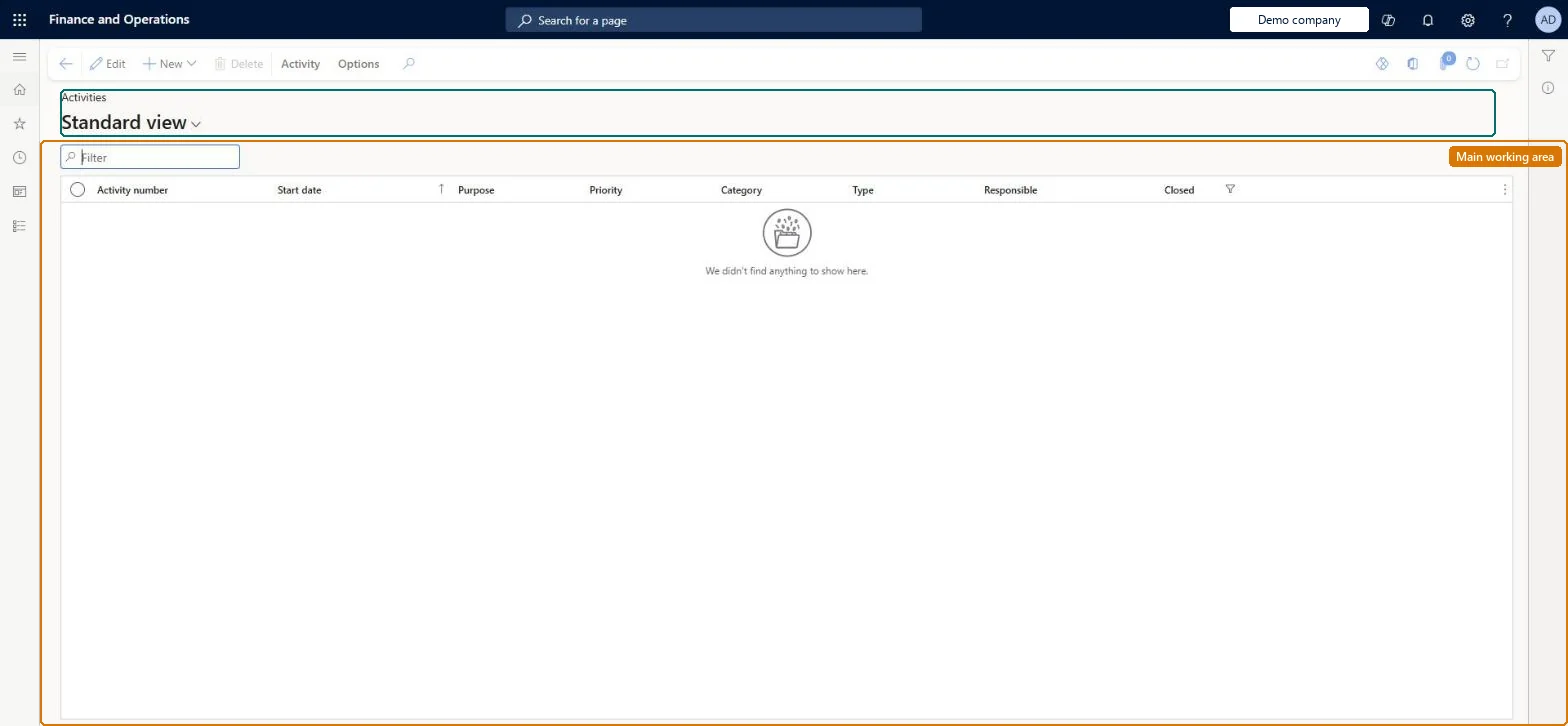
The page in Dynamics 365. page title tab to open what to set or check
About the examples: Examples and screenshots in this guide use BEAT, a demo company in a Dynamics 365 test environment. Use your own company's codes and values instead of copying them.
Setup steps on this page
Use the My activities past due list
Catch up on your own overdue activities.
Steps from Microsoft
Go to Common > Common > Activities > My activities past due.
Use My activities past due to catch up on your own overdue work.
For upcoming deadlines, use My activities due this week.
Do the work or change the due date, then close the activity when it is done.
On the live system, these roles can open the page: CAPA updater, CAPA administrator, Field service technician, Customer service representative, Sales representative, Customer service manager and 2 more.
Checked in Dynamics 365
Solution architect
5Design impact
Shared or per company
Per company: activities are kept in the legal entity where they are created (the Activities entity is not shared). Checked in Dynamics 365
Can it be undone
Reversible: A closed activity can be reopened on its Status tab; Delete removes it. Microsoft Learn
If you change it later
Closing an activity marks it as done; activities created by a case close when the case is closed. Microsoft Learn
Technical architect
6Technical
Menu item
smmActivitiesListPage_MyPastDueChecked in Dynamics 365
Form
smmActivitiesChecked in Dynamics 365
Table
smmActivitiesShown as “ACTIVITIES” in Record infoKey field: ActivityNumberChecked in Dynamics 365
Data entities
smmActivitiesEntityActivities Microsoft data model smmActivityParentLinkEntityActivity parent links (only the links between activities and their parent records)
Who can open it
PrivilegesMaintain my activities past due smmActivitiesListPage_MyPastDueMaintainView my activities past due smmActivitiesListPage_MyPastDueViewDutiesMaintain activities smmActivitiesMaintainInquire into activities smmActivityInquire14 security rolesCollections agent CollectionLetterCollectionsAgentCollections manager CollectionLetterCollectionsManagerMarketing coordinator CRMMarketingCoordinatorMarketing manager CRMMarketingManagerMCRTestUserRoleProject manager ProjProjectManagerCAPA administrator QMSCAPAAdministratorCAPA updater QMSCAPAUpdaterField service technician SMAFieldServiceTechnicianCustomer service manager TradeCustomerServiceManagerCustomer service representative TradeCustomerServiceRepresentativeSales clerk TradeSalesClerkSales manager TradeSalesManagerSales representative TradeSalesRepresentativeChecked in Dynamics 365
Roles to set it up and use it
To set it up or change itCAPA updater QMSCAPAUpdaterCAPA administrator QMSCAPAAdministratorField service technician SMAFieldServiceTechnicianCustomer service representative TradeCustomerServiceRepresentativeSales representative TradeSalesRepresentativeTo use itCustomer service manager TradeCustomerServiceManagerProject manager ProjProjectManagerCollections manager CollectionLetterCollectionsManagerGive people one of these roles. On this system, 13 roles can open this page.Checked in Dynamics 365
Actions on the page
Activity: Maintain, Set up, Attachments(Action Pane without tabs): New, DeleteChecked in Dynamics 365
smmActivitiesEntity (Activities): loaded for each company.smmActivityParentLinkEntity (Activity parent links): loaded for each company.Load order: Load activity types first, then open activities, then their parent links. Closed activities are usually kept in the old system.Load first: activity types, workers, the parent records (customers, cases)Checked in Dynamics 365