Workflow page · Budgeting
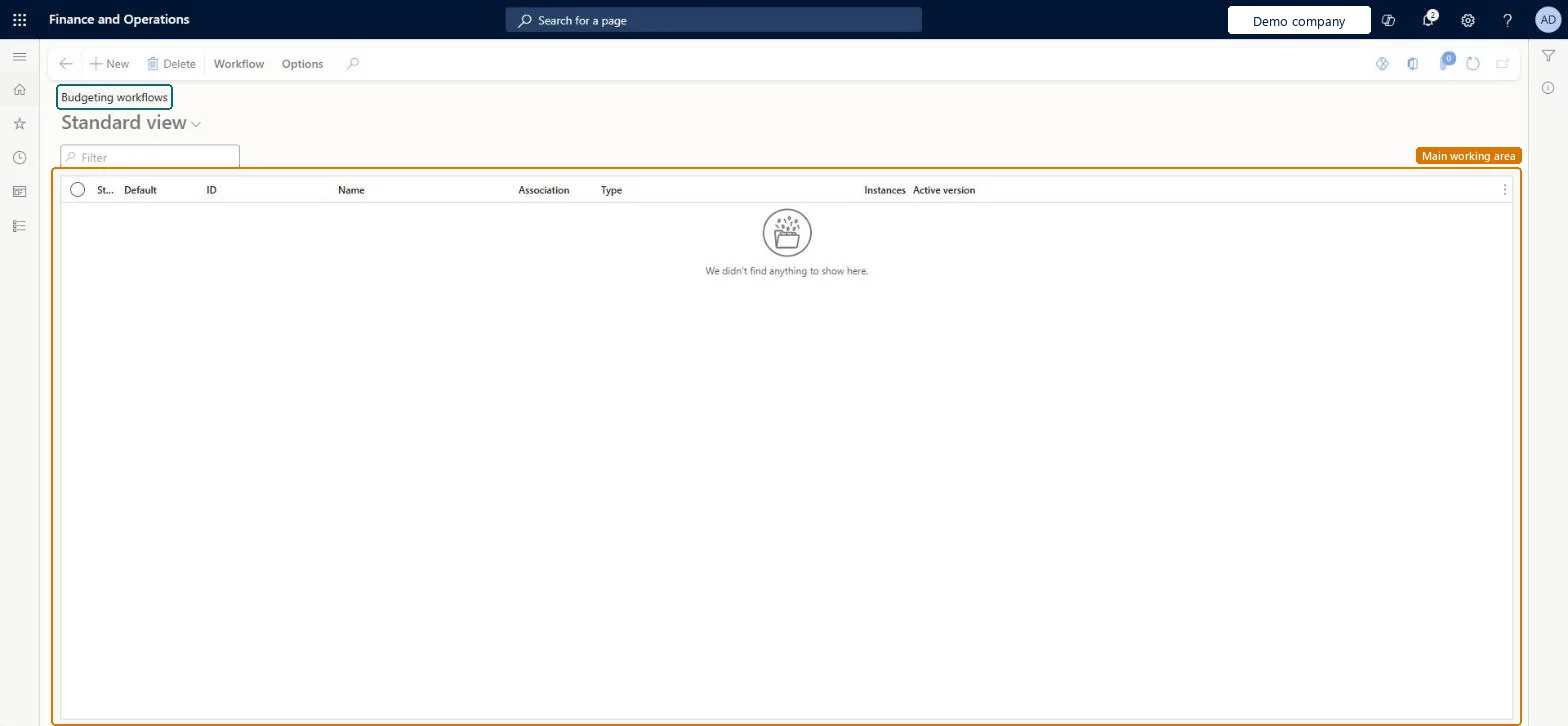
Budgeting workflows
A setup page where you create the workflows that route budget register entries for review and approval.
- Used by
- Budget manager, Chief financial officer, Financial controller
- Business process
- Define signing limits with Dynamics 365 Finance
- Menu item
WorkflowConfigurationBudget- Main table
WorkflowTable- Data entity
- —
- Setup steps
- 1 on this page
Show what matters for
Everyone
1What it is and why
| What it is | A setup page where you create the workflows that route budget register entries for review and approval. |
|---|---|
| What you do here | Used to set up approval of budget register entries when policies require it for certain budget types, such as transfers or revisions. |
| Example | — |
Functional consultant · Solution architect
2Where it fits
| Business process | Develop procurement and sourcing strategy › Develop spend strategy › Define signing limits with Dynamics 365 Finance |
|---|---|
| Menu path | Budgeting › Setup › Basic budgeting › Budgeting workflows |
| Set up first | Set up Budget codes |
| Used next by | Budget codes Microsoft Learn ↗ |
| Related pages | Budget transfer rules Microsoft Learn ↗ |
End user · Functional consultant
3How to do it
Setup steps on this page
Set up Budgeting workflowsNo screenshots yet
Used to set up approval of budget register entries when policies require it for certain budget types, such as transfers or revisions.
Microsoft's steps
- Go to Budgeting > Setup > Basic budgeting > Budgeting workflows and select New.
- Select Budget register entry workflow from the list of workflow types.
- Drag the Approve budget register entry element into the workflow and connect it to Start and End.
- Open the element, select Step 1, and use Assignment to choose the approvers.
- Optionally add elements such as Update budget balances budget register.
- Select Save and Close, and make the version active.
- Enter the workflow in the Workflow column on the Budget codes page.
Source: Microsoft Learn ↗
Field guide
| Field | What it means | Worked example | Table column |
|---|---|---|---|
| Update budget balances budget register | A workflow element that updates budget balances automatically.Microsoft Learn ↗ | — | — |
| Review budget register entry | A workflow element that asks a user to review an entry.Microsoft Learn ↗ | — | — |
| Budget account entry workflow | A workflow type for approving the lines of a budget register entry.Microsoft Learn ↗ | — | — |
Functional consultant
4Setup decisions
| Setup step | Recommended value and why | Decision · common mistake · test |
|---|---|---|
| Set up Budgeting workflows | — | — |
Solution architect
5Design impact
| Shared or per company | — |
|---|---|
| Can it be undone | — |
| Feature or country | — |
| If you change it later | — |
Technical architect
6Technical
| Menu item | WorkflowConfigurationBudget Checked in Dynamics 365 |
|---|---|
| Form | WorkflowTableListPageRnr Checked in Dynamics 365 |
| Table | WorkflowTableShown as “Workflow configurations” in Record infoKey field: SequenceNumberChecked in Dynamics 365 |
| Data entities | — |
| Who can open it | PrivilegesAuthor Budgeting workflows WorkflowAuthorBudgetWorkflowsDutiesEnable budget process BudgetBudgetProcessEnableMaintain budget planning configuration and processes BudgetPlanningConfigProcessMaintainMaintain commitment documents PurchCommitmentMaintainCommitment_PSN3 security rolesBudget managerBudgetBudgetManagerChief financial officer CompanyChiefFinancialOfficerFinancial controller LedgerFinancialController |
| Actions on the page | Workflow: Manage, HierarchyOptions: Personalize, Page options, ShareChecked in Dynamics 365 |
Developer
7Developer
| Open it directly | https://<your-environment>/?mi=WorkflowConfigurationBudget |
|---|---|
| Integrate with | — |
| Table definition | — |
Everyone
8Sources and checks
- learn.microsoft.com/training/modules/setup-use-basic-budgeting-finance/implement-workflow
- learn.microsoft.com/training/modules/setup-use-basic-budgeting-finance/set-up-basic-budgeting
- Checked in a working Dynamics 365 system, version 10.0.49: the menu item, form, table and security, the page.