PAGE GUIDEWhat the page does and how to use it7 sections. Choose a role to highlight what matters to you.
Everyone
1What it is and why
What it is
A report that prints condition assessment registrations made on assets.
What you do here
Use this report to print the condition data, such as measurements, that was registered on assets during condition assessments.
Example
For example, after registering vibration measurements on several machines, a maintenance engineer prints the condition assessment report to review the latest values.
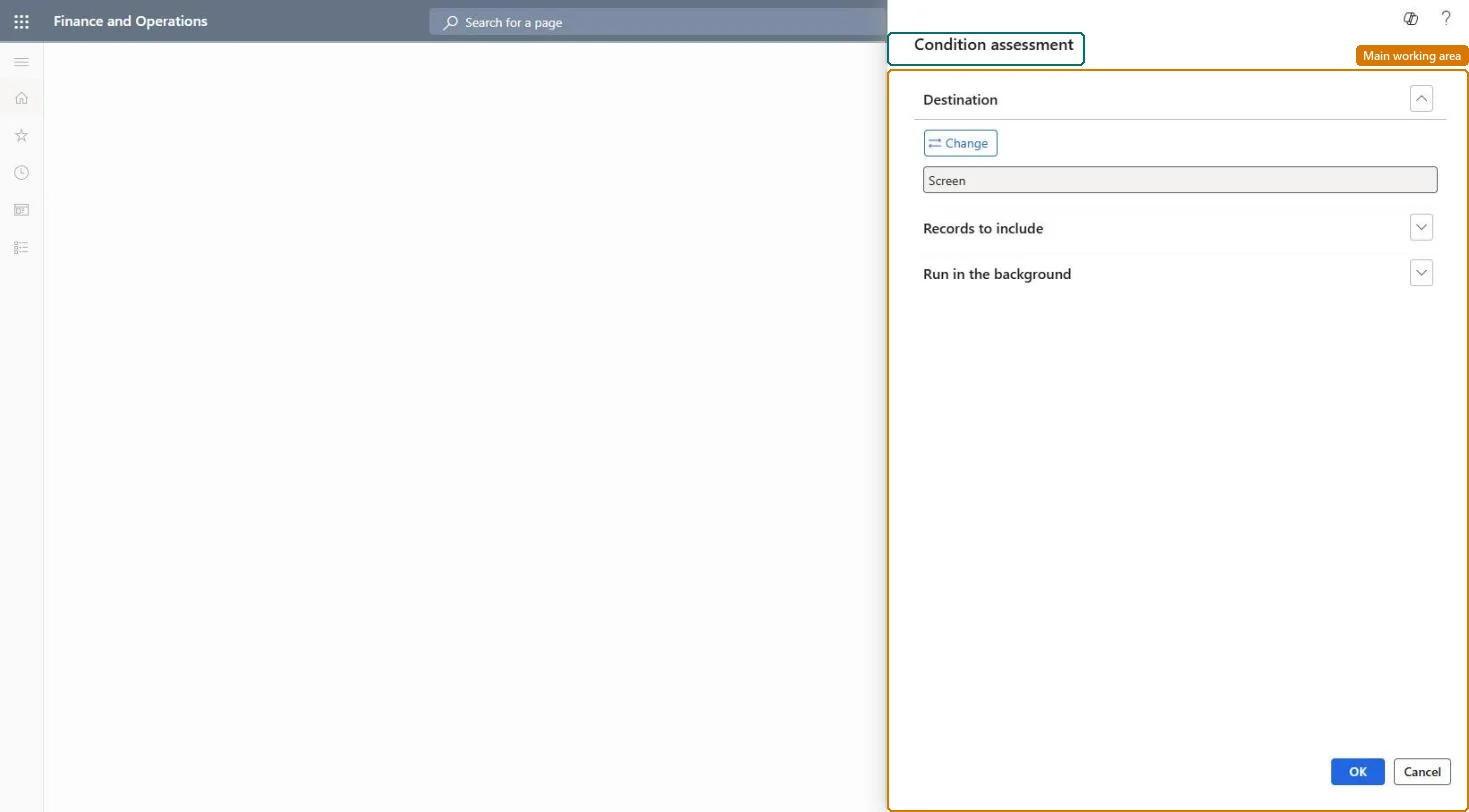
The page in Dynamics 365. page title tab to open what to set or check
About the examples: Examples and screenshots in this guide use BEAT, a demo company in a Dynamics 365 test environment. Use your own company's codes and values instead of copying them.
When to run it
When to run it
After condition assessments have been registered on assets or work orders, when you review asset condition for preventive maintenance.
How often
On demand, after each round of condition assessments.
What the output shows
The condition assessment registrations on the selected assets, with date, worker, template and the measured Value per assessment line. Missing lines usually mean the asset type has no condition assessment template.
Go to Asset management > Reports > Assets > Condition assessment.
Make sure the assessments you want to print were registered on the assets or work orders, using a condition assessment template linked to the asset type.
Limit the report under Records to include to the assets or condition assessment templates you want to compare, for example all assets of one asset type.
Choose under Destination whether to show the report on screen or save it, then print.
Read the measurement values per assessment line and compare them over dates, for example rising vibration readings on the same machine.
Nothing to undo: The report only reads condition assessments; it changes nothing. Microsoft Learn
Technical architect
5Technical
Menu item
output:EntAssetConditionChecked in Dynamics 365
Form
SysOperationTemplateFormChecked in Dynamics 365
Roles to set it up and use it
To use itMaintenance manager EntAssetMaintenanceManagerMaintenance clerk EntAssetMaintenanceClerkMaintenance worker EntAssetMaintenanceWorkerBudget manager BudgetBudgetManagerAuditor AuditPolicyManagerGive people one of these roles. On this system, 10 roles can run this page.Checked in Dynamics 365