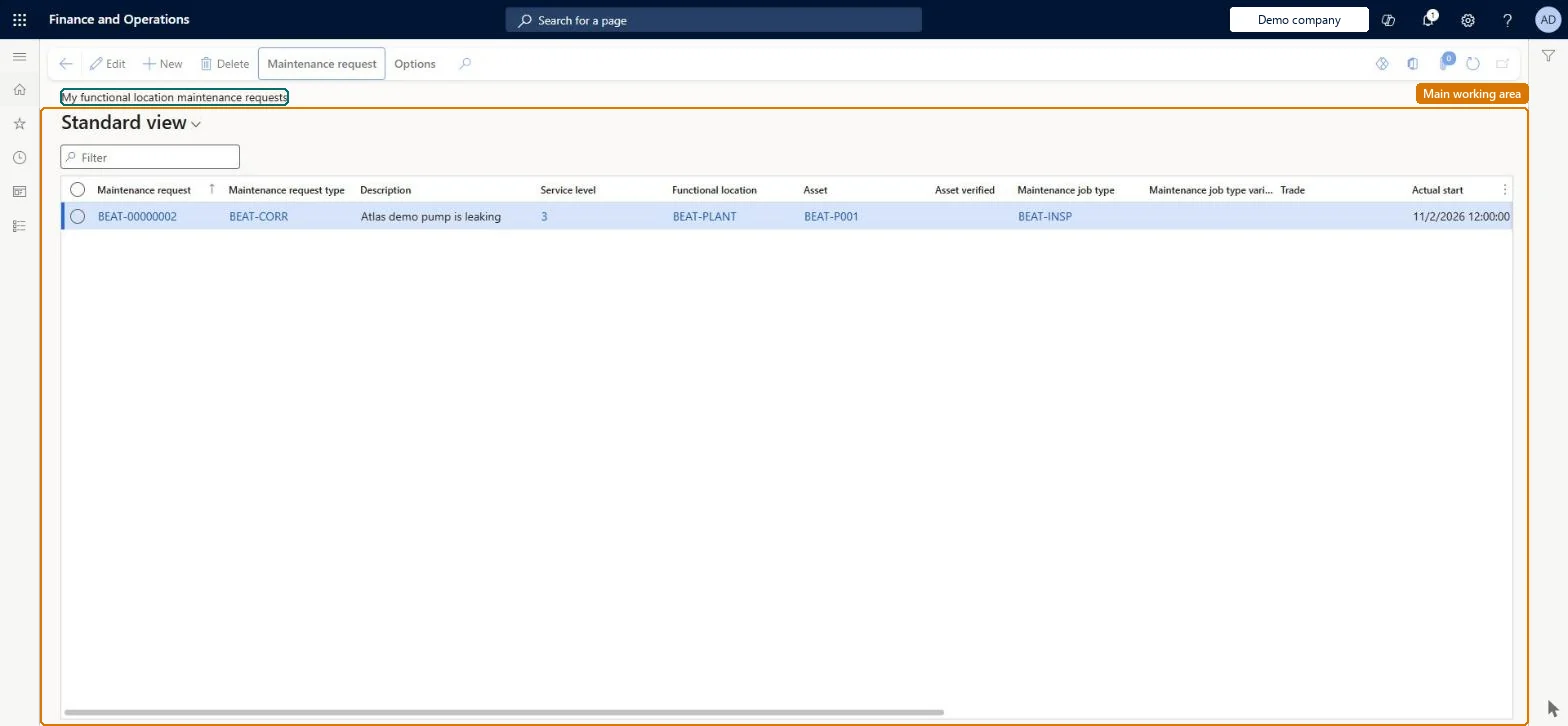
A list page that shows the maintenance requests for functional locations that you are related to as a maintenance worker, or for assets installed on those locations.
Create Maintenance request in Dynamics 365 Supply Chain Management
Menu item
EntAssetRequestTableActiveMy
Main table
EntAssetRequestTable
Data entity
EntAssetMaintenanceRequestV2Entity
Show what matters for
PAGE GUIDEWhat the page does and how to use it6 sections. Choose a role to highlight what matters to you.
Everyone
1What it is and why
What it is
A list page that shows the maintenance requests for functional locations that you are related to as a maintenance worker, or for assets installed on those locations.
What you do here
Use this page to review the maintenance requests for your own locations and to create a work order from a request.
Example
For example, a technician reviews a new request for an asset on one of their locations and, if the request is valid, creates a work order from it.
The page in Dynamics 365. page title tab to open what to set or check
About the examples: Examples and screenshots in this guide use BEAT, a demo company in a Dynamics 365 test environment. Use your own company's codes and values instead of copying them.
Steps from Microsoft
Go to Asset management > Maintenance requests > My functional location maintenance requests.
Select the maintenance request to convert to a work order.
Make sure that the Asset field is set on the request.
Select Work order.
In the Create work order dialog box, set the fields, and then select OK.
To set it up or change itMaintenance manager EntAssetMaintenanceManagerMaintenance clerk EntAssetMaintenanceClerkTo use itMaintenance worker EntAssetMaintenanceWorkerGive people one of these roles. On this system, 3 roles can open this page.Checked in Dynamics 365
Actions on the page
Maintenance request: Maintain, New, View, Lifecycle state, Report, Loan(Action Pane without tabs): New, DeleteChecked in Dynamics 365