An inquiry page that calculates, for a chosen period, the number of new, active, and completed maintenance requests, work orders, and maintenance downtime activities, and the number of completed condition assessments.
PAGE GUIDEWhat the page does and how to use it7 sections. Choose a role to highlight what matters to you.
Everyone
1What it is and why
What it is
An inquiry page that calculates, for a chosen period, the number of new, active, and completed maintenance requests, work orders, and maintenance downtime activities, and the number of completed condition assessments.
What you do here
Use this page to get an overview of the workload for incoming and completed maintenance requests and work orders.
Example
For example, a maintenance manager groups the calculation by year and month to see workload and throughput month by month.
The page in Dynamics 365. page title tab to open what to set or check
About the examples: Examples and screenshots in this guide use BEAT, a demo company in a Dynamics 365 test environment. Use your own company's codes and values instead of copying them.
Steps from Microsoft
Go to Asset management > Inquiries > Maintenance status.
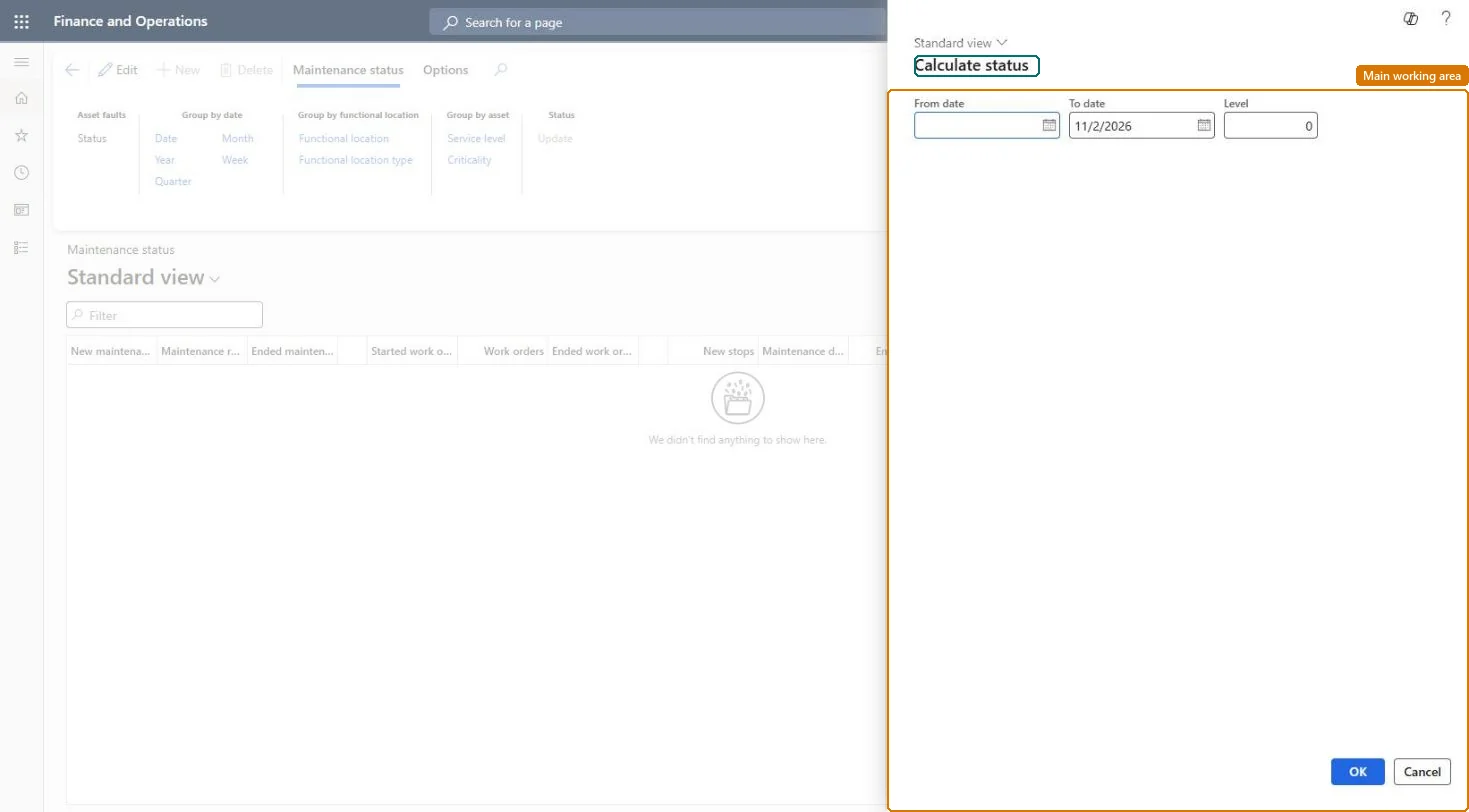
In the Calculate status dialog, enter the From date and To date.
In the Level field, set how detailed the lines should be for functional locations.
Select OK to start the calculation.
Select the Group by buttons for the detail level you want.
How detailed the lines are for functional locations; 0 shows every level.Microsoft Learn
Solution architect
4Design impact
If you change it later
Only maintenance requests and work orders that have an actual start date and time are counted. Microsoft Learn
Technical architect
5Technical
Menu item
EntAssetStatusChecked in Dynamics 365
Form
EntAssetStatusCalculateChecked in Dynamics 365
Roles to set it up and use it
To use itMaintenance manager EntAssetMaintenanceManagerMaintenance clerk EntAssetMaintenanceClerkGive people one of these roles. On this system, 2 roles can open this page.Checked in Dynamics 365