Accounts receivable clerk, Accounts receivable manager, Collections agent and 25 more roles
Business process
Manage sales orders
Menu item
SalesTableInterCompany
Main table
SalesTable
Data entity
ReturnOrderHeaderEntity
Show what matters for
PAGE GUIDEWhat the page does and how to use it7 sections. Choose a role to highlight what matters to you.
Everyone
1What it is and why
What it is
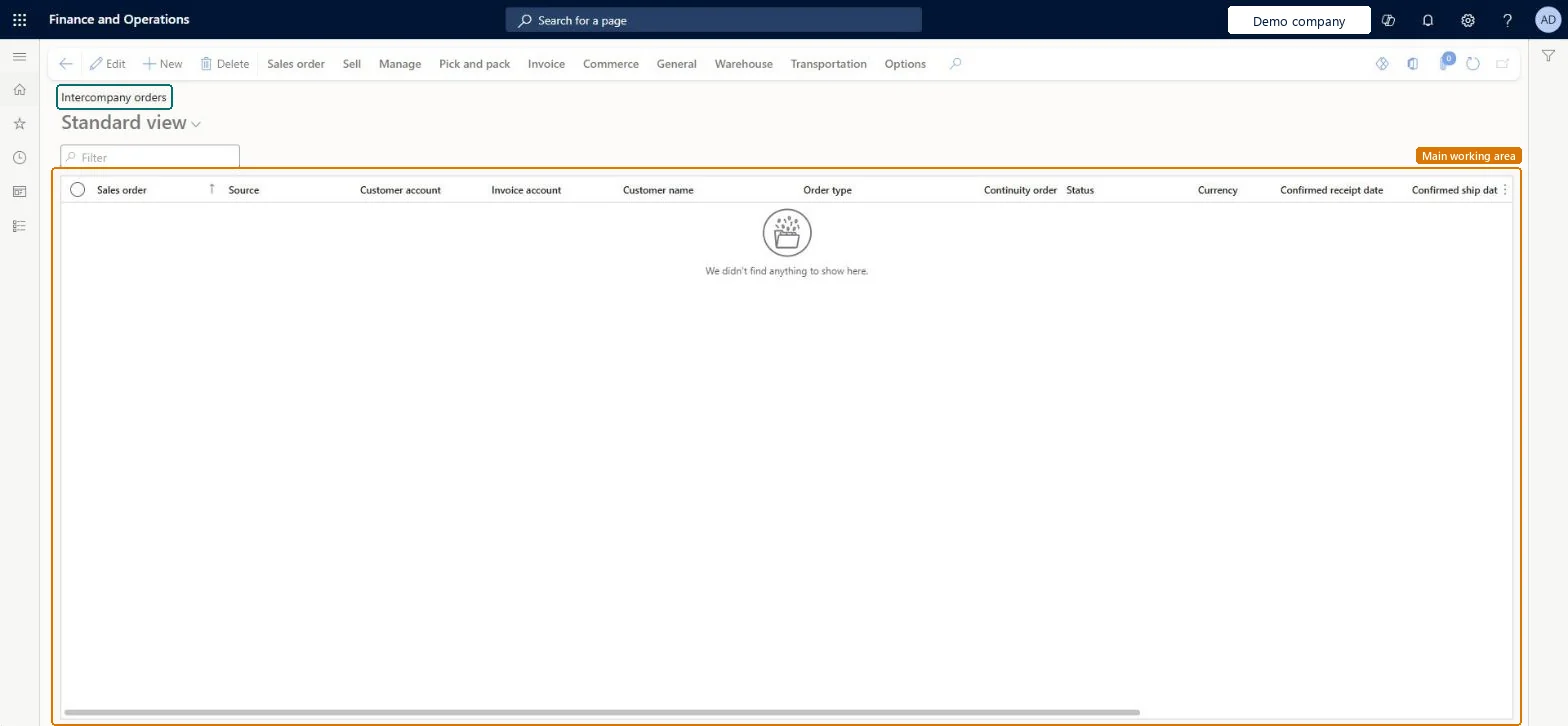
A page that lists intercompany sales orders.
What you do here
Use this page to view intercompany sales orders, whether they were created automatically from an intercompany purchase order or entered manually.
Example
After manually creating an intercompany sales order in one legal entity, which generates an intercompany purchase order in the customer's legal entity, review the order on the Intercompany orders page.
The page in Dynamics 365. page title tab to open what to set or check
About the examples: Examples and screenshots in this guide use BEAT, a demo company in a Dynamics 365 test environment. Use your own company's codes and values instead of copying them.
Steps from Microsoft
Go to All sales orders and, on the Action Pane, select Sales order.
On the Create sales order page, select the intercompany customer account.
On the General FastTab, make sure the Intercompany check box is selected.
Enter the remaining order details, select OK, and complete the order lines as usual.
In the order header, select Intercompany to view the related intercompany purchase order.
If Delete order after invoicing is selected in the parameters, the related purchase order is deleted after invoicing. Microsoft Learn
Technical architect
5Technical
Menu item
SalesTableInterCompanyChecked in Dynamics 365
Form
SalesTableChecked in Dynamics 365
Table
SalesTableShown as “Sales orders” in Record infoKey field: SalesIdChecked in Dynamics 365
Data entities
ReturnOrderHeaderEntityReturn order headers Microsoft data model SalesOrderHeaderV2EntitySales order headers V2 Microsoft data model SalesOrderHeaderV2ExistAddrReadOnlyEntitySales order headers V2 readonly with the delivery address Microsoft data model CustCollectionsBISalesOnHoldSales orders on hold for customers Microsoft data model
Who can open it
PrivilegesMaintain sales order details SalesTableDetailsMaintainView sales order details SalesTableDetailsViewDutiesCash flow position details drill down CashflowPositionDetailsDrillDownInquire into collections status CollectionLetterCollectionsStatusInquirMaintain cash register RentalCashRegisterMaintainMaintain rental sales orders RentalSalesOrderMaintainInquire into rental sales order progress RentalSalesOrderProgressInquireMaintain sales return order ReturnSalesReturnOrderMaintainMaintain sales order SalesOrderMaintainInquire into sales order progress SalesOrderProgressInquire30 security rolesCollections agent CollectionLetterCollectionsAgentCollections manager CollectionLetterCollectionsManagerCredit management clerk CredManClerkCredit management manager CredManManagerAccounts receivable clerk CustInvoiceAccountsReceivableClerkAccounts receivable manager CustInvoiceAccountsReceivableManagerCustTableCopilotSummaryInsufficientAccessTestRoleAccountant LedgerAccountantAccounting manager LedgerAccountingManagerFinancial controller LedgerFinancialControllerMCRTestUserRoleAccounts receivable centralized payments clerk PaymAccountsReceivableCentralPaymClerkAccounts receivable payments clerk PaymAccountsReceivablePaymentsClerkTreasurer PaymTreasurerProject assistant ProjProjectClerkProject manager ProjProjectManagerRental clerk RentalClerkRental coordinator agent RentalCoordinatorAgentRental manager RentalManagerRental purchasing manager RentalPurchasingManagerRental representative RentalRepresentativeRental sales manager RentalSalesManagerProduction planner ReqProductionPlannerRetail service RetailServiceRetail store manager RetailStoreManagerRevenue recognition manager RevRecManagerCustomer service representative TradeCustomerServiceRepresentativeSales clerk TradeSalesClerkSales manager TradeSalesManagerSales representative TradeSalesRepresentativeChecked in Dynamics 365
Roles to set it up and use it
To set it up or change itRental manager RentalManagerRental coordinator agent RentalCoordinatorAgentRetail service RetailServiceRental sales manager RentalSalesManagerCustomer service representative TradeCustomerServiceRepresentativeTo use itAccounts receivable manager CustInvoiceAccountsReceivableManagerAccounts receivable clerk CustInvoiceAccountsReceivableClerkAccounting manager LedgerAccountingManagerCollections manager CollectionLetterCollectionsManagerAccounts receivable payments clerk PaymAccountsReceivablePaymentsClerkGive people one of these roles. On this system, 28 roles can open this page.Checked in Dynamics 365