PAGE GUIDEWhat the page does and how to use it7 sections. Choose a role to highlight what matters to you.
Everyone
1What it is and why
What it is
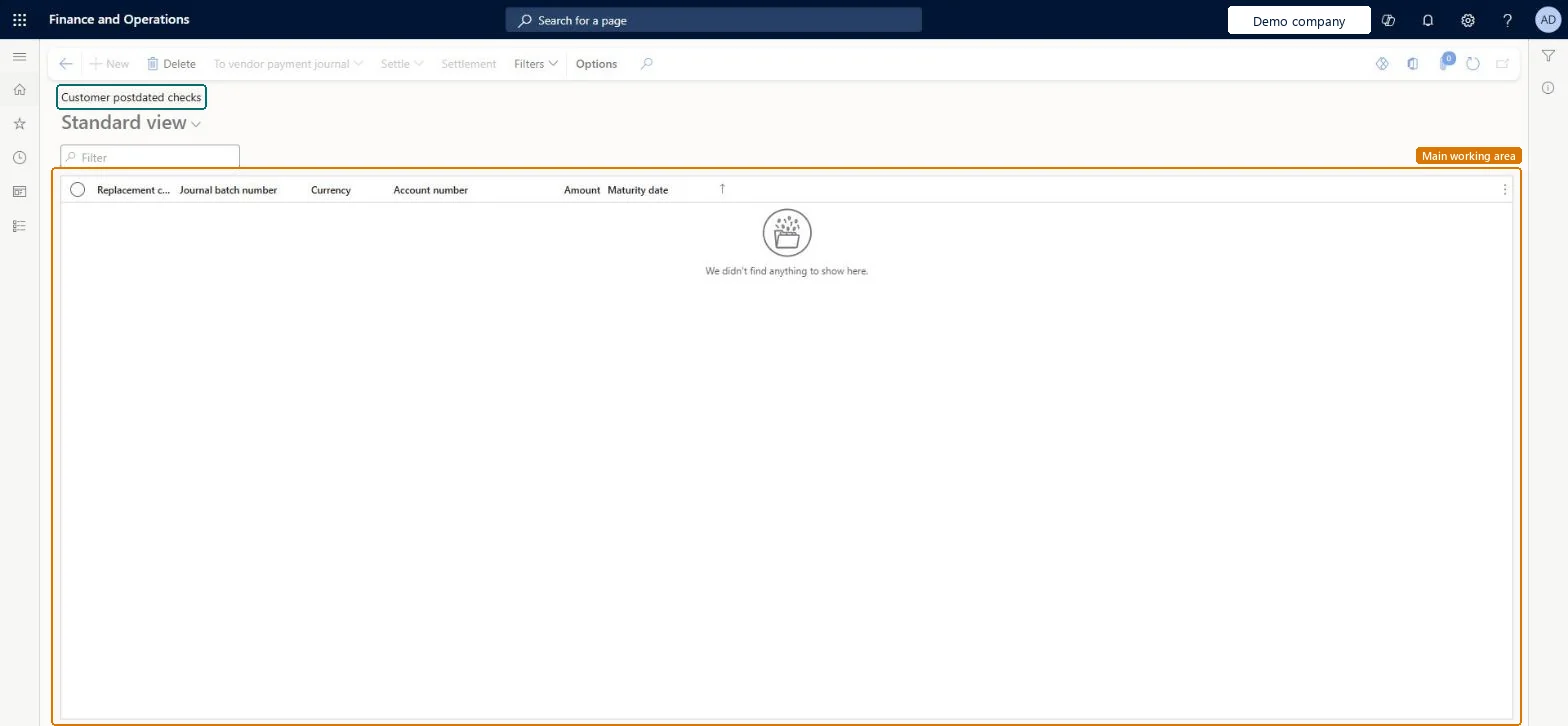
An inquiry page that lists postdated checks received from customers.
What you do here
Use it to settle a customer postdated check once the bank has cleared it, which also clears the bridge account transaction for the check.
Example
After the bank clears a postdated check that a customer paid with, the treasurer opens Customer postdated checks, selects Settle and then Settle clearing entries to settle the customer account for the check.
The page in Dynamics 365. page title tab to open what to set or check
About the examples: Examples and screenshots in this guide use BEAT, a demo company in a Dynamics 365 test environment. Use your own company's codes and values instead of copying them.
Steps from Microsoft
Wait until the bank has cleared the check.
Go to the Customer postdated checks page.
Select Settle.
Select Settle clearing entries to settle the customer account for the check.
Close the page.
To review the result, open General journals, find the journal, select Lines and then Voucher.
To set it up or change itRental manager RentalManagerAccounts receivable payments clerk PaymAccountsReceivablePaymentsClerkGive people one of these roles. On this system, 2 roles can open this page.Checked in Dynamics 365
Actions on the page
Buttons: To vendor payment journal, Settle, Settlement, FiltersChecked in Dynamics 365