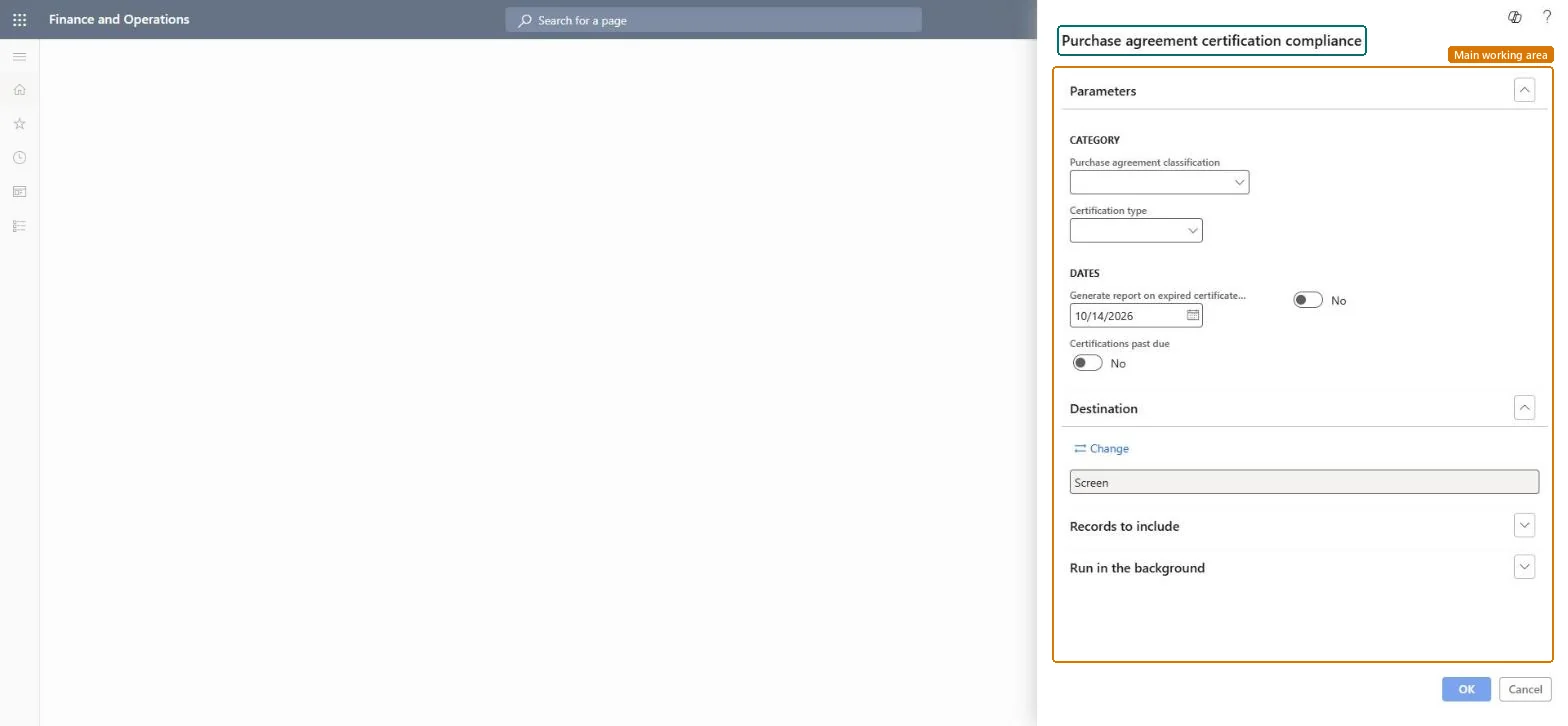
A report page (public sector functionality) that uses the certification information entered on purchase agreements to show vendor compliance with certification requirements.
Accounts payableInquiries and reportsPurchase order reports
Output:PurchAgreementCertificationCompliance
Business process
Source and contract goods and services
Menu item
Output:PurchAgreementCertificationCompliance
Show what matters for
PAGE GUIDEWhat the page does and how to use it7 sections. Choose a role to highlight what matters to you.
Everyone
1What it is and why
What it is
A report page (public sector functionality) that uses the certification information entered on purchase agreements to show vendor compliance with certification requirements.
What you do here
Use this report to monitor whether vendors meet the certification requirements, such as insurance policies and bonds, recorded on purchase agreements whose classification has the Certifications option selected.
The page in Dynamics 365. page title tab to open what to set or check
About the examples: Examples and screenshots in this guide use BEAT, a demo company in a Dynamics 365 test environment. Use your own company's codes and values instead of copying them.
When to run it
When to run it
When you monitor whether vendors on purchase agreements still meet certification requirements, such as insurance and bonds.
How often
On demand, for example monthly, and before releasing new orders on an agreement.
What the output shows
Vendors and purchase agreements with their certifications, highlighting those expired or past due. An agreement missing from the list usually uses a classification without the Certifications option.
Go to Accounts payable > Inquiries and reports > Purchase order reports > Purchase agreement certification compliance.
Choose the Purchase agreement classification; only classifications with the Certifications option selected carry certification data.
Choose the Certification type, for example an insurance policy or a bond.
Enter the date for Generate report on expired certificates and switch the option beside it on to list certificates expired by then; switch Certifications past due on or off as needed.
Print, then ask the vendors on the list for renewed certificates.