PAGE GUIDEWhat the page does and how to use it7 sections. Choose a role to highlight what matters to you.
Everyone
1What it is and why
What it is
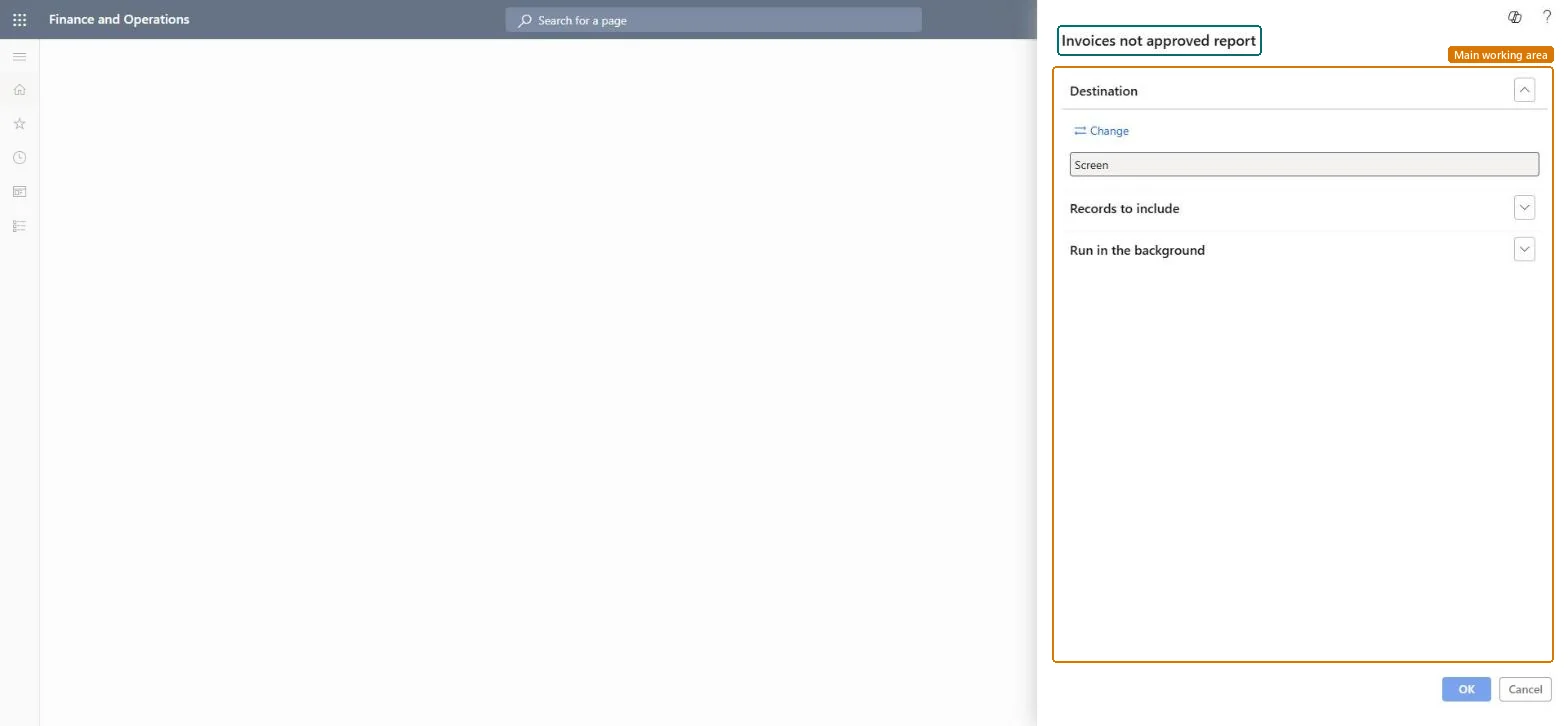
A report that lists vendor invoices that have been entered but are not yet approved.
What you do here
Use this report to review the vendor invoices that are still waiting for approval.
Example
For example, if approval of invoices in the invoice approval journal is delayed, you can print this report to remind the approver about the invoices that are waiting.
The page in Dynamics 365. page title tab to open what to set or check
About the examples: Examples and screenshots in this guide use BEAT, a demo company in a Dynamics 365 test environment. Use your own company's codes and values instead of copying them.
When to run it
When to run it
Before period end and payment runs, to find vendor invoices that are entered but still not approved.
How often
On demand, for example weekly.
What the output shows
Vendor invoices that are entered but not approved. An invoice that stays on the list after approval usually hasn't been posted through the invoice approval journal.
Nothing to undo: The report only lists invoices; approval happens in the approval journal. Microsoft Learn
Technical architect
5Technical
Menu item
output:VendReportApproveCollectionChecked in Dynamics 365
Form
SysOperationTemplateFormChecked in Dynamics 365
Roles to set it up and use it
To use itAccounts payable manager VendInvoiceAccountsPayableManagerAccounting supervisor LedgerAccountingSupervisorAccounting manager LedgerAccountingManagerAccounts payable clerk VendInvoiceAccountsPayableClerkChief financial officer CompanyChiefFinancialOfficerGive people one of these roles. On this system, 9 roles can run this page.Checked in Dynamics 365