| What it is | A list page of the workflows for cases, which automate the steps, approvals and notifications of case processes. |
|---|---|
| What you do here | Use this page to set up workflows that notify people, assign tasks and escalate cases based on rules. |
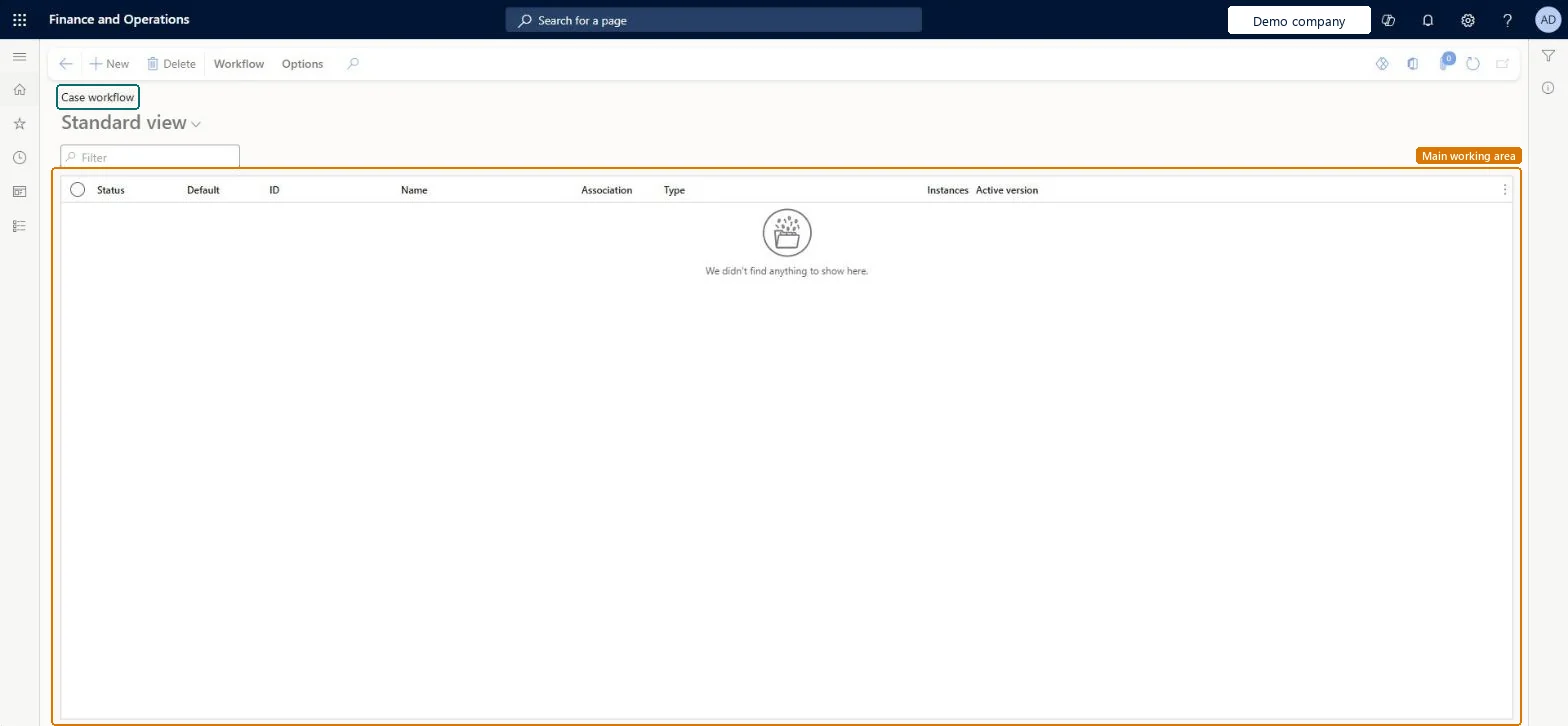
Setup step on the Case workflow page · Organization administration
Use this page to set up workflows that notify people, assign tasks and escalate cases based on rules.
WorkflowConfigurationCaseWorkflowTable| What it is | A list page of the workflows for cases, which automate the steps, approvals and notifications of case processes. |
|---|---|
| What you do here | Use this page to set up workflows that notify people, assign tasks and escalate cases based on rules. |
| Business process | Administer system features |
|---|---|
| Menu path | Organization administration › Setup › Cases › Case workflow |
| Related pages | Case processes Microsoft Learn Case categories Microsoft Learn |
| In this process | Set up Email client constraints · Set up Export to Data Lake |
About the examples: Examples and screenshots in this guide use BEAT, a demo company in a Dynamics 365 test environment. Use your own company's codes and values instead of copying them.
Use this page to set up workflows that notify people, assign tasks and escalate cases based on rules.
Source: Checked in Dynamics 365
| Menu item | WorkflowConfigurationCase Checked in Dynamics 365 |
|---|---|
| Form | WorkflowTableListPageRnr Checked in Dynamics 365 |
| Table | WorkflowTableShown as “Workflow configurations” in Record infoKey field: SequenceNumberChecked in Dynamics 365 |
| Who can open it | PrivilegesAuthor Basic workflows WorkflowAuthorBasicWorkflowsDutiesMaintain workflow and alerts settings WorkflowAlertsSettingsMaintain1 security roleInformation technology managerSysServerITManager |
| Roles to set it up and use it | To set it up or change itInformation technology manager SysServerITManagerGive people one of these roles. On this system, 1 role can open this page.Checked in Dynamics 365 |
| Actions on the page | Workflow: Manage, HierarchyOptions: Personalize, Page options, ShareChecked in Dynamics 365 |
| Open it by URL | https://<your-environment>/?mi=WorkflowConfigurationCase |
|---|---|
| Table definition | WorkflowTable columns and relations Microsoft data model |
To cite this step: OA-SETUP-370, Set up Case workflow. Beyond ERP Atlas Hub, 2026-11-11. https://www.beyonderp.cloud/atlas/step/OA-SETUP-370