About the examples: Examples and screenshots in this guide use BEAT, a demo company in a Dynamics 365 test environment. Use your own company's codes and values instead of copying them.
When to run it
When to run it
When you need a printout or overview of specific warehouse work, for example to hand open work to a worker without a mobile device.
How often
On demand, when a supervisor needs a printed or on-screen list of selected work.
What the output shows
The selected work records with their work lines. If work is missing, it usually doesn't match the filter you set.
In the query, select the work to print, for example one work ID, a warehouse or a work status such as open work.
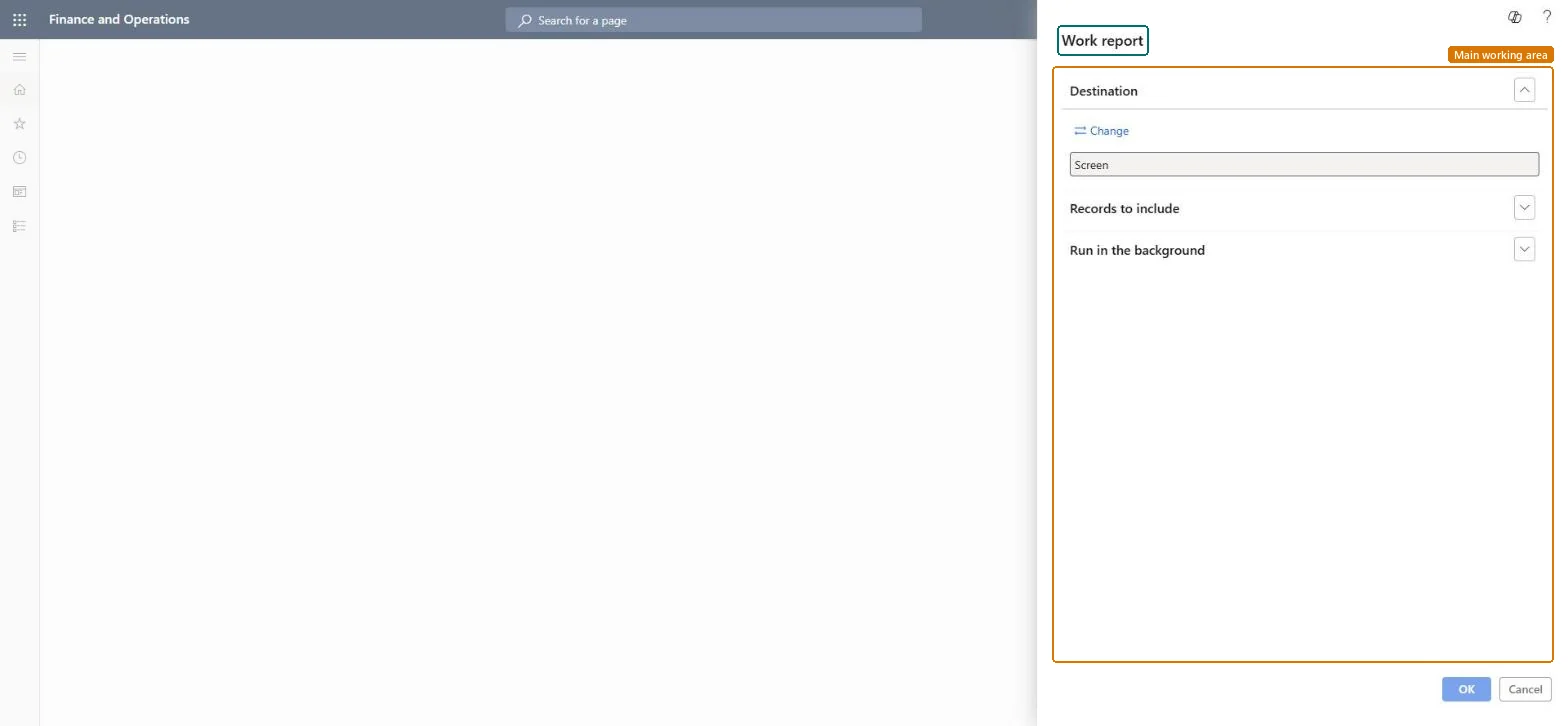
Keep the output on Screen to read the work lines on line, or change it to print the work for a worker.
Compare the printed work with All work, where you can also see estimated and actual times when labor standards are on. The same report is also under Inquiries and reports.