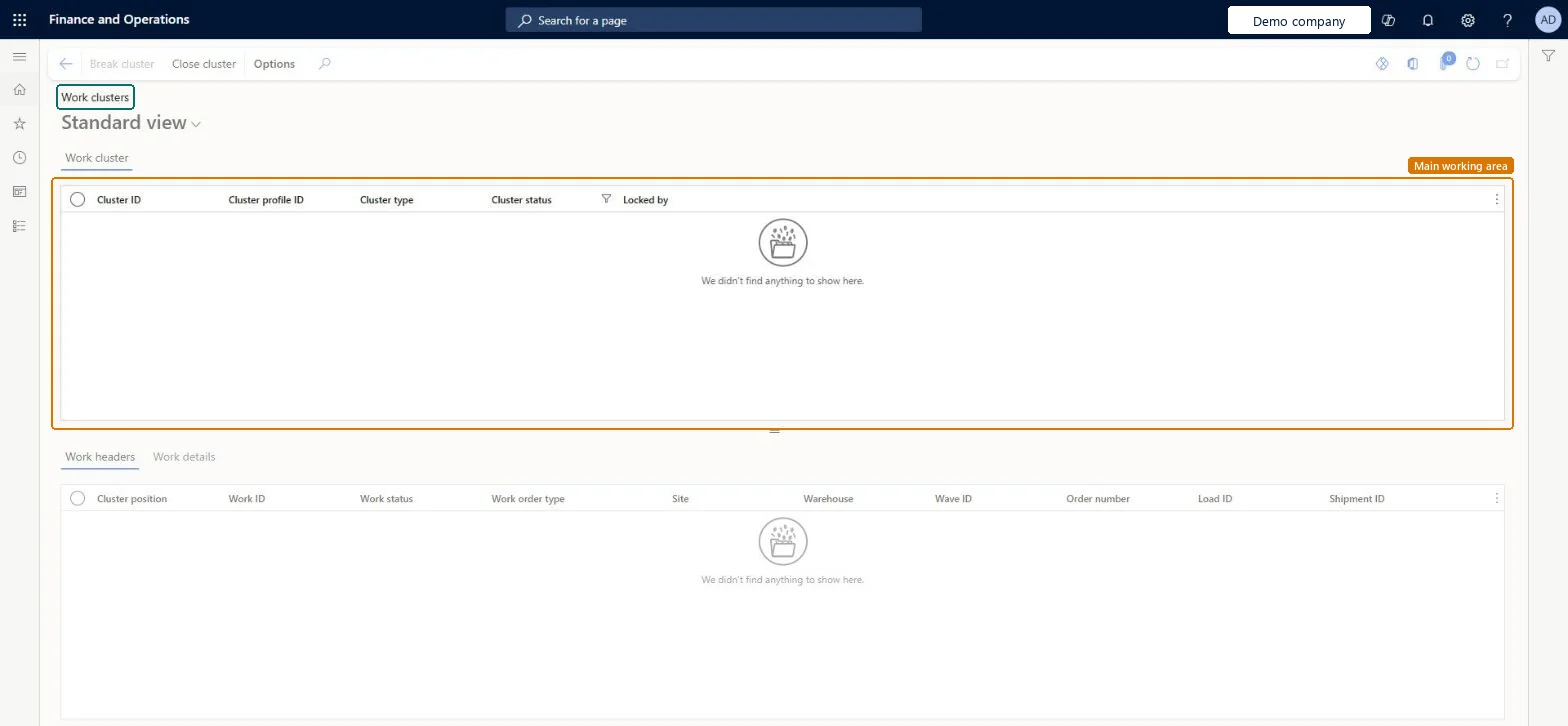
A list page that shows work clusters, which group work so that a worker can handle several pieces of work together, with the work headers and work details in each cluster.
PAGE GUIDEWhat the page does and how to use it7 sections. Choose a role to highlight what matters to you.
Everyone
1What it is and why
What it is
A list page that shows work clusters, which group work so that a worker can handle several pieces of work together, with the work headers and work details in each cluster.
What you do here
Use this page to review clusters and to break or close a selected cluster.
Example
For example, you close a cluster here before a worker can put its items away.
The page in Dynamics 365. page title tab to open what to set or check
About the examples: Examples and screenshots in this guide use BEAT, a demo company in a Dynamics 365 test environment. Use your own company's codes and values instead of copying them.
Steps from Microsoft
Go to Warehouse management > Work > Outbound > Work clusters.
In the Work cluster section, search the Cluster ID field for the cluster ID.
If the cluster isn't shown, it might already be closed. Select the Show closed work check box and search again.
Select the cluster ID in the Work cluster section.
Hard to reverse: A putaway cluster must be closed before it can be put away; after Close cluster it disappears from the list unless Show closed work is selected. Learn describes no action to reopen a closed cluster, so close only when all license plates are on it. Microsoft Learn
Technical architect
5Technical
Menu item
WHSWorkClusterChecked in Dynamics 365
Form
WHSWorkClusterChecked in Dynamics 365
Table
WHSWorkClusterTableShown as “WORK CLUSTER” in Record infoChecked in Dynamics 365
Who can open it
PrivilegesMaintain work clusters WHSWorkClusterMaintainView work clusters WHSWorkClusterViewDutiesInquire into warehouse planning master data WHSWarehousePlanningMasterInquireRecord warehouse planning masters WHSWarehousePlanningMasterMaintain2 security rolesWarehouse planner WHSWarehousePlannerWarehouse manager WMSWarehouseManagerChecked in Dynamics 365
Roles to set it up and use it
To set it up or change itWarehouse manager WMSWarehouseManagerWarehouse planner WHSWarehousePlannerGive people one of these roles. On this system, 2 roles can open this page.Checked in Dynamics 365
Actions on the page
(Action Pane without tabs): Break cluster, Close clusterChecked in Dynamics 365