Warehouse management › Work › Outbound › Production pick list
End user · Functional consultant
3How to do it
About the examples: Examples and screenshots in this guide use BEAT, a demo company in a Dynamics 365 test environment. Use your own company's codes and values instead of copying them.
When to run it
When to run it
After BOM or formula lines are released to the warehouse and raw material picking work exists.
How often
On demand, per production or batch order whose materials are picked from paper.
What the output shows
A pick list for raw material picking work: the materials, quantities and locations to bring to the production input location. Missing lines usually mean those BOM lines are not released yet.
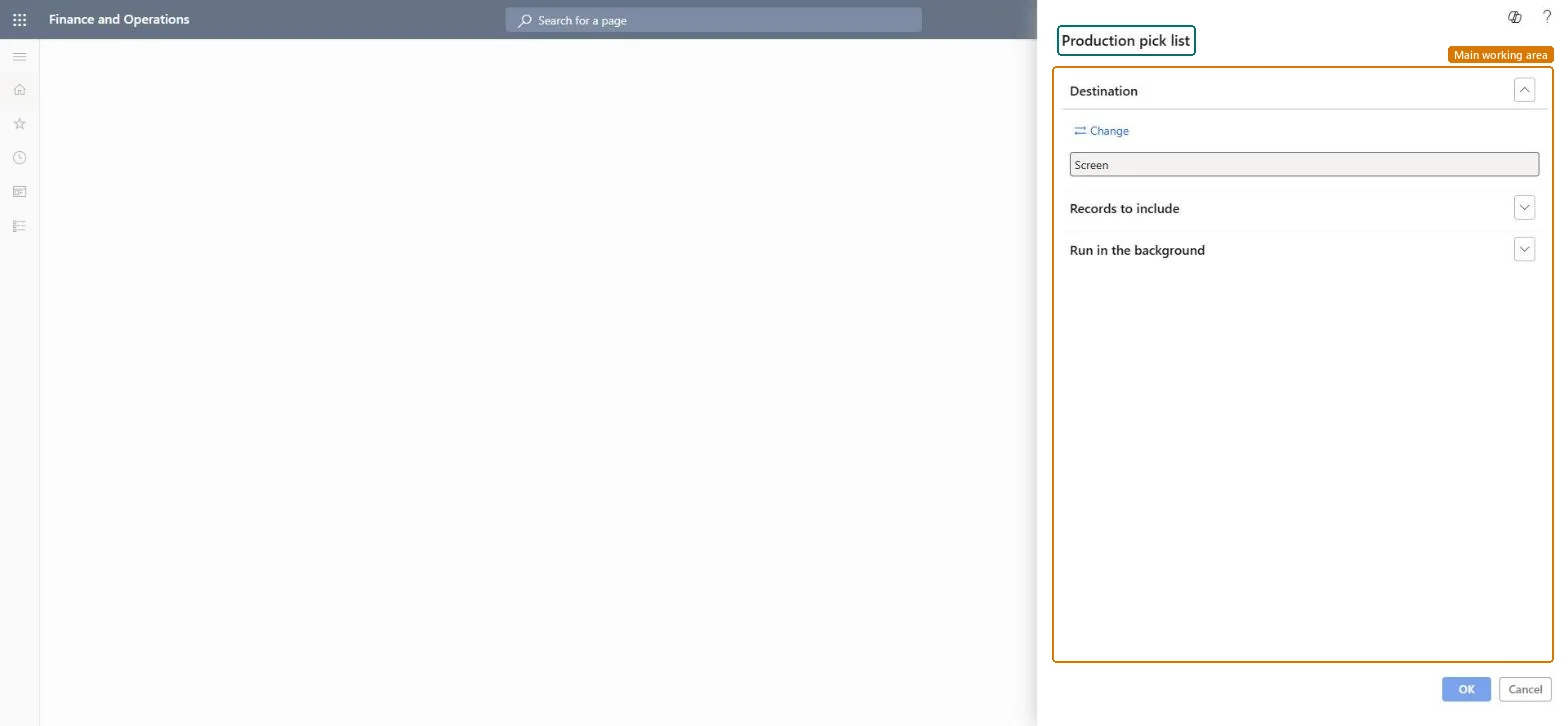
Go to Warehouse management > Work > Outbound > Production pick list.
In the query, select the raw material picking work to print, for example the work of one production order.
Print it to the printer at the warehouse or production area, or review it on Screen first.
Use it to move materials to the production input location; afterwards compare picked quantities with the remaining quantity on the order's Release to warehouse page. The same report is also under Inquiries and reports > Pick list reports.
Nothing to undo: The pick list only prints work; it changes nothing. Microsoft Learn
Technical architect
5Technical
Menu item
output:WHSPickListProductionChecked in Dynamics 365
Form
SysOperationTemplateFormChecked in Dynamics 365
Roles to set it up and use it
To use itProduction supervisor ProdProductionSupervisorGive people one of these roles. On this system, 1 role can run this page.Checked in Dynamics 365