About the examples: Examples and screenshots in this guide use BEAT, a demo company in a Dynamics 365 test environment. Use your own company's codes and values instead of copying them.
How to use it
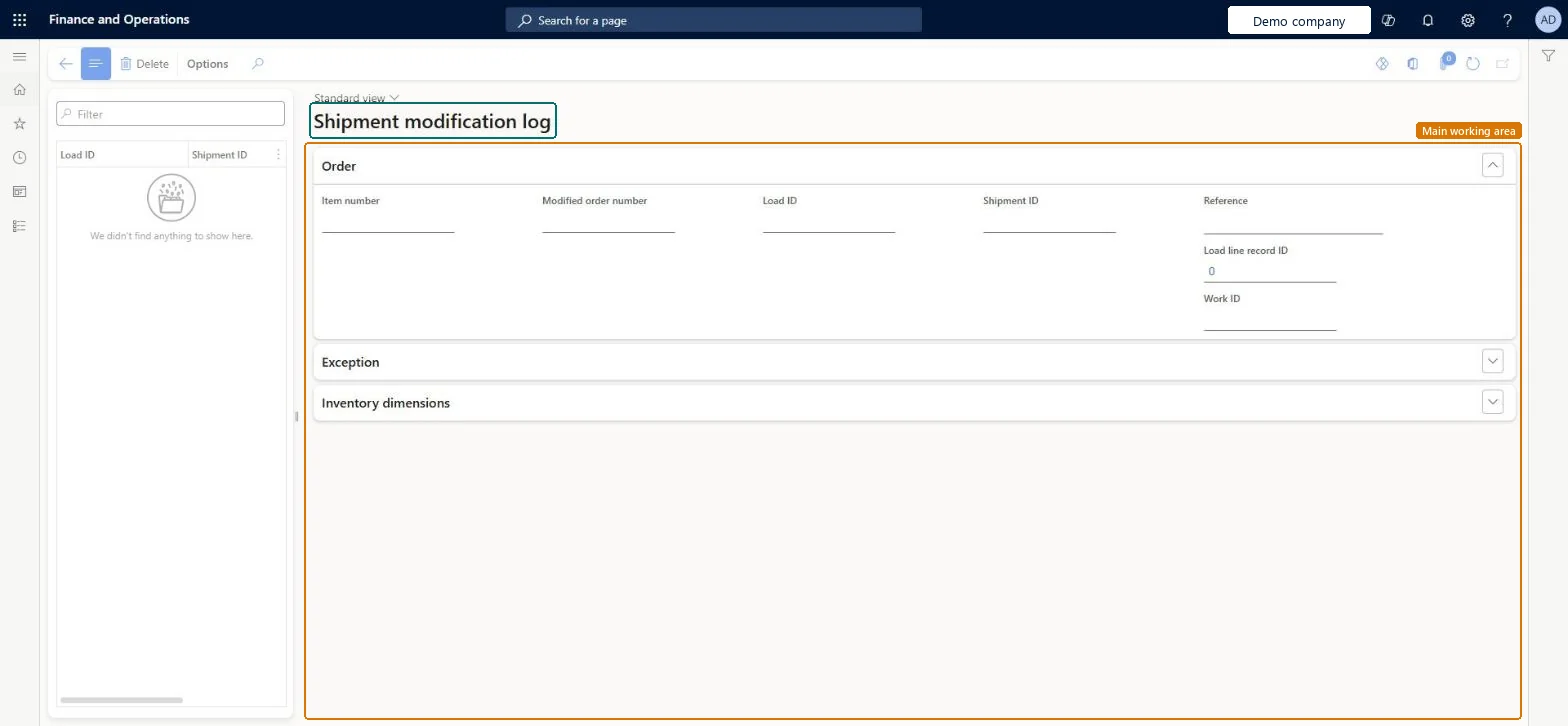
Go to Warehouse management > Shipments > Shipment modification log.
Use the Filter field above the list on the left to find a load or shipment.
Select an entry to see its details on the right.
Review the Order section, which shows the item number, modified order number, load ID, shipment ID, reference, load line record ID and work ID.
Expand the Exception and Inventory dimensions sections to see more detail.
WHSShipmentExceptionLogShown as “SHIPMENT MODIFICATION LOG” in Record infoChecked in Dynamics 365
Who can open it
PrivilegesView shipment exception logs WHSShipmentExceptionLogViewDutiesReview transportation management process performance TMSTransportationMgmtProcessPerfReviewInquire into load planning progress WHSLoadPlanningProgressInquire3 security rolesLogistics manager TMSLogisticsManagerWarehouse planner WHSWarehousePlannerWarehouse manager WMSWarehouseManagerChecked in Dynamics 365
Roles to set it up and use it
To use itWarehouse planner WHSWarehousePlannerWarehouse manager WMSWarehouseManagerLogistics manager TMSLogisticsManagerGive people one of these roles. On this system, 3 roles can open this page.Checked in Dynamics 365